PP OfficeDocPrintAlways free
Template LibraryBlogHelp & Feedback
  1. Home/
  2. Template Library/
  3. Free Annual Calendar Template - Full Year Overview

Free Annual Calendar Template - Full Year Overview

What is the Annual Calendar Template?

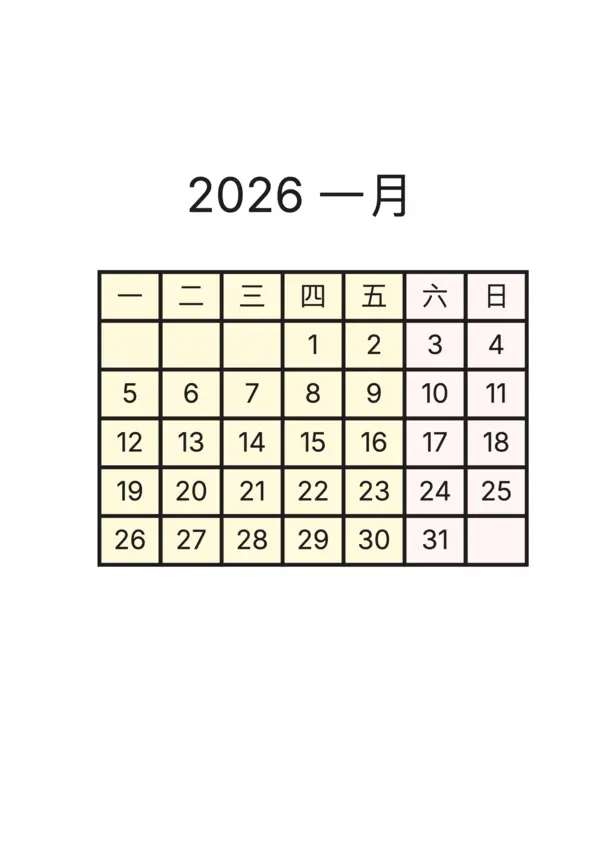
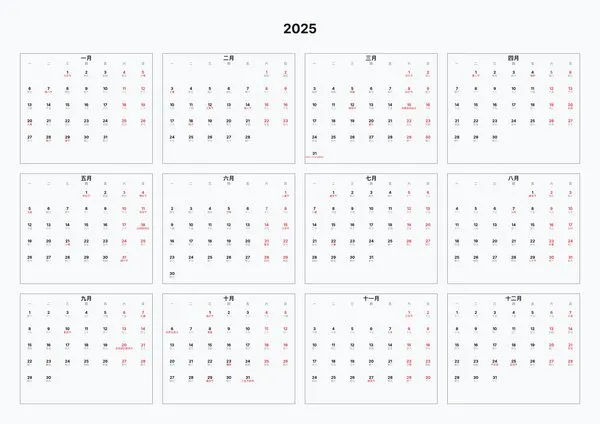
The Annual Calendar template provides a macro view of time, displaying dates for the entire year on a single sheet. It is perfect for annual planning, marking important dates, holiday scheduling, and tracking long-term project progress.

Who is it for?

  • Students and professionals who need to make annual plans
  • Project managers used to long-term planning
  • Anyone who wants a bird's-eye view of the entire year

How to use

  1. Set the year in the control panel (defaults to current year)
  2. Select the week start day (Monday or Sunday)
  3. Adjust layout mode and font sizes to fit your paper
  4. Export as PDF and print it out for your wall or planner

FAQ

Yes, simply select the desired year (e.g., 2025, 2026) in the settings, and the calendar will update automatically.
We support auto-layout, 3x4, 4x3, and 2x6 grids. You can choose the one that best fits your wall space or notebook page.
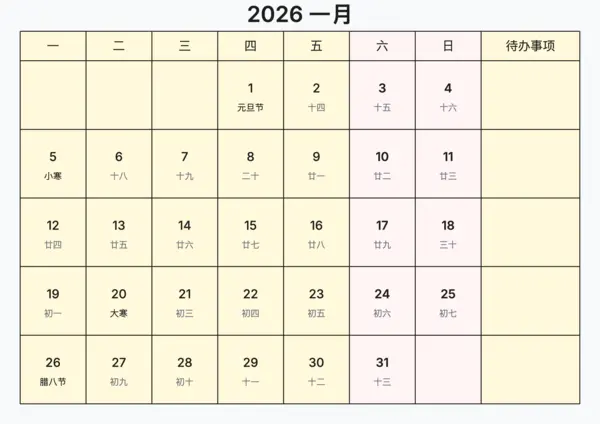
Yes, you can enable the 'Show Lunar Details' option to display Chinese Lunar dates and Solar Terms, useful for cultural reference.
Yes, you can set a custom color for weekends to make them stand out from weekdays, helping you visualize your work weeks.

Related Templates

Lunar Task Calendar
Lunar Task Calendar
Journal Calendar
Journal Calendar
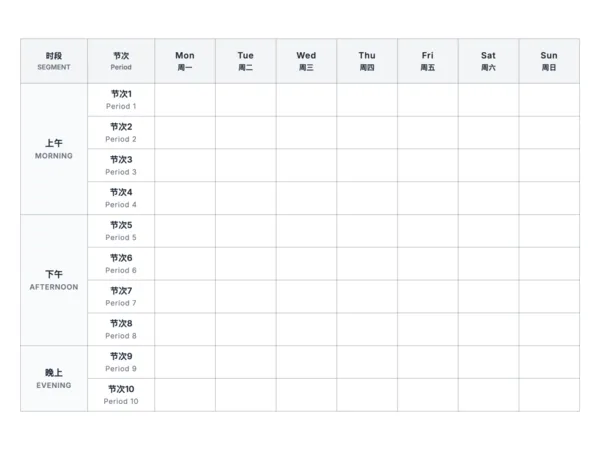
Class Timetable
Class Timetable
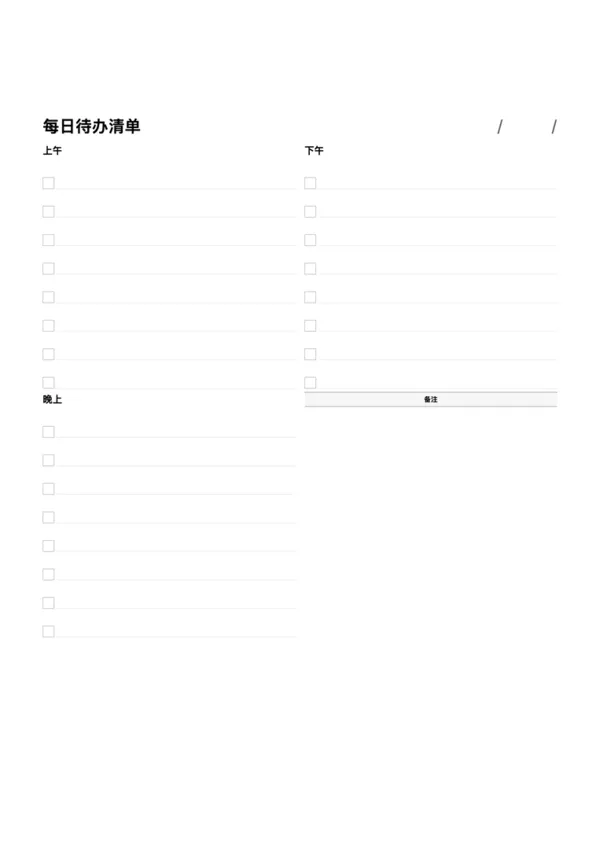
Daily To-Do List
Daily To-Do List

Export

Settings
Quick Settings

Recommended Setup

Recommended Setup

For general use, we recommend using default settings on A4 paper. This provides the best balance between usability and print quality.

Adjust the parameters in the control panel to match your specific needs. All settings can be customized in real-time.

Printing Tips

Printing Tips

Paper Selection: For best results, use standard 80-100 gsm copy paper.

Print Quality: Set your printer to 300 DPI or 'High Quality' mode for crisp output.

Test Print: Always print a single test page first to verify settings before printing multiple copies.
OfficeDocPrint

OfficeDocPrint

Printable templates for classrooms, studios, and daily planners.

Product

  • Template Library
  • Changelog
  • OfficeDocPrint Main Site

Resources

  • About Us
  • Help & Feedback

Printable templates for classrooms, studios, and daily planners.

OfficeDocPrint - Privacy PolicyOfficeDocPrint - Terms of Service
© 2025 OfficeDocPrint. All rights reserved.