
PP OfficeDocPrintAlways free
Template LibraryBlogHelp & Feedback
  1. Home/
  2. Template Library/
  3. Free Printable Chinese Preview Card - New Character Study Tool

Free Printable Chinese Preview Card - New Character Study Tool

What is a Chinese Preview Card Template?

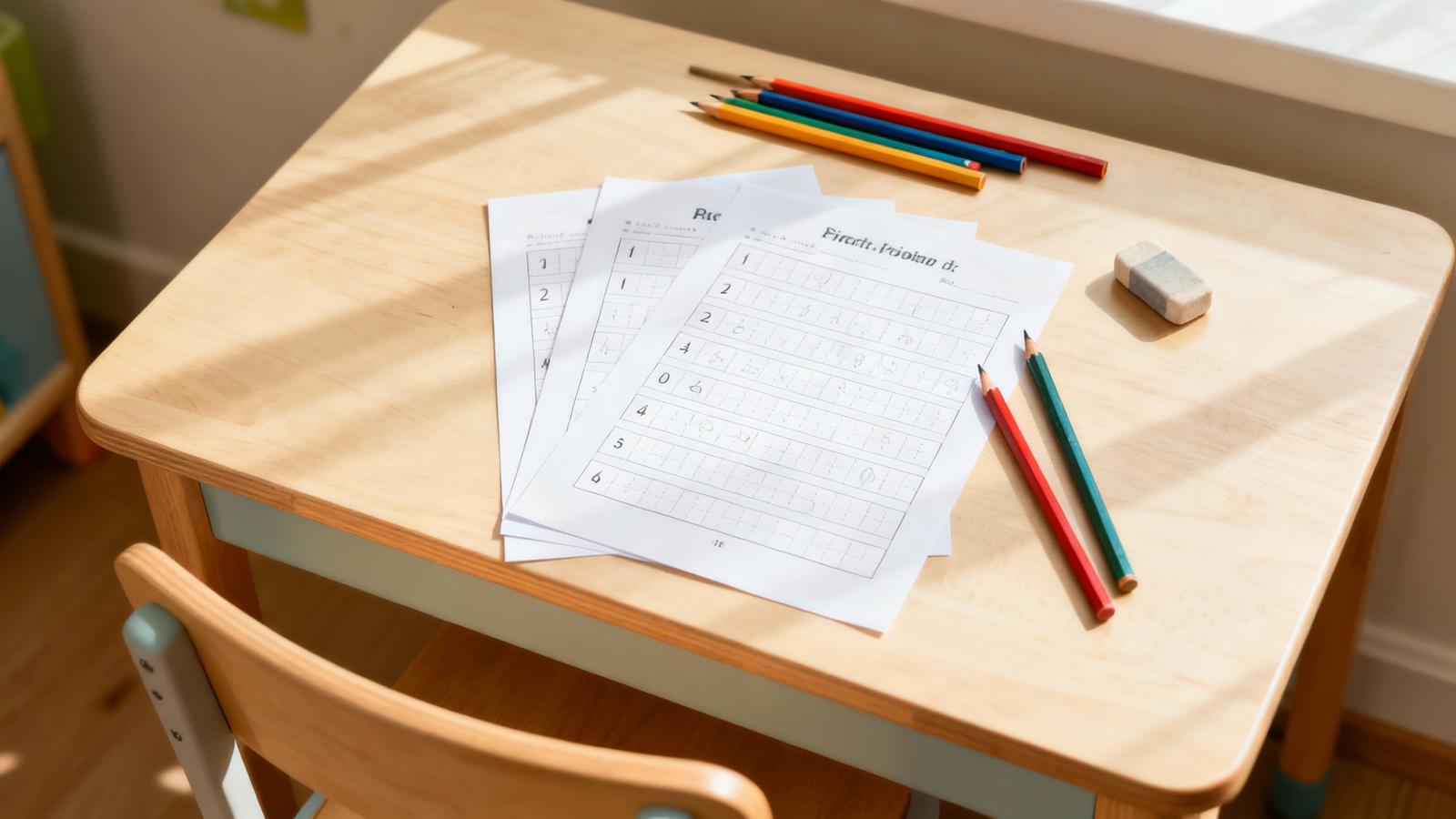
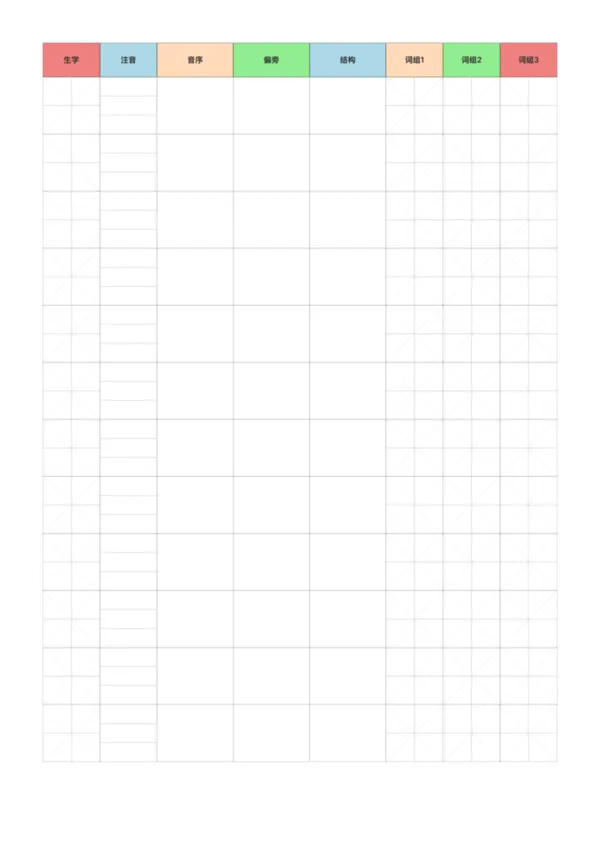
A Chinese preview card is a structured learning tool designed to help elementary students systematically preview new characters and words before learning a new text. It gathers the core attributes of a Chinese character—such as its form, pronunciation, radical, structure, and related words—onto a single card. By guiding students through a series of actions like 'looking up, reading, writing, and forming words,' it encourages active exploration and mastery of characters, greatly enhancing the efficiency and depth of pre-lesson preparation.

Who is it for?

  • Lower and middle elementary school students who need to complete pre-lesson character previews.
  • Beginners of Chinese as a foreign language who want to learn characters systematically.
  • Chinese language teachers who need to provide standardized preview tools for their students.
  • Parents who are helping their children develop good study habits at home.

How to Use the Chinese Preview Card Template?

  1. Write the Character: In the 'Character' column's grid, carefully write the new character for the day.
  2. Look Up Attributes: Use a dictionary or other reference tools to find and fill in the character's pinyin, initial, radical, and structural type.
  3. Read Aloud: Look at the 'Pinyin' column and read the character's pronunciation loudly and accurately.
  4. Expand Vocabulary: In the 'Word' columns, form at least three common words for each character and try to understand their meanings.

Application Scenarios

  • Pre-lesson Study: As the standard first step before learning a new text, to clear obstacles with new characters in advance.
  • In-class Dictation: Teachers can use the content from the preview cards for in-class character or word dictation tests.
  • Final Review: Collect all the preview cards from a semester to create a personalized 'character review booklet.'
  • Character Competitions: It can be used as a question bank for family or class character competitions, adding fun to learning.

FAQ

It's a structured worksheet designed to help students prepare for a new Chinese lesson by practicing new characters, words, and reading comprehension beforehand.
It typically features Pinyin-Tianzi grids for new characters, spaces for making phrases (Zu Ci), and areas for synonyms/antonyms.
Yes, you can choose a 'Colorful' header scheme to make it more engaging for children, or stick to 'Simple' black and white to save ink.
Yes, you can resize the character grids to fit the handwriting size of your child or student.

Related Templates

Pinyin Practice Paper
Pinyin Tianzi Grid Paper
Course Notes - Simple
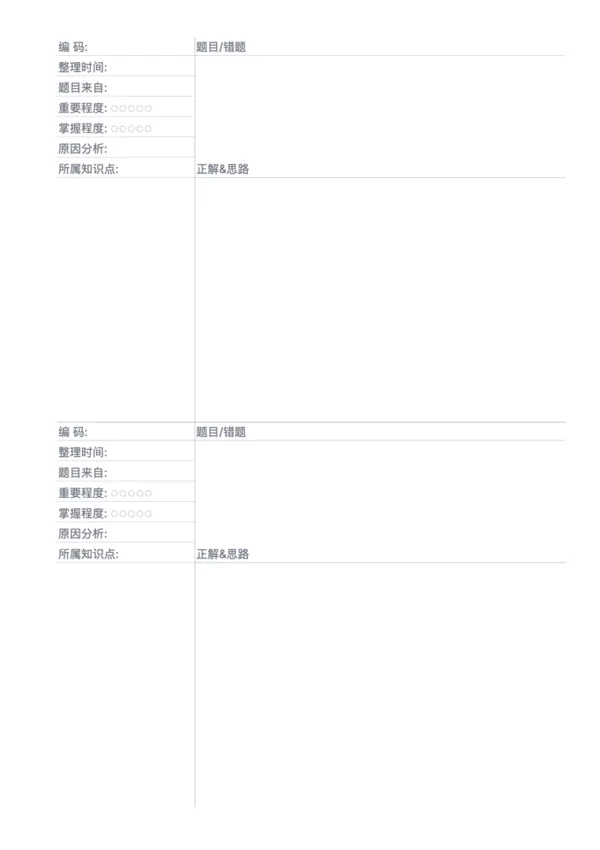
Error Correction Paper - Dual

Related Articles

Parent Essentials: The Ultimate Free Printable Worksheet Collection for Kids (Grid, Pinyin, Error Log & More)
Cornell Notes: Two Free Printable Templates (Standard & with Header)
10x More Efficient Than Rote Memorization: Unveiling the Cornell Note-Taking Method and Ebbinghaus's Forgetting Curve (with Free Templates)

Export

Settings
Quick Settings

Recommended Setup

Recommended Setup

For general use, we recommend using default settings on A4 paper. This provides the best balance between usability and print quality.

Adjust the parameters in the control panel to match your specific needs. All settings can be customized in real-time.

Printing Tips

Printing Tips

Paper Selection: For best results, use standard 80-100 gsm copy paper.

Print Quality: Set your printer to 300 DPI or 'High Quality' mode for crisp output.

Test Print: Always print a single test page first to verify settings before printing multiple copies.
OfficeDocPrint

OfficeDocPrint

Printable templates for classrooms, studios, and daily planners.

Product

  • Template Library
  • Changelog
  • OfficeDocPrint Main Site

Resources

  • About Us
  • Help & Feedback

Printable templates for classrooms, studios, and daily planners.

OfficeDocPrint - Privacy PolicyOfficeDocPrint - Terms of Service
© 2025 OfficeDocPrint. All rights reserved.