

PP OfficeDocPrintAlways free
Template LibraryBlogHelp & Feedback
  1. Home/
  2. Template Library/
  3. Free Cornell Note Template with Header - Printable & Customizable

Free Cornell Note Template with Header - Printable & Customizable

What is Cornell Note with Header?

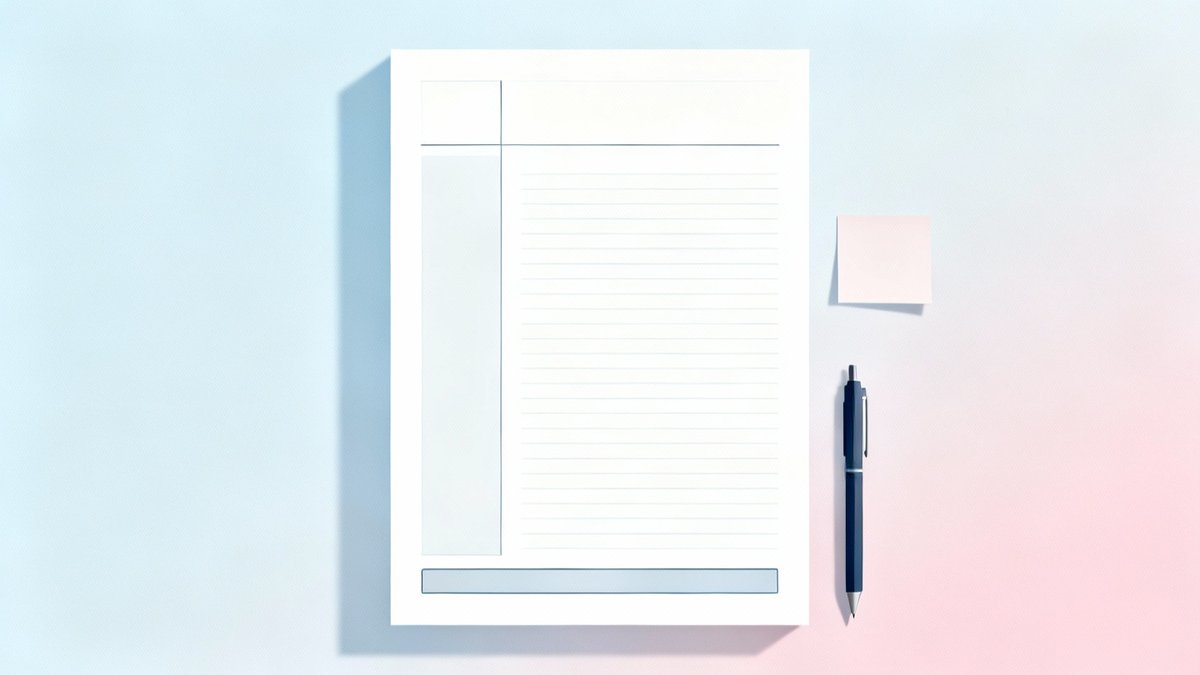
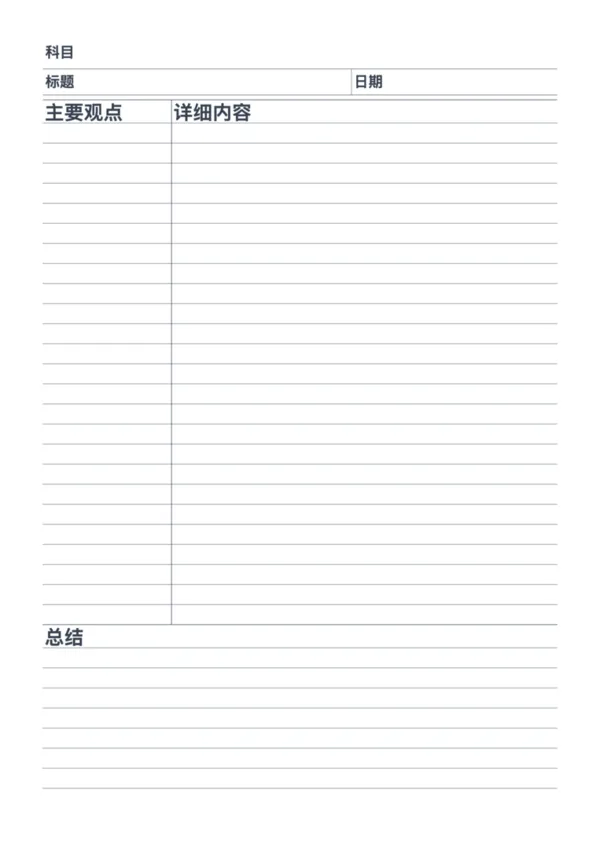
Our Cornell Note with Header template upgrades the classic note-taking system. It adds a structured header for metadata like subject and date, helping you organize your notes efficiently while keeping the powerful three-section layout for active recall.

Who is it for?

  • Students: Record classroom notes with course info, teacher name, and learning progress
  • Researchers: Organize academic literature with source, reading progress, and importance level
  • Trainees: Track training content, learning progress, and mastery level
  • Self-learners: Systematically manage study materials with topic, source, and completion status

Differences from Standard Cornell Note

  • Added header section: Record date, title, subject/teacher, progress/rating
  • Adjusted labels: Left column is "Main Ideas", right column is "Details"
  • Better for academic use: Rich metadata for easy archiving and retrieval
  • Keeps core benefits: Active recall, clear structure, encourages processing

FAQ

The header provides a structured space for essential details like Date, Topic, and Class/Subject, making it much easier to organize and retrieve your notes later.
Yes. Use the header for meeting details, the cue column for agenda items, the main area for minutes, and the summary footer for key decisions and next steps.
Slightly, but the organization benefits outweigh the small loss of space. You can reduce the top margin if you need to maximize the note-taking area.
Yes, just like the standard Cornell template, you can adjust the line spacing and color to suit your handwriting size and visual preference.

Related Templates

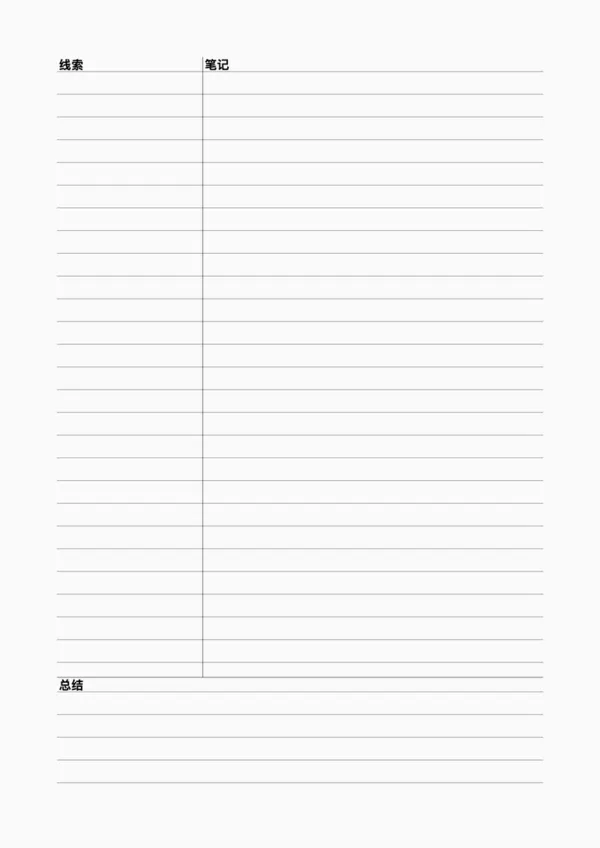
Cornell Note
Cornell Note
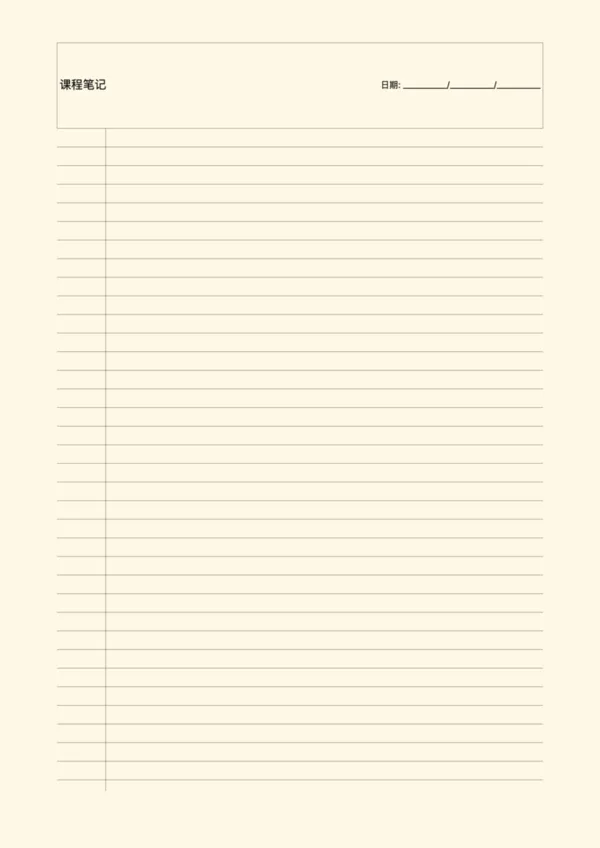
Vintage Note Paper
Vintage Note Paper
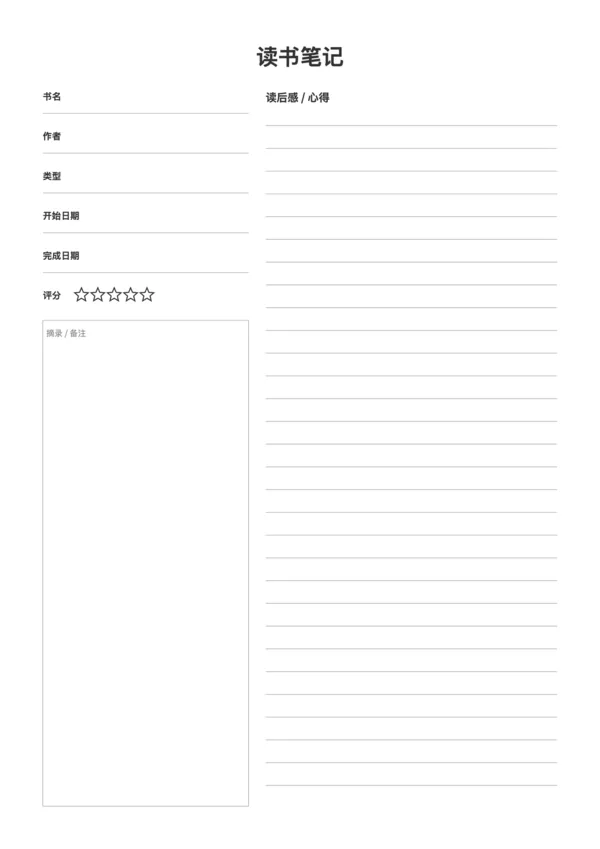
Reading Journal
Reading Journal
Course Notes - Simple

Related Articles

Cornell Notes: Two Free Printable Templates (Standard & with Header)
10x More Efficient Than Rote Memorization: Unveiling the Cornell Note-Taking Method and Ebbinghaus's Forgetting Curve (with Free Templates)

Export

Settings
Quick Settings

Recommended Setup

Recommended Setup

For general use, we recommend using default settings on A4 paper. This provides the best balance between usability and print quality.

Adjust the parameters in the control panel to match your specific needs. All settings can be customized in real-time.

Printing Tips

Printing Tips

Paper Selection: For best results, use standard 80-100 gsm copy paper.

Print Quality: Set your printer to 300 DPI or 'High Quality' mode for crisp output.

Test Print: Always print a single test page first to verify settings before printing multiple copies.
OfficeDocPrint

OfficeDocPrint

Printable templates for classrooms, studios, and daily planners.

Product

  • Template Library
  • Changelog
  • OfficeDocPrint Main Site

Resources

  • About Us
  • Help & Feedback

Printable templates for classrooms, studios, and daily planners.

OfficeDocPrint - Privacy PolicyOfficeDocPrint - Terms of Service
© 2025 OfficeDocPrint. All rights reserved.