
PP OfficeDocPrintAlways free
Template LibraryBlogHelp & Feedback
  1. Home/
  2. Template Library/
  3. Free Printable Creative Log Template - Four-Quadrant Idea Organizer

Free Printable Creative Log Template - Four-Quadrant Idea Organizer

What is a Creative Log Template?

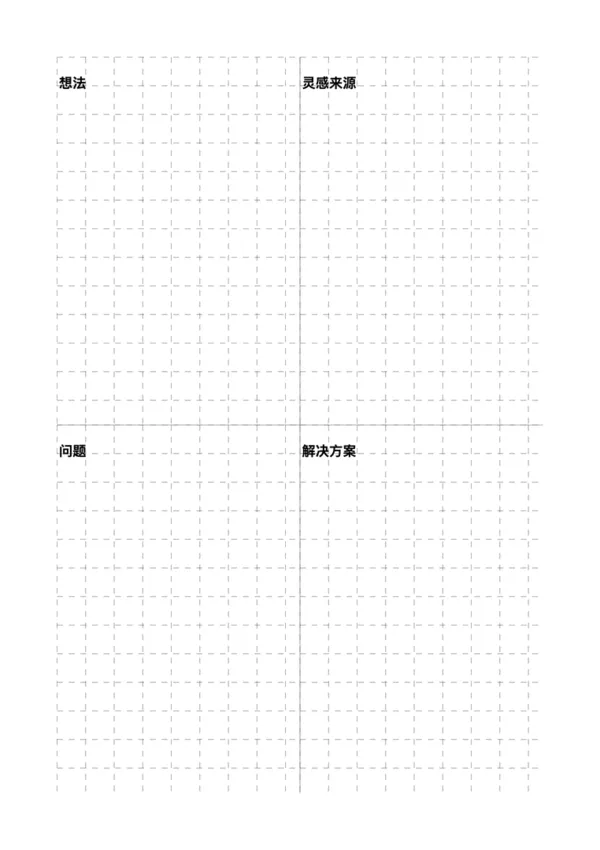
The creative log template utilizes a classic four-quadrant layout, dividing a page into four sections: 'Ideas,' 'Inspiration,' 'Problems,' and 'Solutions.' This structured design is intended to help users systematically break down and develop jejich creative concepts, clearly presenting the entire thought process from the source of inspiration to the final solution. It is an ideal tool for creative professionals and problem-solvers.

Who is it for?

  • Product managers and designers who need to brainstorm new products or features.
  • Marketers brainstorming for projects or marketing campaigns.
  • Writers and artists seeking inspiration for novel plots or art projects.
  • Students and researchers looking to solve complex problems through structured thinking.

How to Use the Creative Log Template?

  1. Log the Core Idea: In the top-left 'Ideas' quadrant, write down your initial concept or the main problem you want to solve.
  2. Trace the Inspiration: In the top-right 'Inspiration' quadrant, note the people, things, or events that sparked this idea.
  3. Anticipate Problems: In the bottom-left 'Problems' quadrant, list potential obstacles or challenges in implementing the idea.
  4. Brainstorm Solutions: In the bottom-right 'Solutions' quadrant, brainstorm and write down feasible ways to address the identified problems.

Application Scenarios

  • New Product Ideation: Comprehensively plan the entire process of a new product from concept and inspiration to implementation.
  • Content Creation Planning: Build a clear blueprint for an article, video, or content series.
  • Personal Goal Setting: Analyze personal goals, potential difficulties, and strategies to achieve them.
  • User Experience (UX) Design: Use it to analyze user pain points (problems) and devise corresponding design solutions.

FAQ

It's perfect for the Eisenhower Matrix (time management), SWOT analysis, 4-panel comics, storyboarding, or simply organizing notes into four distinct categories.
Yes, enable 'Custom Titles' to add specific headers to each of the four sections, such as 'Urgent/Important' or 'Strengths/Weaknesses'.
Yes, you can choose a plain background for sketching or enable a grid/dot pattern to help with writing alignment.
You can customize the color and width of the central cross dividers to match your visual preference.

Related Templates

Minimal Journal
Minimal Journal
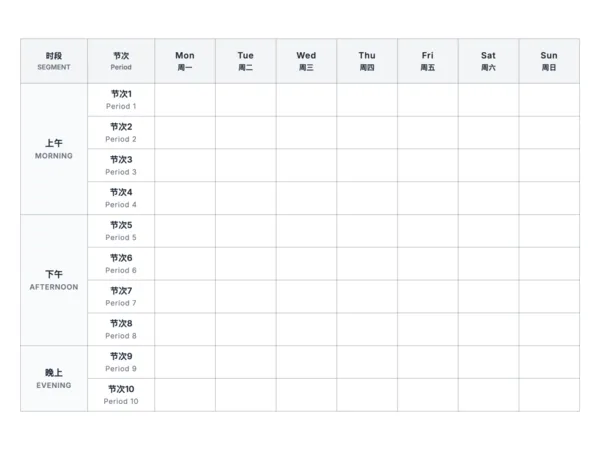
Class Timetable
Class Timetable
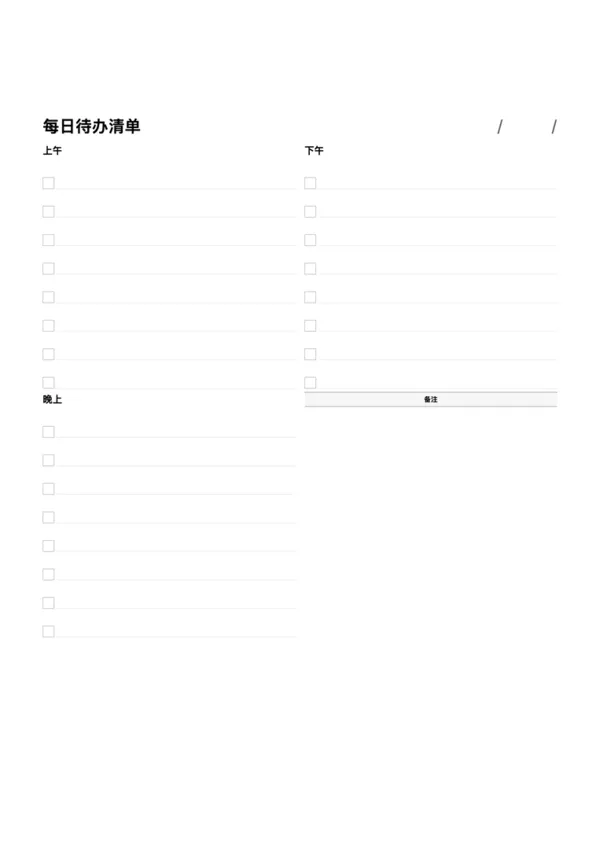
Daily To-Do List
Daily To-Do List
Timeline Daily Planner

Export

Settings
Quick Settings

Recommended Setup

Recommended Setup

For general use, we recommend using default settings on A4 paper. This provides the best balance between usability and print quality.

Adjust the parameters in the control panel to match your specific needs. All settings can be customized in real-time.

Printing Tips

Printing Tips

Paper Selection: For best results, use standard 80-100 gsm copy paper.

Print Quality: Set your printer to 300 DPI or 'High Quality' mode for crisp output.

Test Print: Always print a single test page first to verify settings before printing multiple copies.
OfficeDocPrint

OfficeDocPrint

Printable templates for classrooms, studios, and daily planners.

Product

  • Template Library
  • Changelog
  • OfficeDocPrint Main Site

Resources

  • About Us
  • Help & Feedback

Printable templates for classrooms, studios, and daily planners.

OfficeDocPrint - Privacy PolicyOfficeDocPrint - Terms of Service
© 2025 OfficeDocPrint. All rights reserved.