PP OfficeDocPrintAlways free
Template LibraryBlogHelp & Feedback
  1. Home/
  2. Template Library/
  3. Free Daily AM/PM Roster - Track Attendance Twice a Day

Free Daily AM/PM Roster - Track Attendance Twice a Day

What is a Daily AM/PM Roster?

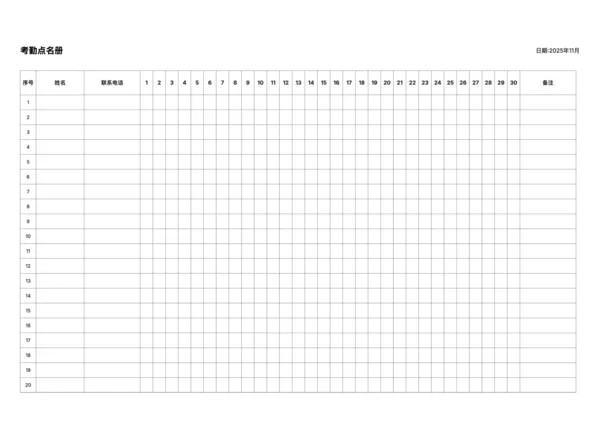
The Daily AM/PM Roster is a free, online customizable printable template. It divides each day into morning and afternoon slots, allowing for more precise attendance tracking. The template features a streamlined design by removing the non-essential phone number column, focusing entirely on the attendance record itself.

Who is this template for?

  • Schools and Training Centers: Accurately log student attendance for both morning and afternoon sessions.
  • Project Team Management: Track the half-day presence of team members.
  • Companies with Flexible Schedules: Adapt to flexible work hours.
  • Event Check-ins: Differentiate between morning and afternoon session attendees.

How to use this template?

  1. Set the desired year and month in the control panel.
  2. Adjust the number of people (rows) and paper margins as needed.
  3. Click the 'Export PDF' or 'Export PNG' button.
  4. Print the downloaded file for immediate use.

FAQ

While the monthly roster tracks one check-in per day over a month, this Daily Roster tracks multiple check-ins (AM/PM) for many people on a single day.
Yes, it's perfect for tracking morning arrivals and afternoon departures, or for recording health checks (temperature) twice a day.
Absolutely. It provides structured columns for names, times, and signatures, making it a neat and professional visitor sign-in sheet.
Yes, you can increase the 'Row Height' to give people more space to sign their names or write comments legibly.

Related Templates

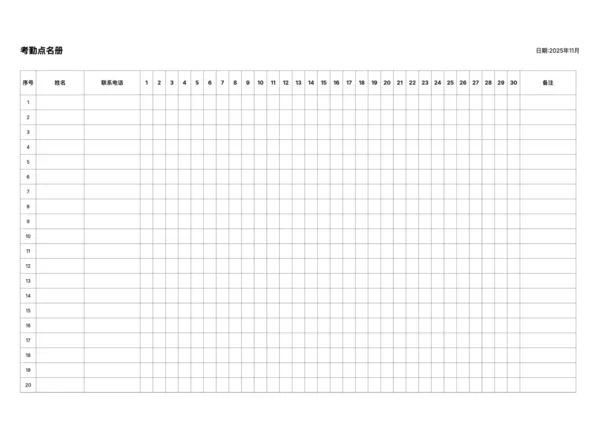
Attendance Roster
Attendance Roster
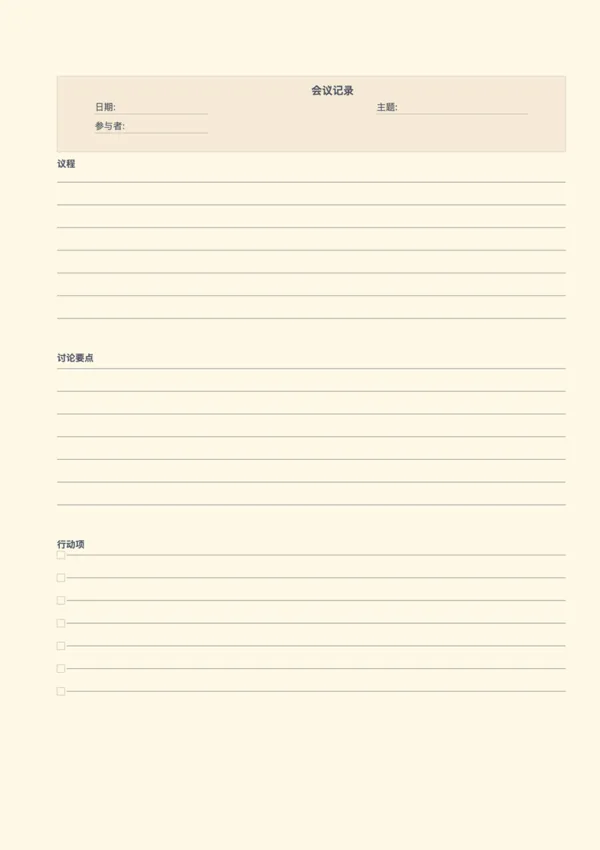
Meeting Note Paper
Meeting Note Paper
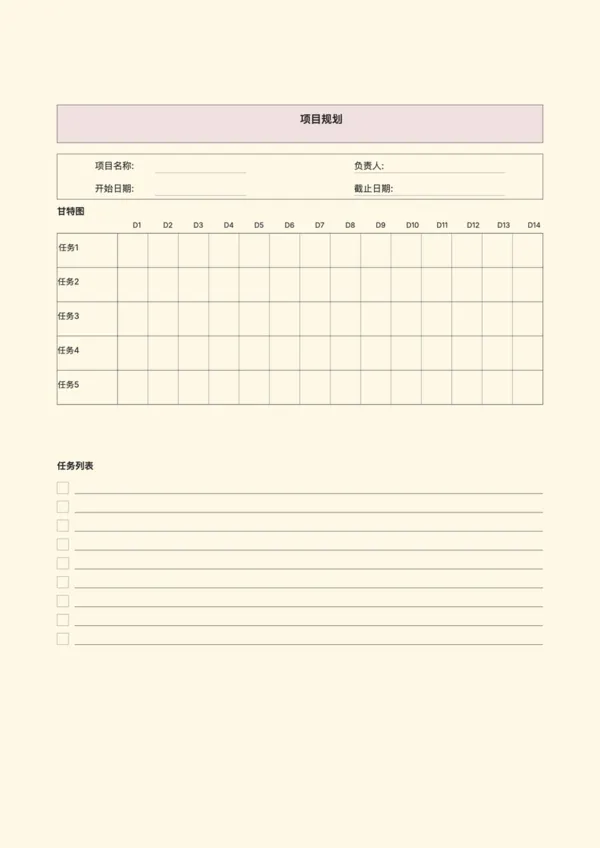
Project Planning Paper
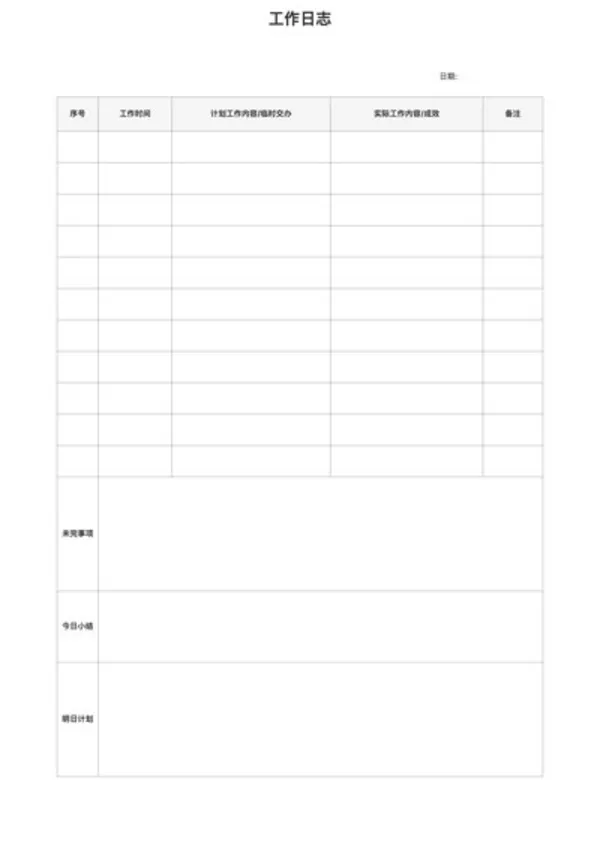
Work Log
Work Log

Related Articles

Cornell Notes: Two Free Printable Templates (Standard & with Header)

Export

Settings
Quick Settings

Recommended Setup

Recommended Setup

For general use, we recommend using default settings on A4 paper. This provides the best balance between usability and print quality.

Adjust the parameters in the control panel to match your specific needs. All settings can be customized in real-time.

Printing Tips

Printing Tips

Paper Selection: For best results, use standard 80-100 gsm copy paper.

Print Quality: Set your printer to 300 DPI or 'High Quality' mode for crisp output.

Test Print: Always print a single test page first to verify settings before printing multiple copies.
OfficeDocPrint

OfficeDocPrint

Printable templates for classrooms, studios, and daily planners.

Product

  • Template Library
  • Changelog
  • OfficeDocPrint Main Site

Resources

  • About Us
  • Help & Feedback

Printable templates for classrooms, studios, and daily planners.

OfficeDocPrint - Privacy PolicyOfficeDocPrint - Terms of Service
© 2025 OfficeDocPrint. All rights reserved.