
PP OfficeDocPrintAlways free
Template LibraryBlogHelp & Feedback
  1. Home/
  2. Template Library/
  3. Free Printable Error Correction Notebook Template - Effective Review & Study Tool

Free Printable Error Correction Notebook Template - Effective Review & Study Tool

What is an Error Correction Notebook Template?

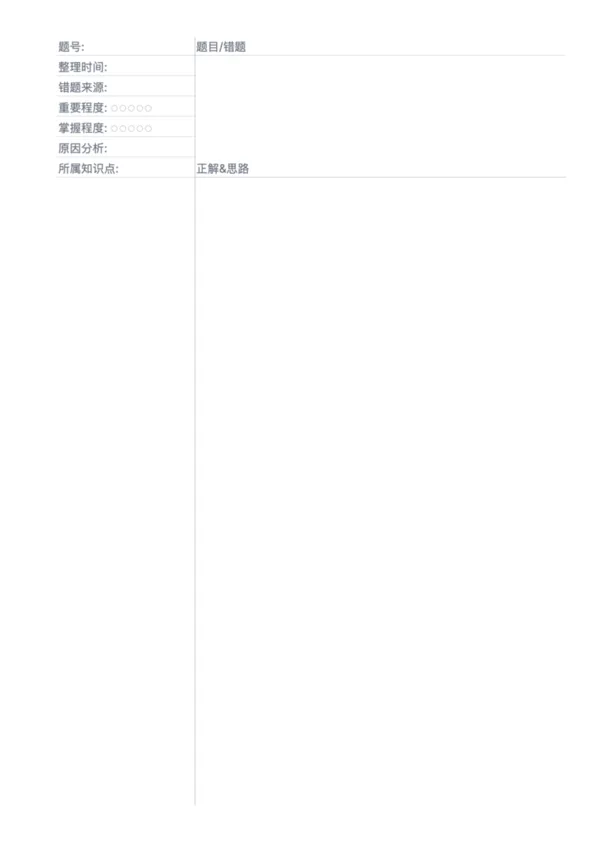
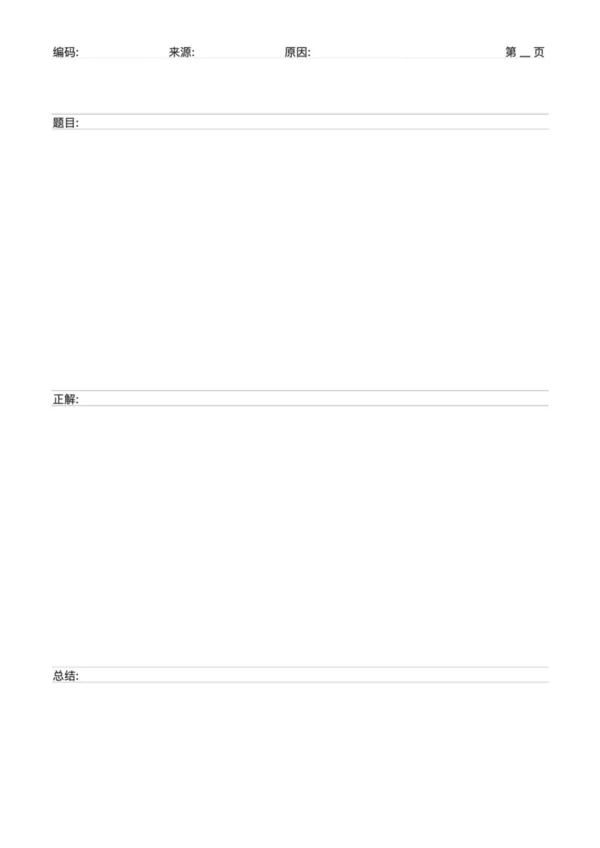
An error correction notebook template is a structured learning tool designed to help students systematically record, analyze, and review mistakes encountered during their studies. By centralizing the incorrect problem, correct solution, reason analysis, and related knowledge points, it transforms passive errors into active learning opportunities, effectively reinforcing knowledge, addressing weak areas, and significantly improving academic performance.

Who is it for?

  • K-12 students who want to improve their exam scores through systematic review.
  • Test-takers preparing for important certification or entrance exams.
  • Self-learners who aim to deeply understand concepts and avoid repeating mistakes.
  • Parents and teachers who need to help children organize mistakes for targeted improvement.

How to Use the Error Correction Notebook Template?

  1. Record the Mistake: Write down or paste the original incorrect problem in the 'Question/Error' section.
  2. Correct the Answer: In the 'Correct Solution & Approach' area, detail the correct steps and final answer.
  3. Analyze Deeply: In the 'Reason Analysis' and 'Knowledge Point' sections, reflect on why the mistake was made—was it a conceptual misunderstanding, carelessness, or lack of skill?
  4. Review Regularly: Set a review schedule to periodically go over the notebook, focusing on questions marked as 'important' or 'not mastered'.
  5. Practice and Apply: After mastering a corrected problem, try similar questions to test your true understanding.

Application Scenarios

  • Daily Homework Review: Promptly record mistakes from daily assignments to prevent knowledge gaps from accumulating.
  • Exam Paper Analysis: After an exam, consolidate all incorrect answers from the test paper to guide your next phase of study.
  • Topical Knowledge Reinforcement: Focus on a specific weak chapter or concept by creating a dedicated collection of related errors.
  • Vacation Study Plan: Compile all mistakes from a semester into one notebook, using it as core material to catch up or get ahead during breaks.

FAQ

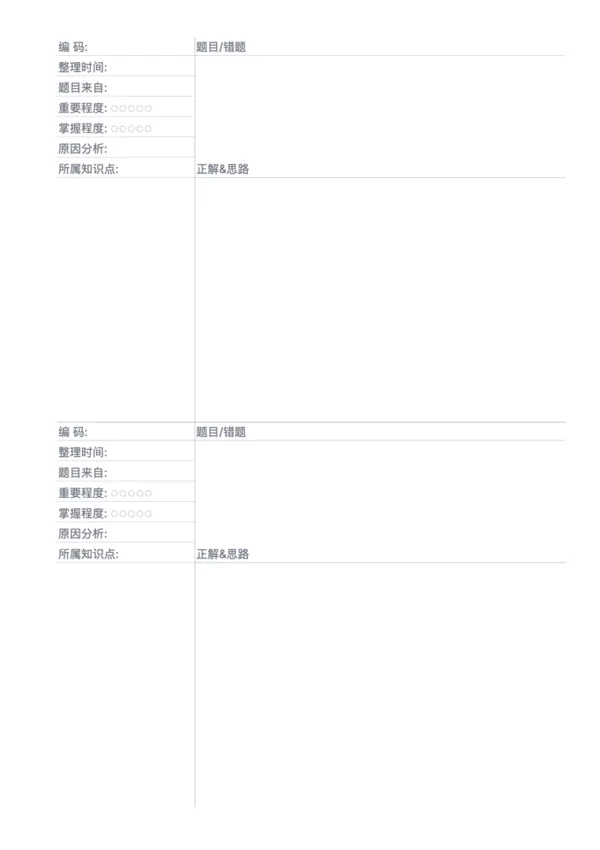
This template uses a 'Two Problems per Page' layout, providing a balanced space for detailed analysis of each mistake.
Each problem block has space for: The Original Problem (copy or paste), Error Analysis, Correct Solution, and a Review Tracker.
The left margin is perfect for tagging the source (e.g., Exam #1), date, or subject topic for easy indexing.
Yes! The problem area is spacious enough to paste cut-out questions directly, saving you time from rewriting them.

Related Templates

Error Correction Paper - Single
Error Correction Paper - Large
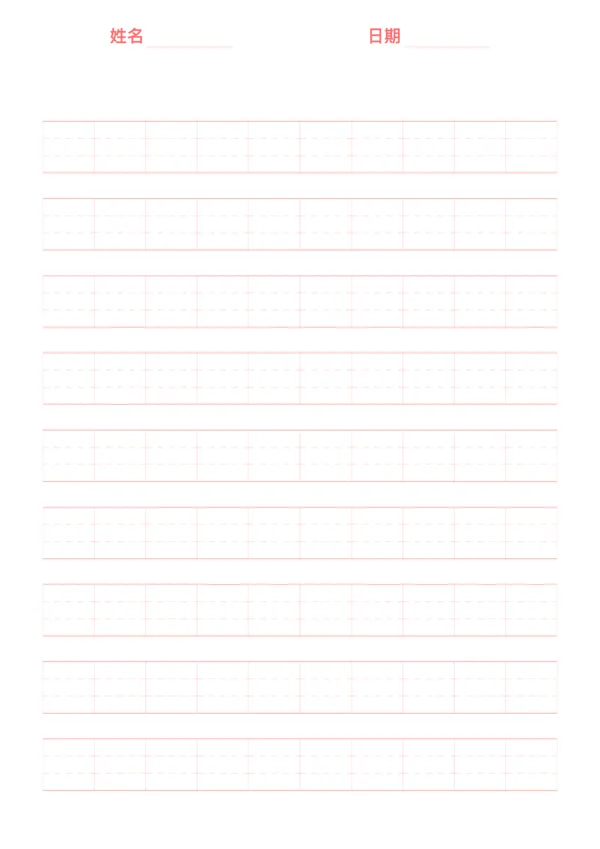
Pinyin Practice Paper
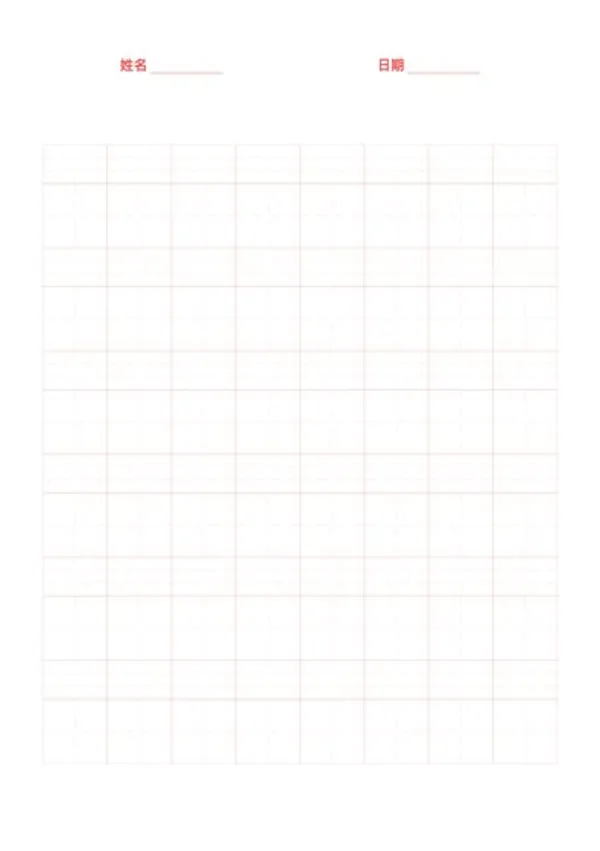
Pinyin Tianzi Grid Paper

Related Articles

Parent Essentials: The Ultimate Free Printable Worksheet Collection for Kids (Grid, Pinyin, Error Log & More)
Cornell Notes: Two Free Printable Templates (Standard & with Header)
10x More Efficient Than Rote Memorization: Unveiling the Cornell Note-Taking Method and Ebbinghaus's Forgetting Curve (with Free Templates)

Export

Settings
Quick Settings

Recommended Setup

Recommended Setup

For general use, we recommend using default settings on A4 paper. This provides the best balance between usability and print quality.

Adjust the parameters in the control panel to match your specific needs. All settings can be customized in real-time.

Printing Tips

Printing Tips

Paper Selection: For best results, use standard 80-100 gsm copy paper.

Print Quality: Set your printer to 300 DPI or 'High Quality' mode for crisp output.

Test Print: Always print a single test page first to verify settings before printing multiple copies.
OfficeDocPrint

OfficeDocPrint

Printable templates for classrooms, studios, and daily planners.

Product

  • Template Library
  • Changelog
  • OfficeDocPrint Main Site

Resources

  • About Us
  • Help & Feedback

Printable templates for classrooms, studios, and daily planners.

OfficeDocPrint - Privacy PolicyOfficeDocPrint - Terms of Service
© 2025 OfficeDocPrint. All rights reserved.