
PP OfficeDocPrintAlways free
Template LibraryBlogHelp & Feedback
  1. Home/
  2. Template Library/
  3. Free Printable Error Notebook (Complex Problems) - Vertical Layout Template

Free Printable Error Notebook (Complex Problems) - Vertical Layout Template

What is the Error Notebook Template for Complex Problems?

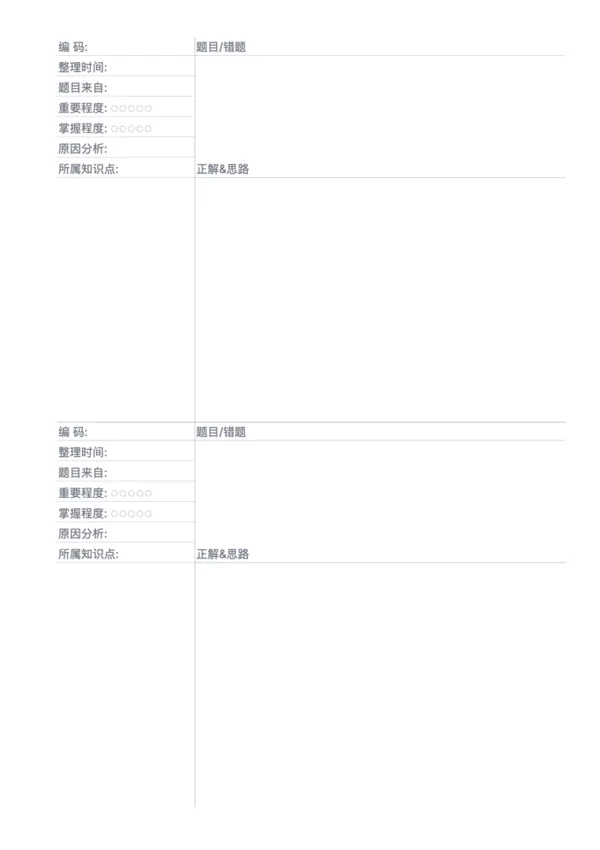
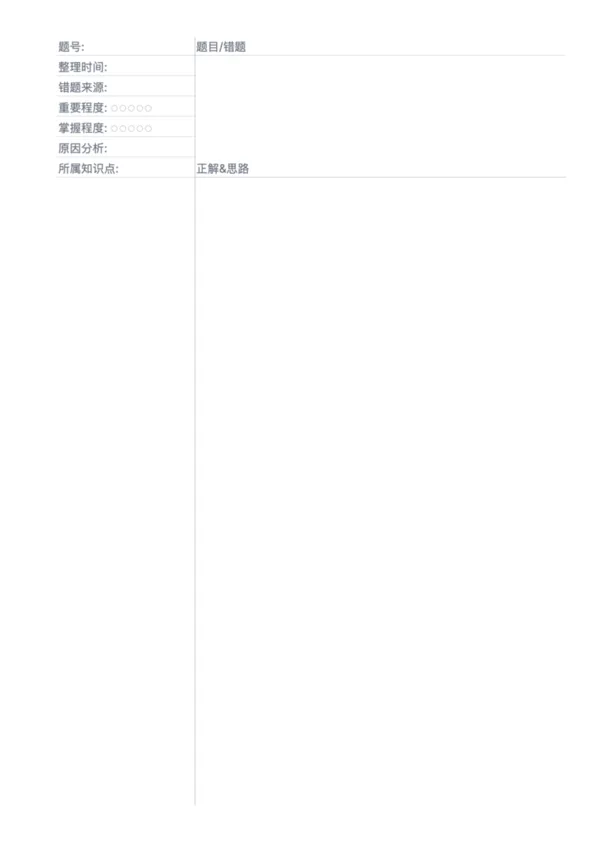
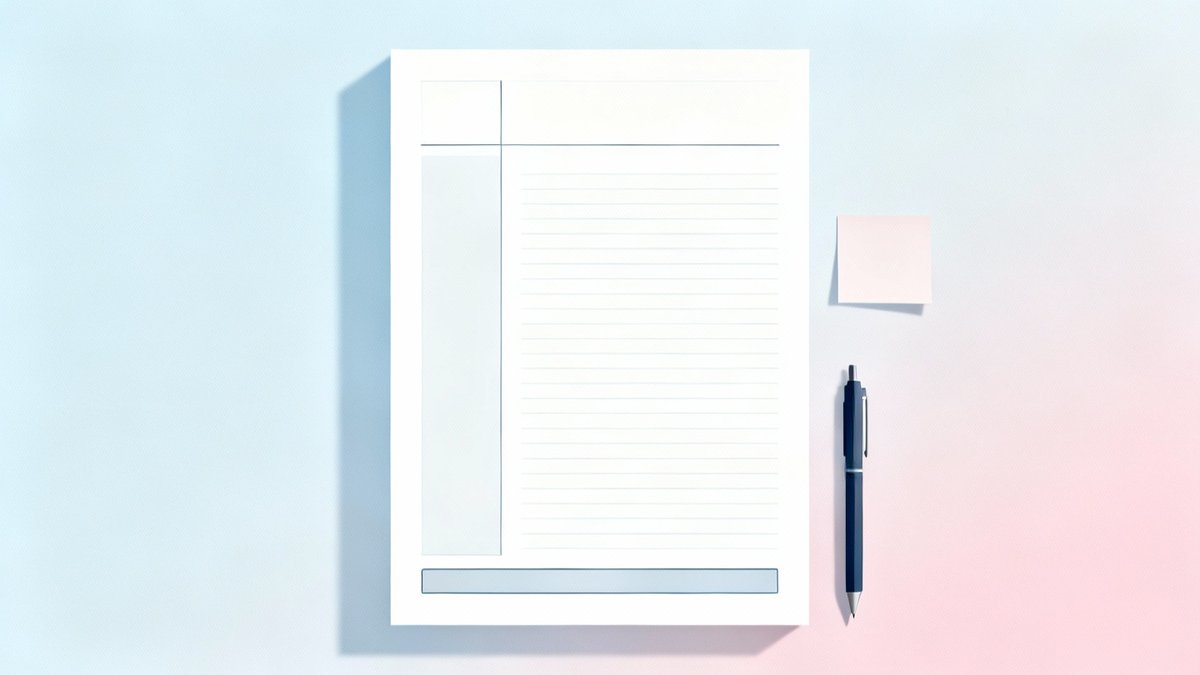
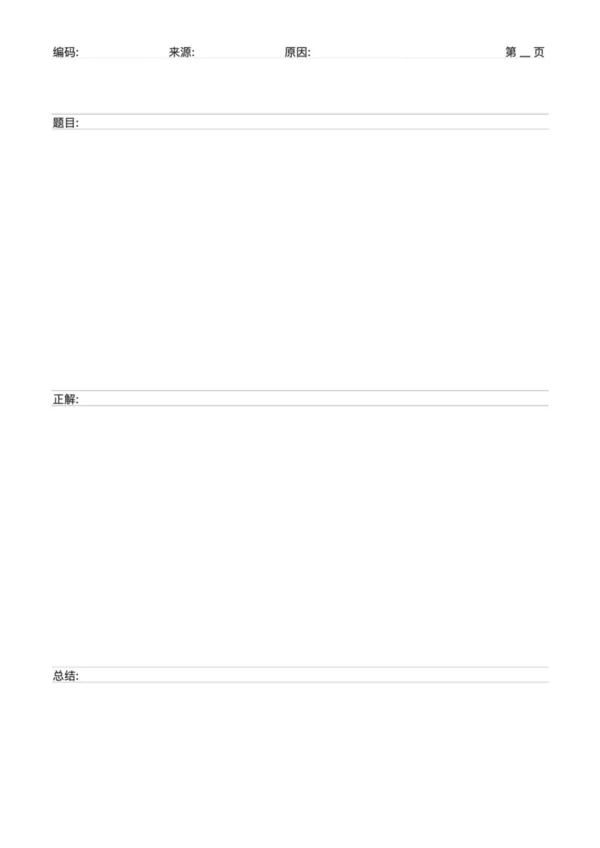
The error notebook template for complex problems is a learning tool with a vertical layout, specifically designed for recording and analyzing multi-step, content-rich 'large' problems. It arranges the three core sections—question, solution, and summary—sequentially from top to bottom, providing ample, continuous writing space. This format is particularly suitable for science problems requiring full derivations or humanities questions needing extensive argumentation, helping learners to clearly and completely review the entire problem-solving process.

Who is it for?

  • Middle and high school students who need to fully document geometric proofs or function-solving steps.
  • Science students performing complex calculations in physics, mechanics, or circuit analysis.
  • Humanities students organizing their thoughts for historical material analysis or political science essays.
  • Any learner who needs to systematically and structurally review a single, complex problem.

How to Use This Template?

  1. Fill in Index Information: In the header section at the top, record the problem's code, source, and the reason for the error for easy future reference.
  2. Transcribe the Full Question: Clearly write down the original question stem and all given conditions in the 'Question' area.
  3. Show the Solution Step-by-Step: In the 'Solution' area, detail the entire derivation or argumentation process according to standard problem-solving steps.
  4. Summarize and Reflect: In the 'Summary' section at the bottom, outline the core methods used, key knowledge points, and warnings about common mistakes.

Application Scenarios

  • Tackling Major Science Problems: Systematically organize calculation, proof, and experimental questions from math, physics, and chemistry exams.
  • Organizing Humanities Essays: Fully record the framework and key points for material analysis questions and subjective essays in history, geography, and politics.
  • Pre-Exam Review Guide: Compile a semester's worth of typical major problem errors into a booklet as core review material for final exams.
  • Summarizing Problem-Solving Methodologies: By comparing and analyzing multiple major problems, deduce general models and techniques for solving specific types of questions.

FAQ

It's optimized for comprehensive problems that require diagrams or extensive derivation steps, balancing the space between the Question and the Solution.
Yes, a grid or dot background is highly recommended for drawing geometry figures or aligning complex equations.
Yes, use the 'Question Ratio' slider to allocate more space to the question text or the solution area as needed.
Yes, for subjects like History or Politics, it provides ample lined space to structure long-form essay answers and key points.

Related Templates

Error Correction Paper - Dual
Error Correction Paper - Single
Pinyin Practice Paper
Pinyin Tianzi Grid Paper

Related Articles

Parent Essentials: The Ultimate Free Printable Worksheet Collection for Kids (Grid, Pinyin, Error Log & More)
Cornell Notes: Two Free Printable Templates (Standard & with Header)
10x More Efficient Than Rote Memorization: Unveiling the Cornell Note-Taking Method and Ebbinghaus's Forgetting Curve (with Free Templates)

Export

Settings
Quick Settings

Recommended Setup

Recommended Setup

For general use, we recommend using default settings on A4 paper. This provides the best balance between usability and print quality.

Adjust the parameters in the control panel to match your specific needs. All settings can be customized in real-time.

Printing Tips

Printing Tips

Paper Selection: For best results, use standard 80-100 gsm copy paper.

Print Quality: Set your printer to 300 DPI or 'High Quality' mode for crisp output.

Test Print: Always print a single test page first to verify settings before printing multiple copies.
OfficeDocPrint

OfficeDocPrint

Printable templates for classrooms, studios, and daily planners.

Product

  • Template Library
  • Changelog
  • OfficeDocPrint Main Site

Resources

  • About Us
  • Help & Feedback

Printable templates for classrooms, studios, and daily planners.

OfficeDocPrint - Privacy PolicyOfficeDocPrint - Terms of Service
© 2025 OfficeDocPrint. All rights reserved.