

PP OfficeDocPrintAlways free
Template LibraryBlogHelp & Feedback
  1. Home/
  2. Template Library/
  3. Free Printable Error Notebook (Single-Problem) - Template for In-Depth Analysis

Free Printable Error Notebook (Single-Problem) - Template for In-Depth Analysis

What is a Single-Problem Error Notebook Template?

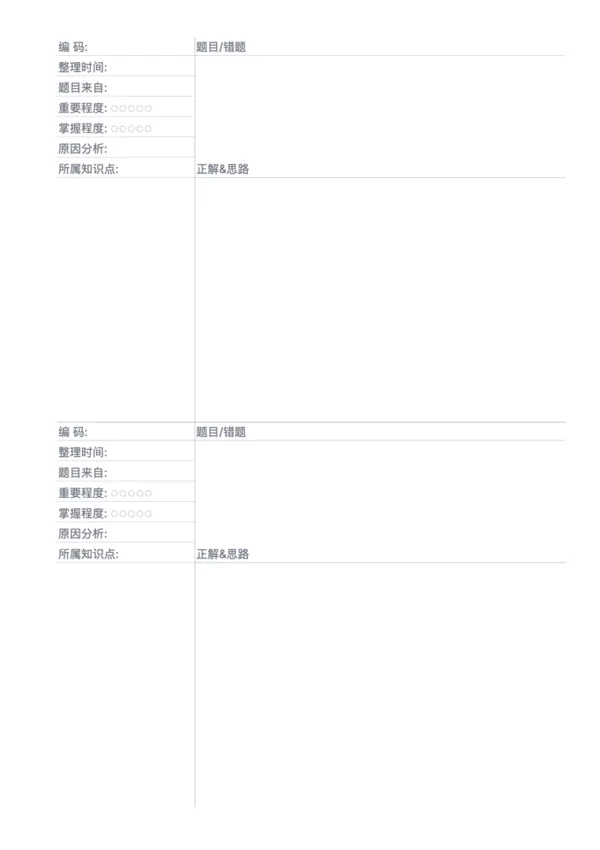
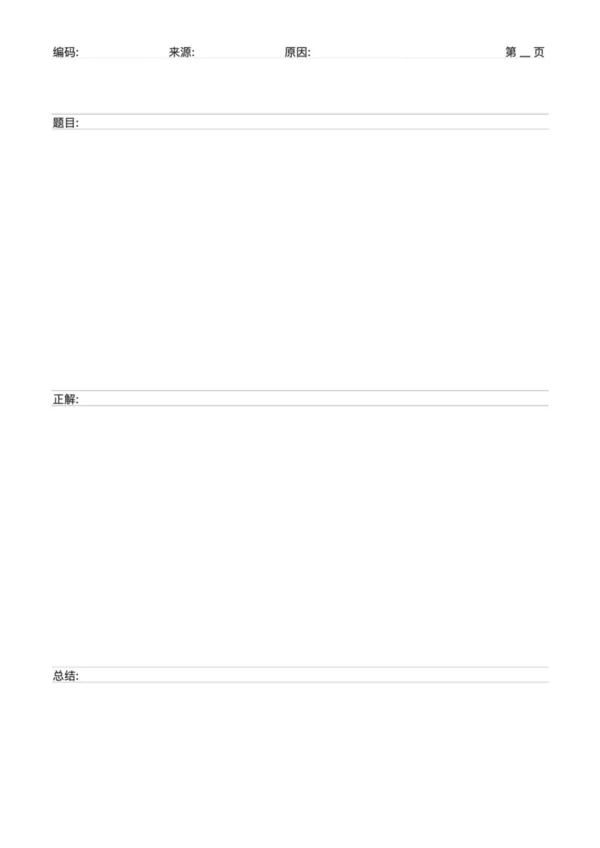
A single-problem error notebook template is a learning tool designed for the in-depth analysis of complex questions. Unlike standard error notebooks, it dedicates an entire page to one mistake, providing extensive space to detail the problem, solution steps, multiple approaches, and a thorough analysis of the error's cause. This 'one page, one problem' format is especially suitable for tackling multi-step, conceptually complex, or frequently confused problems, helping learners to master them completely.

Who is it for?

  • High school students and test-takers facing challenging final-exam questions in math or physics that require extensive calculations and derivations.
  • University students and researchers who want to conduct a comprehensive review of a classic case study or complex problem.
  • Professional learners in fields like programming or design who need to meticulously document bug causes and solutions.
  • Any deep learner who wants to extract the maximum learning value from a single problem by dissecting it thoroughly.

How to Use the Single-Problem Error Notebook?

  1. Transcribe the Full Problem: In the 'Question/Error' area, copy not just the problem itself, but also your original incorrect attempt.
  2. Detail the Correct Solution: In the 'Correct Solution & Approach' section, write down the step-by-step derivation of the standard answer, highlighting key steps.
  3. Analyze from Multiple Dimensions: Make full use of the space in the 'Reason Analysis' and 'Knowledge Point' sections to not only identify the cause of error but also to expand on concepts, summarize methods, and note down techniques.
  4. Review and Re-attempt Periodically: Regularly revisit these 'tough nuts to crack' and even try solving them again to ensure you have fully mastered the concepts.

Application Scenarios

  • Conquering Keystone Problems: Specifically for organizing and analyzing the most challenging questions from mock or official exams.
  • Exploring Multiple Solutions: Documenting several different ways to solve the same problem to broaden thinking and find the optimal approach.
  • In-Depth Case Study Analysis: For subjects like business or law, conducting a comprehensive analysis of a complex case's background, process, and conclusion.
  • Algorithm and Code Debugging: Detailing various implementation methods for an algorithm problem, including incorrect code and the debugging process.

FAQ

Use this for complex problems (like advanced math or physics) that require multiple steps, graphs, or alternative solutions that won't fit in a standard box.
Yes, the top section is maximized to accommodate long problem descriptions or large diagrams.
Focusing on one problem per page encourages deep diving and thorough analysis, ensuring you truly understand the concept before moving on.
Yes, printing on A5 makes for a compact 'Difficult Problem Handbook' that is easy to carry and review anywhere.

Related Templates

Error Correction Paper - Dual
Error Correction Paper - Large
Pinyin Practice Paper
Pinyin Tianzi Grid Paper

Related Articles

Parent Essentials: The Ultimate Free Printable Worksheet Collection for Kids (Grid, Pinyin, Error Log & More)
Cornell Notes: Two Free Printable Templates (Standard & with Header)
10x More Efficient Than Rote Memorization: Unveiling the Cornell Note-Taking Method and Ebbinghaus's Forgetting Curve (with Free Templates)

Export

Settings
Quick Settings

Recommended Setup

Recommended Setup

For general use, we recommend using default settings on A4 paper. This provides the best balance between usability and print quality.

Adjust the parameters in the control panel to match your specific needs. All settings can be customized in real-time.

Printing Tips

Printing Tips

Paper Selection: For best results, use standard 80-100 gsm copy paper.

Print Quality: Set your printer to 300 DPI or 'High Quality' mode for crisp output.

Test Print: Always print a single test page first to verify settings before printing multiple copies.

OfficeDocPrint

OfficeDocPrint

Printable templates for classrooms, studios, and daily planners.

Product

  • Template Library
  • Changelog
  • OfficeDocPrint Main Site

Resources

  • About Us
  • Help & Feedback

Printable templates for classrooms, studios, and daily planners.

OfficeDocPrint - Privacy PolicyOfficeDocPrint - Terms of Service
© 2025 OfficeDocPrint. All rights reserved.