

PP OfficeDocPrintAlways free
Template LibraryBlogHelp & Feedback
  1. Home/
  2. Template Library/
  3. Free Printable Grid Paper Template - Math, Drawing & Design

Free Printable Grid Paper Template - Math, Drawing & Design

What is a Grid Paper Template?

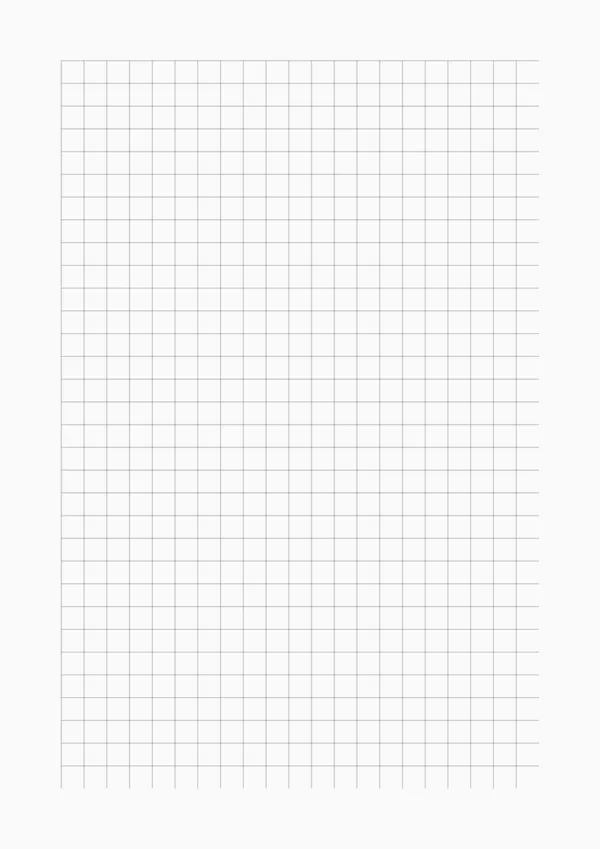
Grid paper, also known as graph paper, consists of a regular grid formed by a series of horizontal and vertical lines. This structure provides excellent guidance for drawing, writing, and aligning data, making it an indispensable tool for engineers, designers, mathematicians, and students. Whether you need to plot precise graphs or create pixel art, grid paper offers the perfect structural support.

Who is it for?

  • Math students and teachers who need to draw function graphs, geometric figures, or coordinate systems.
  • Engineers and architects involved in technical drawing, circuit design, or architectural planning.
  • Designers and artists who enjoy pixel art, journal layouts, or calligraphy practice.
  • Bullet journal enthusiasts who strive for neat and organized layouts.

How to Use the Grid Paper Template?

  1. Customize Your Grid: Set the grid size (e.g., 5mm squares) and choose from solid, dashed, or dotted line styles based on your needs.
  2. Adjust the Details: Select your preferred line color and thickness for the best visual result.
  3. Export in High Quality: Generate a high-resolution PDF or PNG file to ensure your printouts are sharp and precise.
  4. Unleash Creativity: Use the grid paper as a foundation for design sketches, game maps, or any creative project that requires precise alignment.

Application Scenarios

  • Math & Science: Plotting 2D graphs, recording experimental data, and creating geometric models.
  • Design & Art: Used for web wireframes, pixel art creation, and interior design layouts.
  • Note-Taking & Planning: Creating modular layouts in bullet journals or for aligning text and diagrams.
  • Crafting: Serves as a design chart for crafts like cross-stitch, knitting, or Perler beads.

FAQ

Common sizes include 5mm (engineering), 1/4 inch (quad rule), and 10mm. OfficeDocPrint lets you customize the grid spacing precisely to your needs.
Yes! Simply switch the 'Grid Style' from 'Line' to 'Dot' in the settings panel. You can also adjust the dot size and color.
Set the 'Margin' values (Top, Bottom, Left, Right) to 0 in the control panel. Note that most printers have a non-printable area at the edge of the page.
Yes, our PDF export preserves strict physical dimensions (e.g., 5mm exactly) when printed at 100% scale (Actual Size) without scaling.

Related Templates

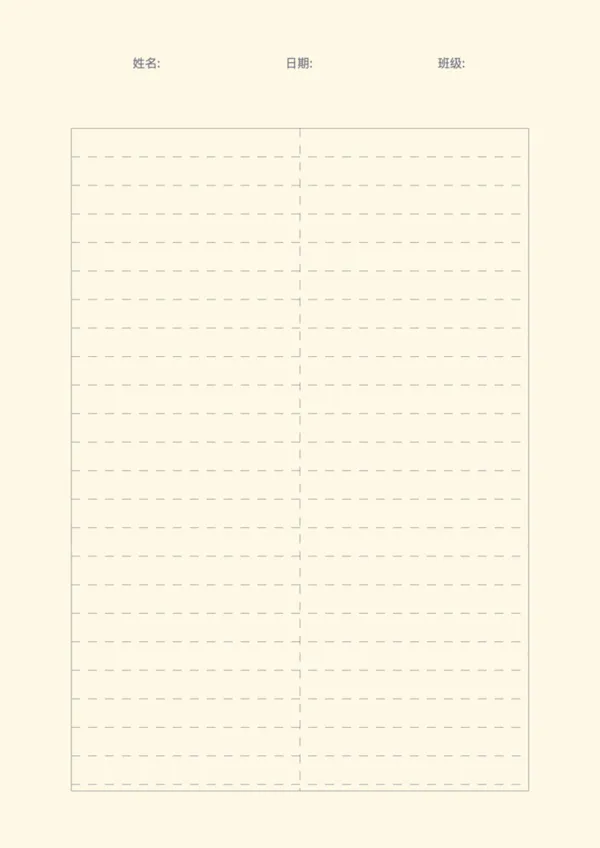
Lined Paper
Lined Paper
Practice Paper
Practice Paper
Draft Paper
Draft Paper

Related Articles

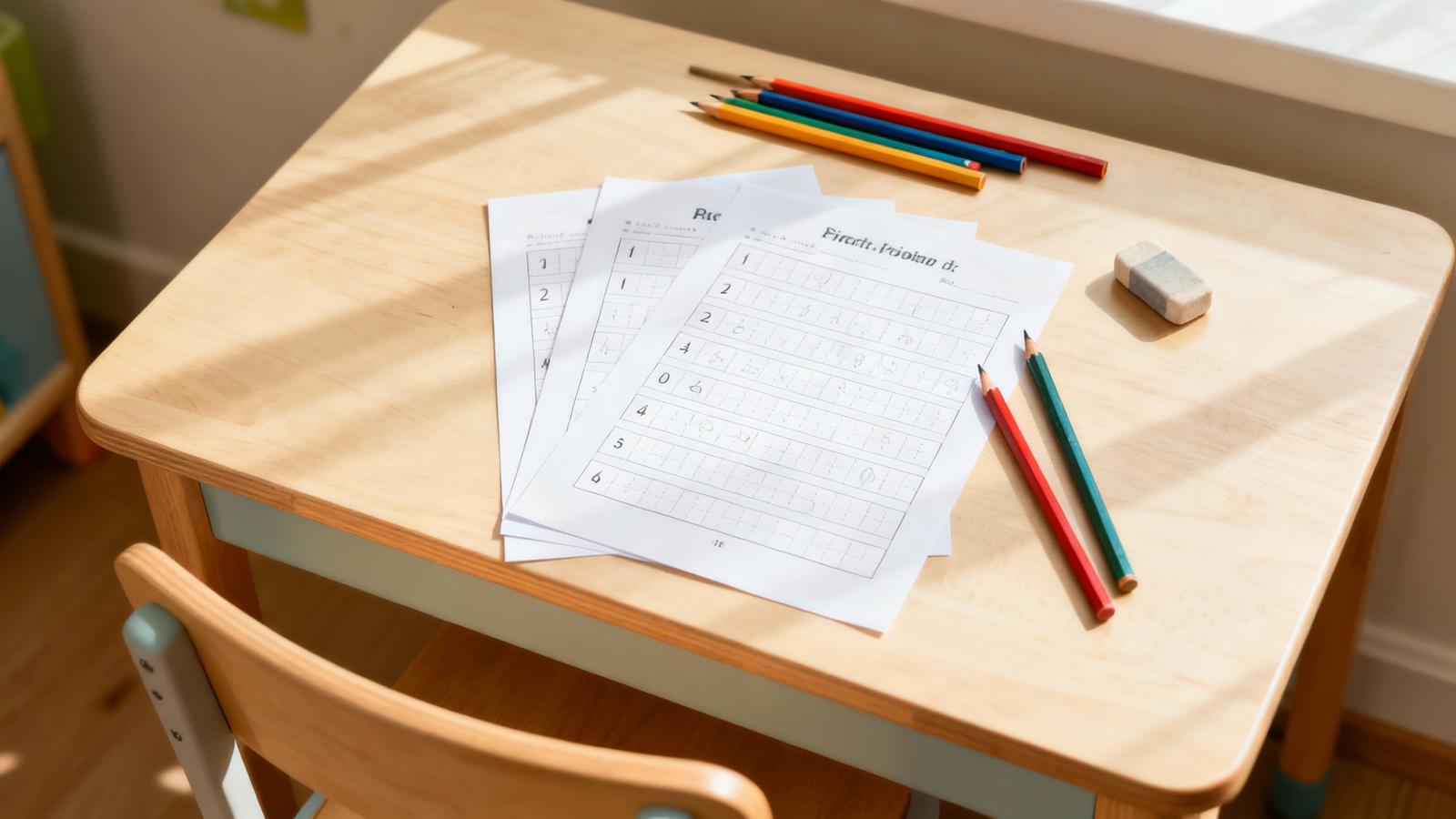
Parent Essentials: The Ultimate Free Printable Worksheet Collection for Kids (Grid, Pinyin, Error Log & More)

Export

Settings
Quick Settings

Recommended Setup

Recommended Setup

For general use, we recommend using default settings on A4 paper. This provides the best balance between usability and print quality.

Adjust the parameters in the control panel to match your specific needs. All settings can be customized in real-time.

Printing Tips

Printing Tips

Paper Selection: For best results, use standard 80-100 gsm copy paper.

Print Quality: Set your printer to 300 DPI or 'High Quality' mode for crisp output.

Test Print: Always print a single test page first to verify settings before printing multiple copies.
OfficeDocPrint

OfficeDocPrint

Printable templates for classrooms, studios, and daily planners.

Product

  • Template Library
  • Changelog
  • OfficeDocPrint Main Site

Resources

  • About Us
  • Help & Feedback

Printable templates for classrooms, studios, and daily planners.

OfficeDocPrint - Privacy PolicyOfficeDocPrint - Terms of Service
© 2025 OfficeDocPrint. All rights reserved.