PP OfficeDocPrintAlways free
Template LibraryBlogHelp & Feedback
  1. Home/
  2. Template Library/
  3. Free Daily Planner Template - Journal Style Time Management

Free Daily Planner Template - Journal Style Time Management

What is a Journal-Style Daily Planner?

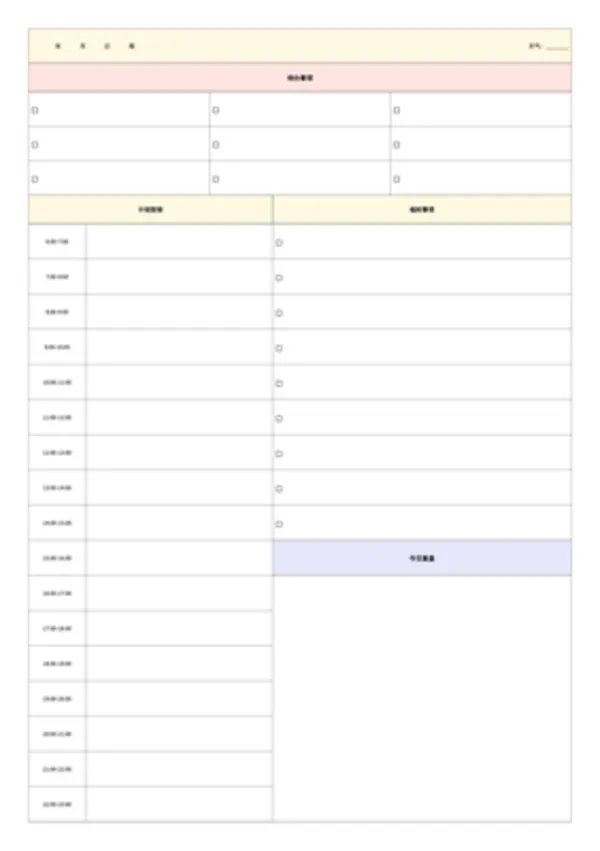
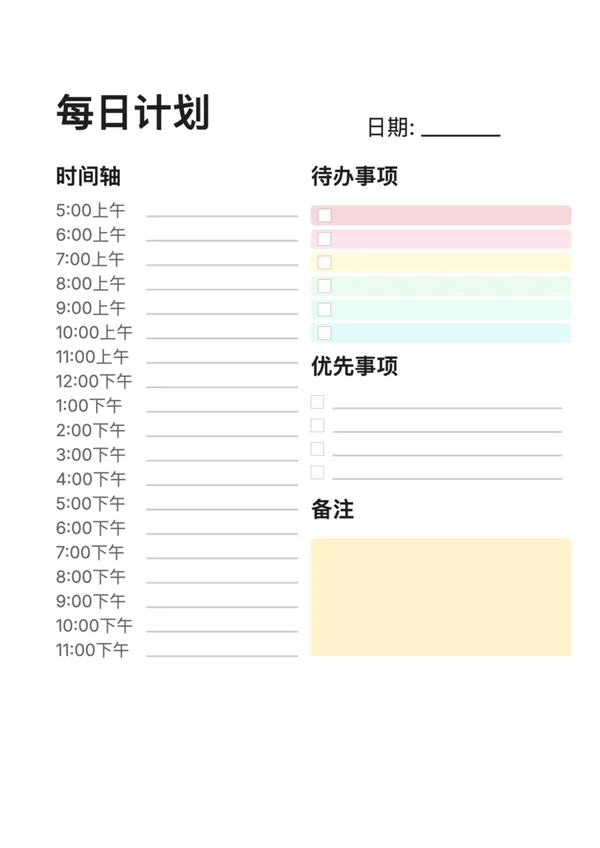
A journal-style daily planner is a hand-drawn aesthetic daily planning tool with timeline, todo items, priorities, and notes sections to help you plan your day effectively.

Who is it for?

  • Journal enthusiasts and bullet journal creators
  • Professionals and students who need time management
  • GTD practitioners and productivity seekers
  • Anyone who wants to visualize their daily plan

How to use?

  1. Configure time range (e.g., 6:00-23:00)
  2. Choose time interval (1 hour or 2 hours)
  3. Set number of todo items and priorities
  4. Customize style and color scheme
  5. Download and print or export to PDF

Key Features

  • Hand-drawn style design, fresh and beautiful
  • Customizable time range and intervals
  • Colorful todo item backgrounds (toggleable)
  • Includes priorities and notes sections
  • Supports 12-hour and 24-hour formats
  • Adapts to various paper sizes (A4/A5/Letter)
  • Bilingual interface (English/Chinese)
  • Free to use, no watermark

FAQ

It features a Schedule timeline, To-Do list, Top Priorities, Notes section, plus cute trackers for Water intake, Mood, and Weather.
Yes, you can disable the 'Colorful Todos' option to create a printer-friendly black and white version that you can color in yourself.
Yes, you can adjust the start and end hours of the daily schedule to fit your routine.
Yes, print on A5 paper (or A4 cut in half) and punch holes to create perfect inserts for your favorite ring binder or organizer.

Related Templates

Timeline Daily Planner
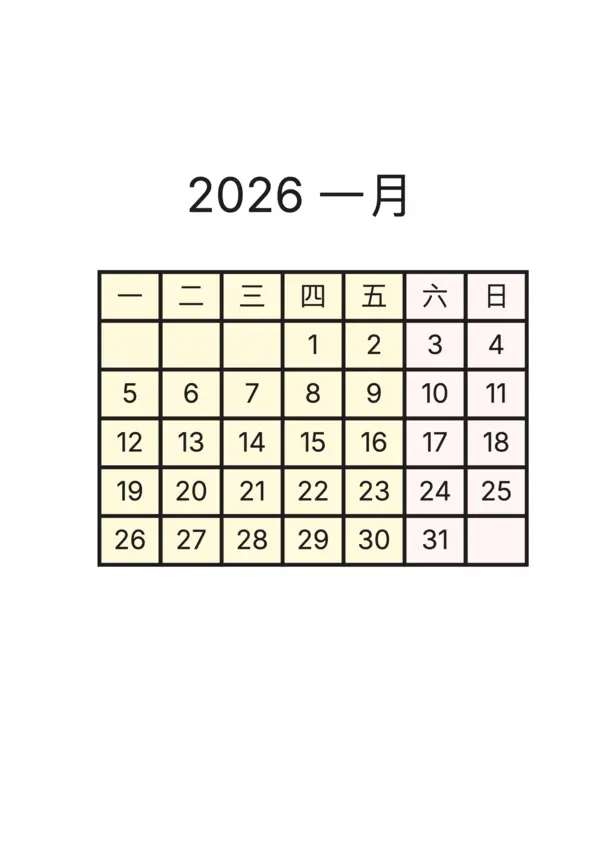
Journal Calendar
Journal Calendar
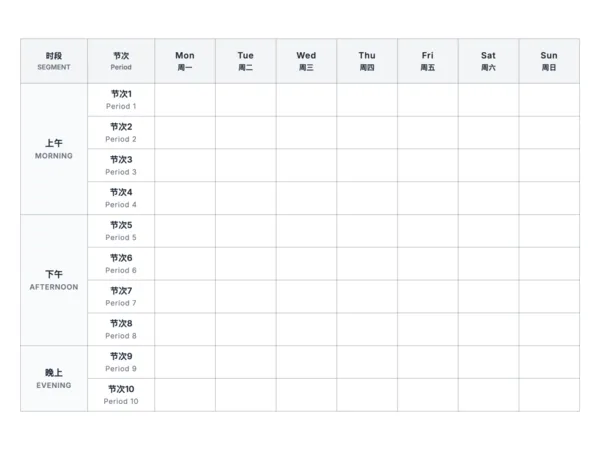
Class Timetable
Class Timetable
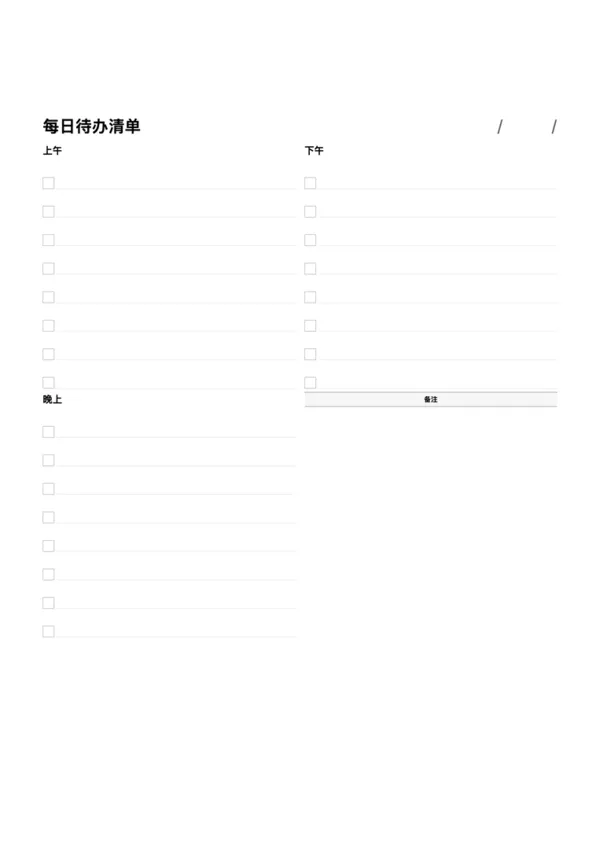
Daily To-Do List
Daily To-Do List

Export

Settings
Quick Settings

Recommended Setup

Recommended Setup

For general use, we recommend using default settings on A4 paper. This provides the best balance between usability and print quality.

Adjust the parameters in the control panel to match your specific needs. All settings can be customized in real-time.

Printing Tips

Printing Tips

Paper Selection: For best results, use standard 80-100 gsm copy paper.

Print Quality: Set your printer to 300 DPI or 'High Quality' mode for crisp output.

Test Print: Always print a single test page first to verify settings before printing multiple copies.
OfficeDocPrint

OfficeDocPrint

Printable templates for classrooms, studios, and daily planners.

Product

  • Template Library
  • Changelog
  • OfficeDocPrint Main Site

Resources

  • About Us
  • Help & Feedback

Printable templates for classrooms, studios, and daily planners.

OfficeDocPrint - Privacy PolicyOfficeDocPrint - Terms of Service
© 2025 OfficeDocPrint. All rights reserved.