

Export
Recommended Setup
Recommended Setup
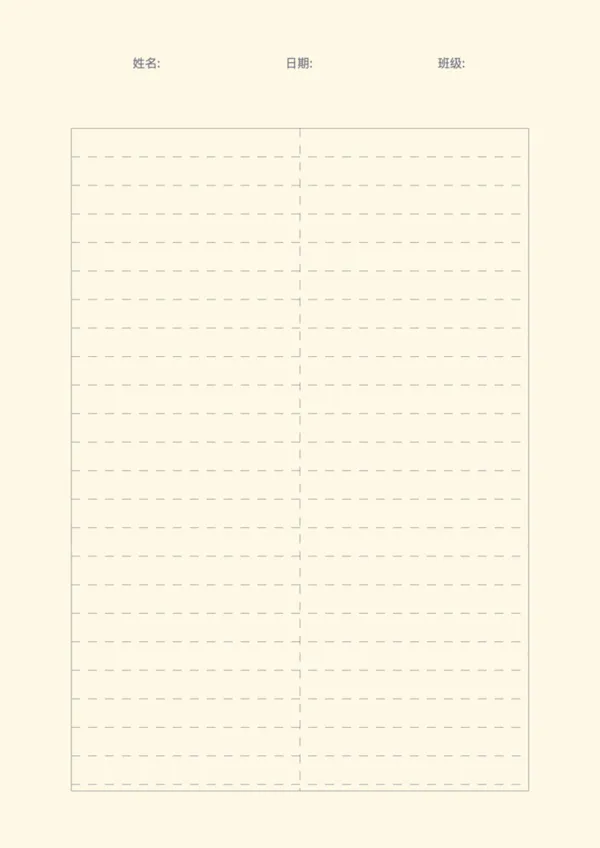
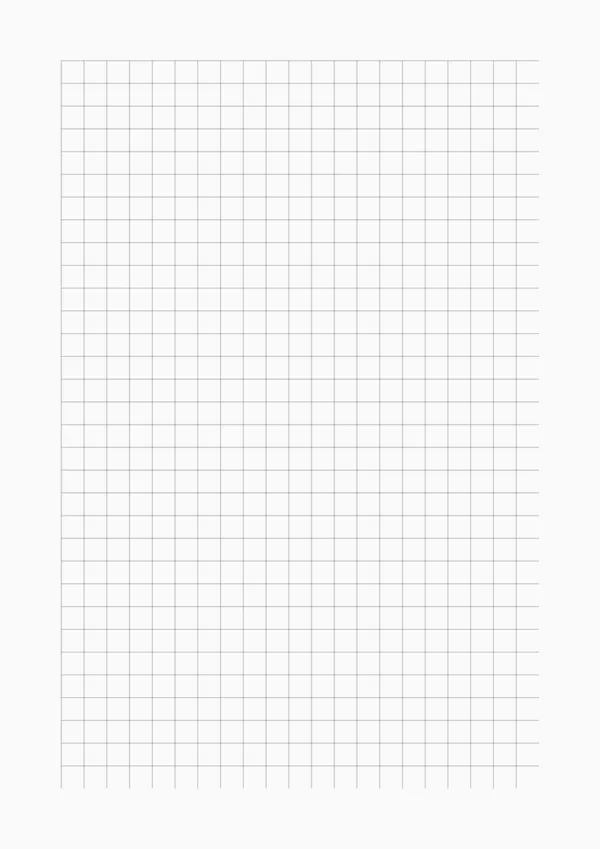
For everyday note-taking, we recommend using 8mm line spacing with 20mm margins on A4 paper. This provides ample writing space while maintaining neat margins for binder holes or filing.
For students: Use 7mm spacing (College Rule) to fit more content per page, ideal for lecture notes and study materials.
For younger writers: Increase spacing to 10mm or 12mm to accommodate larger handwriting and help practice letter formation.
For creative writing: Try wider margins (25mm) to create a clean frame around your text, giving your work a professional appearance.
Printing Tips
Printing Tips
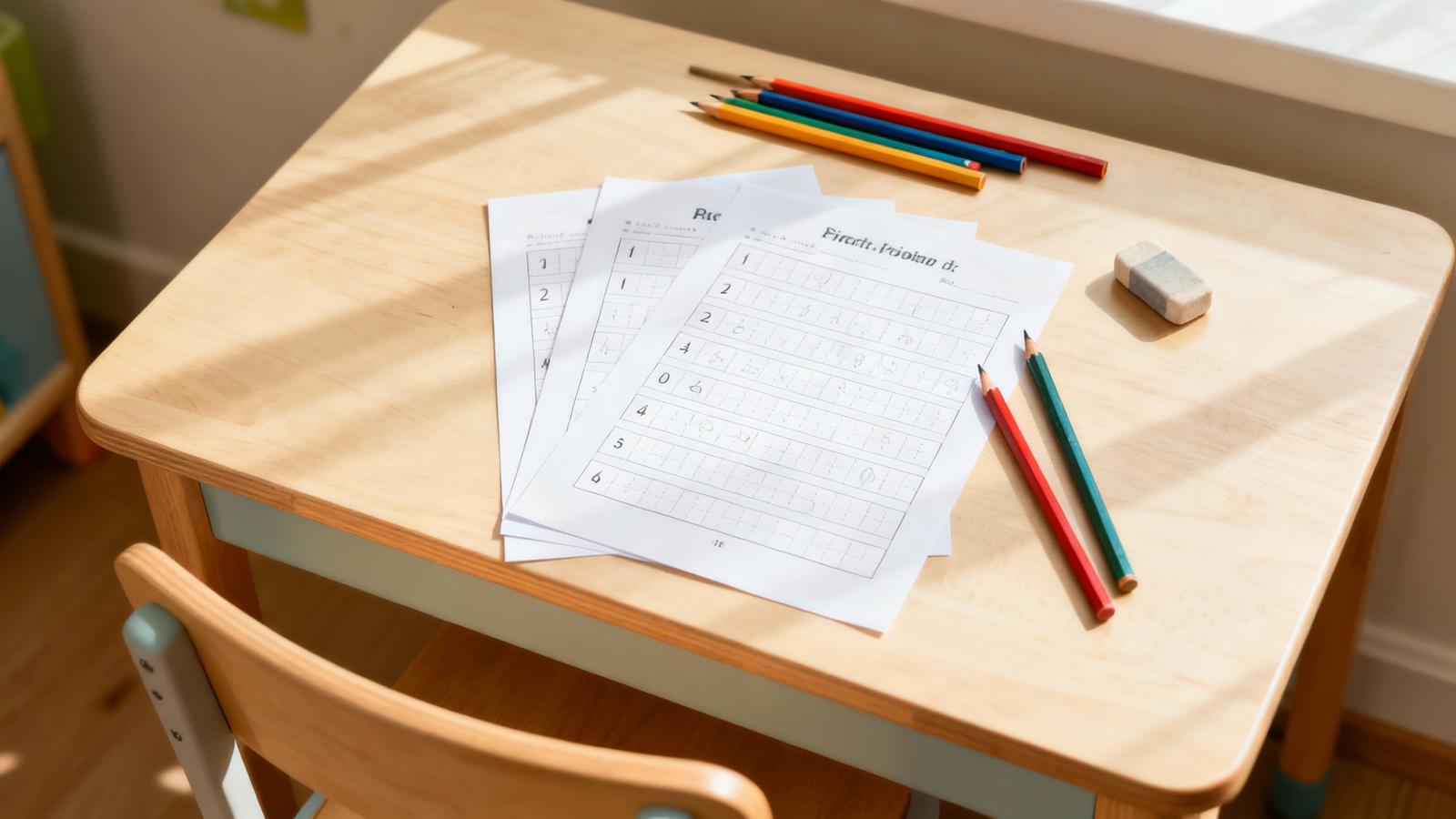
Paper Selection: For best results, use 80-100 gsm standard copy paper. Heavier paper (120+ gsm) prevents ink bleed-through when using fountain pens or markers.
Print Quality: Set your printer to 300 DPI or 'High Quality' mode for crisp, sharp lines. Avoid 'Draft' or 'Economy' modes as they may produce faint or uneven lines.
Double-Sided Printing: When printing double-sided, select 'Flip on Long Edge' in your printer settings to maintain proper orientation. Consider using slightly thicker paper (100+ gsm) to prevent show-through.
Test Print: Always print a single test page first to verify alignment, spacing, and color before printing multiple copies. Adjust your printer's scaling settings if needed (usually set to 'None' or '100%').
Color Options: While blue is the traditional line color, consider using gray lines for a subtler look that won't distract from your writing. Light green lines can reduce eye strain during long writing sessions.
Storage: Store printed lined paper in a cool, dry place away from direct sunlight to prevent yellowing. If using for archival purposes, consider acid-free paper.