PP OfficeDocPrintAlways free
Template LibraryBlogHelp & Feedback
  1. Home/
  2. Template Library/
  3. Free Printable Meeting Notes Template - Efficient Meeting Management Tool

Free Printable Meeting Notes Template - Efficient Meeting Management Tool

What is a Meeting Notes Template?

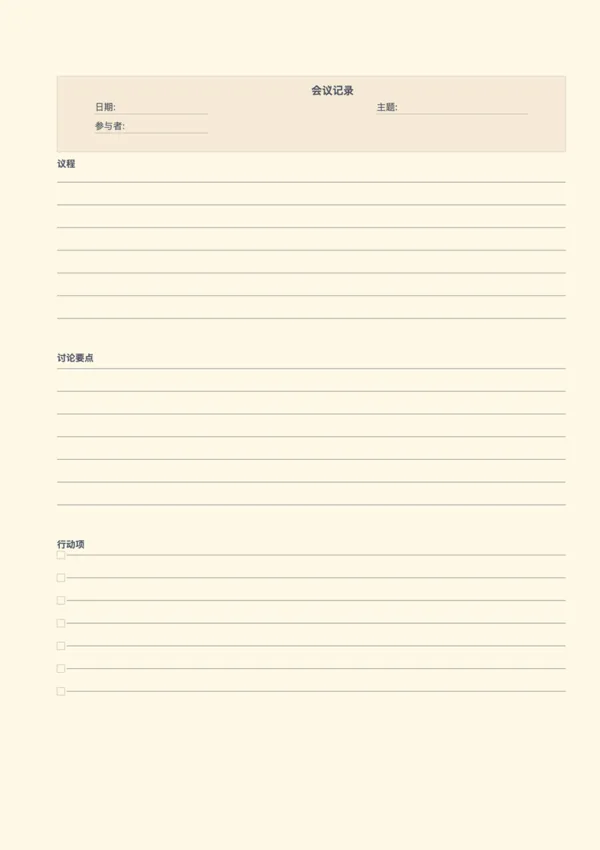
A meeting notes template is a standardized tool for systematically recording key information during a meeting. It typically includes structured sections for the meeting topic, date, attendees, agenda, discussion points, and action items. Using a template ensures completeness and consistency in your records, helps team members clearly recall outcomes, and effectively follow up on action plans, making it a vital asset for improving team collaboration.

Who is it for?

  • Project managers and team leads who need to facilitate and follow up on meeting resolutions.
  • Administrative assistants and secretaries responsible for recording and distributing meeting minutes.
  • All meeting participants who want a clear grasp of discussion outcomes and their assigned tasks.
  • Consultants and freelancers who need to document client communications and key takeaways.

How to Use the Meeting Notes Template?

  1. Before the Meeting: Fill in the planned topics in the 'Meeting Topic' and 'Agenda' sections.
  2. Record Basic Info: At the start of the meeting, accurately fill in the 'Date' and 'Participants'.
  3. Capture Key Content: In the 'Discussion Points' area, take real-time notes on critical discussions, decisions, and viewpoints.
  4. Clarify Action Items: Clearly list all specific tasks, assigned owners, and deadlines agreed upon in the 'Action Items' section.
  5. Distribute After: Tidy up the notes after the meeting and distribute them to all relevant personnel to ensure everyone is aligned.

Application Scenarios

  • Weekly Project Meetings: Document weekly progress, challenges, and next steps.
  • Client Communication: Clearly record client requirements, feedback, and mutual agreements.
  • Department Regulars: Track routine tasks and important announcements within the department.
  • Brainstorming Sessions: Capture all creative sparks from team members and the core ideas that are formed.

FAQ

It covers all essentials: Header (Topic, Date, Attendees), Agenda list, Discussion notes area, and a dedicated Action Items tracker at the bottom.
Yes, you can customize the number of rows for Agenda, Discussion, and Action Items independently to suit the meeting type.
Yes. You can adjust the header background opacity to save ink, or remove the background entirely for a clean, black-and-white professional look.
Handwriting notes helps focus and retention. This structured template ensures you capture key decisions and tasks without getting distracted by your laptop.

Related Templates

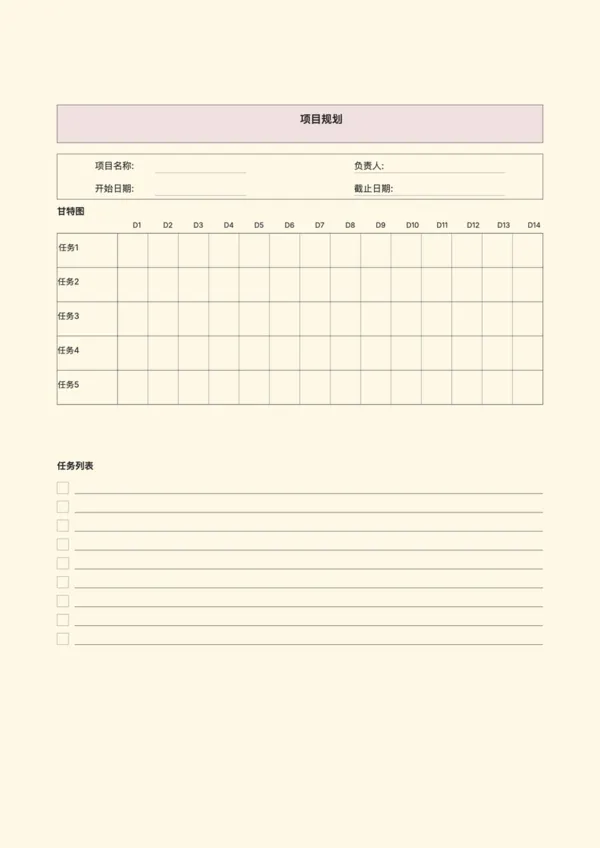
Project Planning Paper
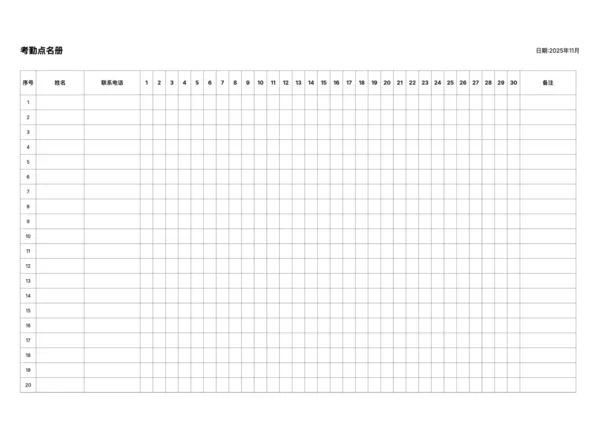
Attendance Roster
Attendance Roster
Daily AM/PM Roster
Daily AM/PM Roster
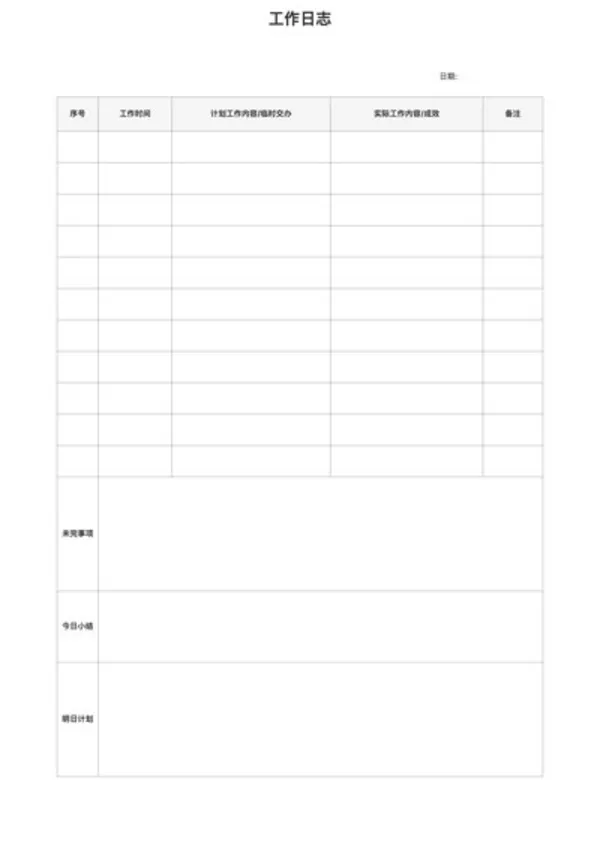
Work Log
Work Log

Related Articles

Parent Essentials: The Ultimate Free Printable Worksheet Collection for Kids (Grid, Pinyin, Error Log & More)

Export

Settings
Quick Settings

Recommended Setup

Recommended Setup

For general use, we recommend using default settings on A4 paper. This provides the best balance between usability and print quality.

Adjust the parameters in the control panel to match your specific needs. All settings can be customized in real-time.

Printing Tips

Printing Tips

Paper Selection: For best results, use standard 80-100 gsm copy paper.

Print Quality: Set your printer to 300 DPI or 'High Quality' mode for crisp output.

Test Print: Always print a single test page first to verify settings before printing multiple copies.
OfficeDocPrint

OfficeDocPrint

Printable templates for classrooms, studios, and daily planners.

Product

  • Template Library
  • Changelog
  • OfficeDocPrint Main Site

Resources

  • About Us
  • Help & Feedback

Printable templates for classrooms, studios, and daily planners.

OfficeDocPrint - Privacy PolicyOfficeDocPrint - Terms of Service
© 2025 OfficeDocPrint. All rights reserved.