
PP OfficeDocPrintAlways free
Template LibraryBlogHelp & Feedback
  1. Home/
  2. Template Library/
  3. Free Meeting Record Form Template - Tabular Meeting Minutes

Free Meeting Record Form Template - Tabular Meeting Minutes

What is a Meeting Record Form?

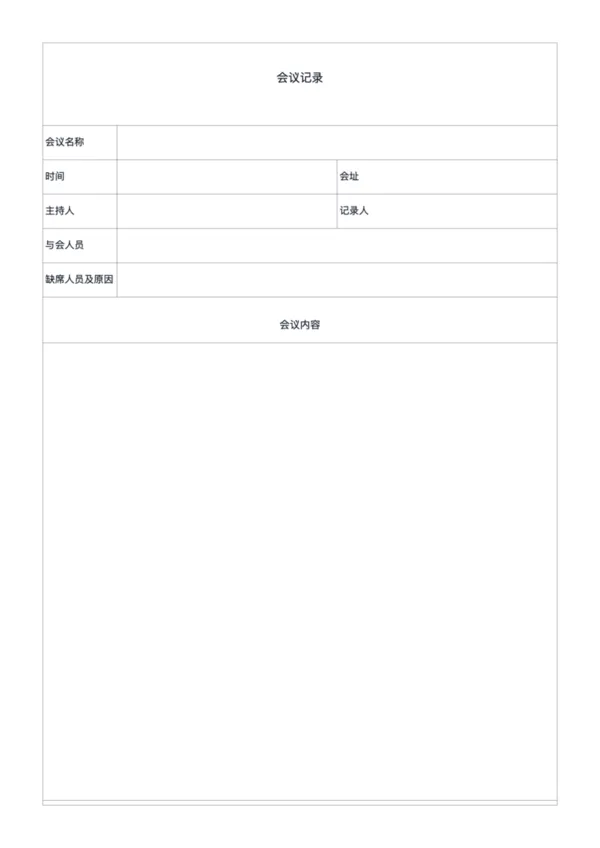
This template features a tabular structure that makes meeting information clearer and more organized, with a spacious content area suitable for detailed notes or supplementary materials.

Perfect for

  • Corporate meetings
  • Project kickoffs/reviews
  • Educational/academic activities
  • Community and volunteer events

How to use

  1. Select paper size and margins
  2. Adjust column width and row height as needed
  3. Choose whether to show NO. box
  4. Export as PNG or PDF for printing

FAQ

Meeting Notes have specific sections for Agenda and Action Items. This 'Record Form' is a more general-purpose, lined grid layout for flexible note-taking or interviews.
It's for indexing or serial numbering your pages/meetings. You can toggle 'Show No. Box' off if you don't need it.
Yes. The left column works well for questions or timestamps, while the main right area is perfect for capturing detailed responses.
Yes, adjust the 'Row Height' setting to match your handwriting style, ensuring your notes are neat and legible.

Related Templates

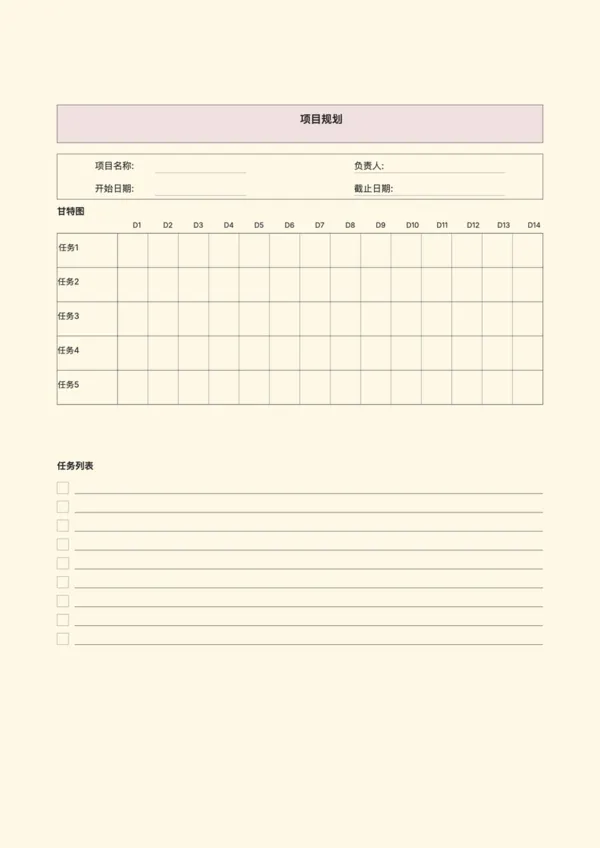
Project Planning Paper
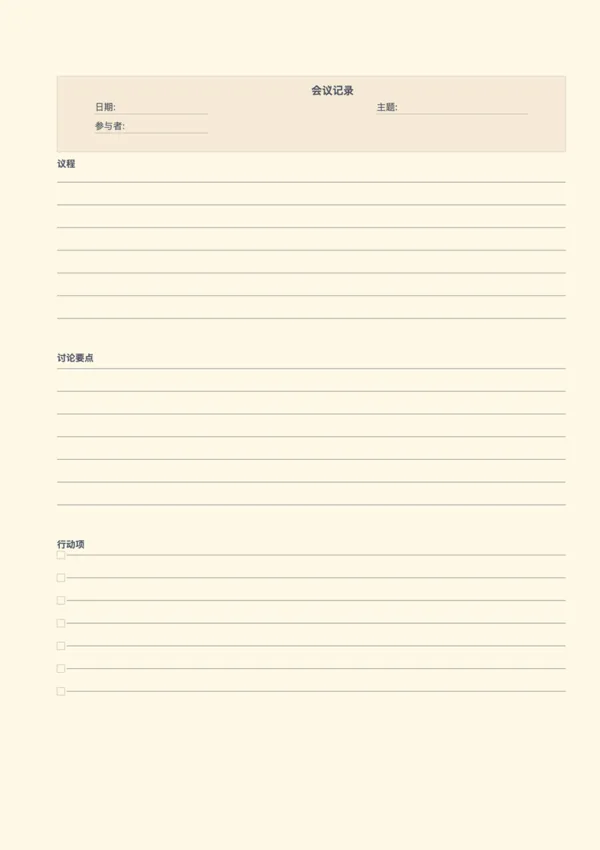
Meeting Note Paper
Meeting Note Paper
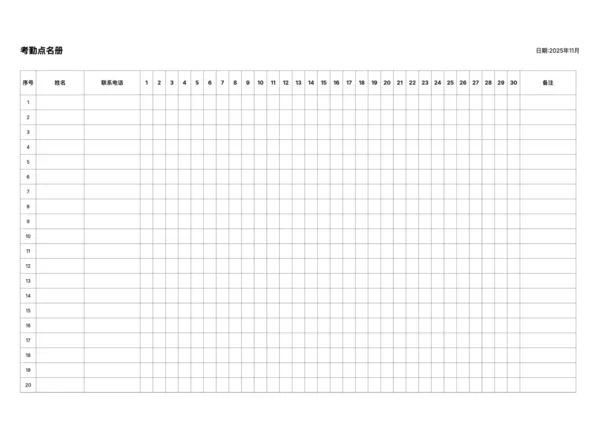
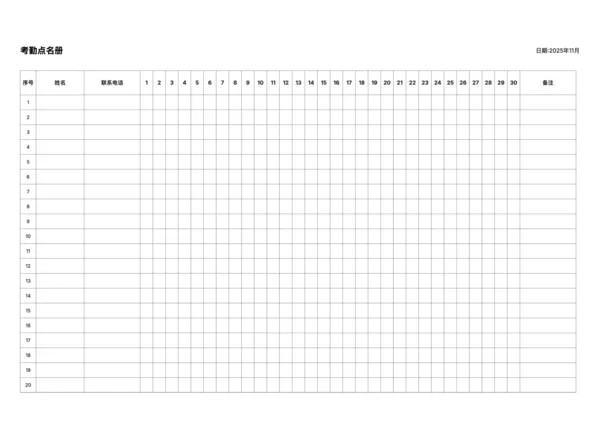
Attendance Roster
Attendance Roster
Daily AM/PM Roster
Daily AM/PM Roster

Related Articles

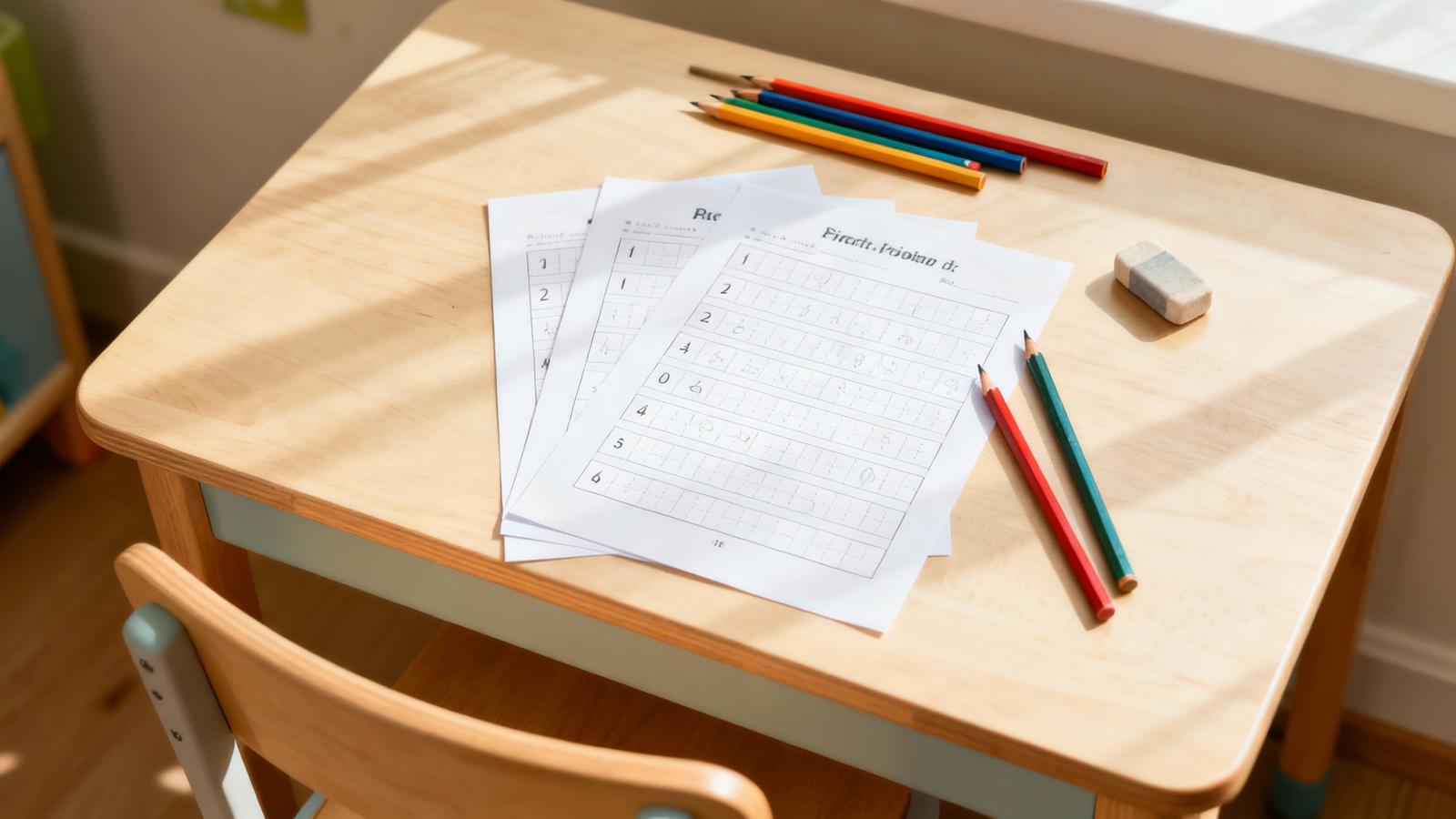
Parent Essentials: The Ultimate Free Printable Worksheet Collection for Kids (Grid, Pinyin, Error Log & More)
10x More Efficient Than Rote Memorization: Unveiling the Cornell Note-Taking Method and Ebbinghaus's Forgetting Curve (with Free Templates)

Export

Settings
Quick Settings

Recommended Setup

Recommended Setup

For general use, we recommend using default settings on A4 paper. This provides the best balance between usability and print quality.

Adjust the parameters in the control panel to match your specific needs. All settings can be customized in real-time.

Printing Tips

Printing Tips

Paper Selection: For best results, use standard 80-100 gsm copy paper.

Print Quality: Set your printer to 300 DPI or 'High Quality' mode for crisp output.

Test Print: Always print a single test page first to verify settings before printing multiple copies.
OfficeDocPrint

OfficeDocPrint

Printable templates for classrooms, studios, and daily planners.

Product

  • Template Library
  • Changelog
  • OfficeDocPrint Main Site

Resources

  • About Us
  • Help & Feedback

Printable templates for classrooms, studios, and daily planners.

OfficeDocPrint - Privacy PolicyOfficeDocPrint - Terms of Service
© 2025 OfficeDocPrint. All rights reserved.