PP OfficeDocPrintAlways free
Template LibraryBlogHelp & Feedback
  1. Home/
  2. Template Library/
  3. Free Printable Minimal Journal Template - Simple Diary & Life Log

Free Printable Minimal Journal Template - Simple Diary & Life Log

What is a Minimal Journal Template?

A minimal journal template is a simply designed, versatile paper for journaling and note-taking, created for enthusiasts of minimalist aesthetics. It typically features dot grid, graph, or blank layouts with warm background tones, aiming to provide a writing space that is both beautiful and functional. It allows users to freely plan, record, and create, capturing every beautiful moment of life.

Who is it for?

  • Journaling enthusiasts who love to document life's moments with pen and paper.
  • Bullet Journal (BuJo) users who need to plan their daily and weekly tasks.
  • Writers who enjoy keeping a diary to express their thoughts and feelings.
  • Creative individuals who want to make travel logs or reading notes with creative layouts.

How to Use the Minimal Journal Template?

  1. Choose a Layout: Select from different paper styles like dot grid, graph, or lined in the control panel to suit your preference.
  2. Personalize Your Settings: Adjust parameters like background color and margins to create your unique journal pages.
  3. Add Decorations: After printing, use stickers, washi tape, and colored pens to personalize your journal.
  4. Create Freely: Plan your schedule, log your mood, paste your photos, and unleash your creativity on the paper.

Application Scenarios

  • Daily Diary: Record your mood, reflections, and important events of the day.
  • Bullet Journaling: Create monthly and weekly spreads, track habits, and manage to-do lists.
  • Travel Journal: Paste tickets and photos from your trips, accompanied by text, to create a unique travel memoir.
  • Thematic Collections: Organize content by themes, such as movie reviews, food exploration logs, or favorite product lists.

FAQ

It focuses on simplicity, providing just a date box and your choice of background (blank, lined, or dot grid), giving you complete freedom for journaling or sketching.
Yes, you can precisely position the date box using the Top and Right offset sliders to fit your preferred layout.
Yes, switch the background to 'Dot' to create perfect pages for Bullet Journaling layouts.
A5 is the most popular size for journals, but A4, B5, and Letter sizes are also fully supported.

Related Templates

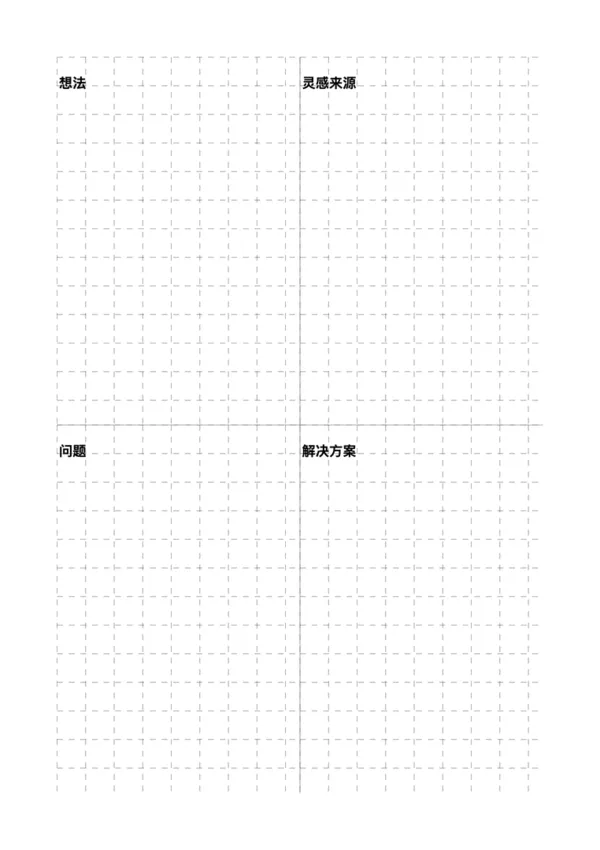
Creative Log
Creative Log
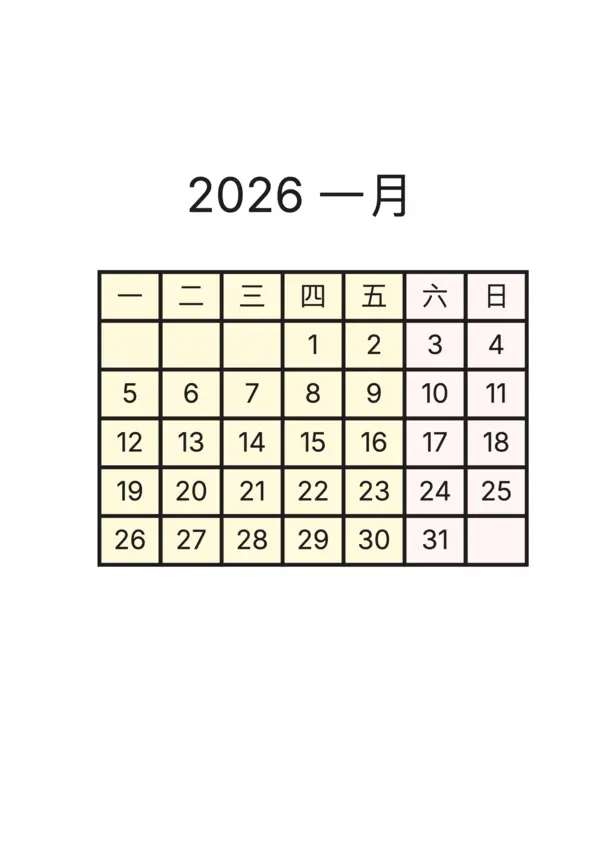
Journal Calendar
Journal Calendar
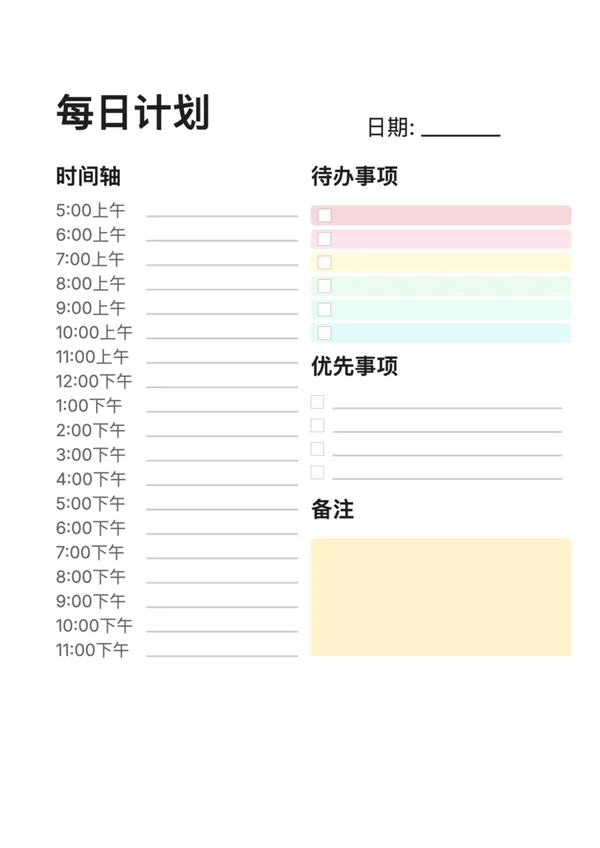
Daily Planner (Journal Style)
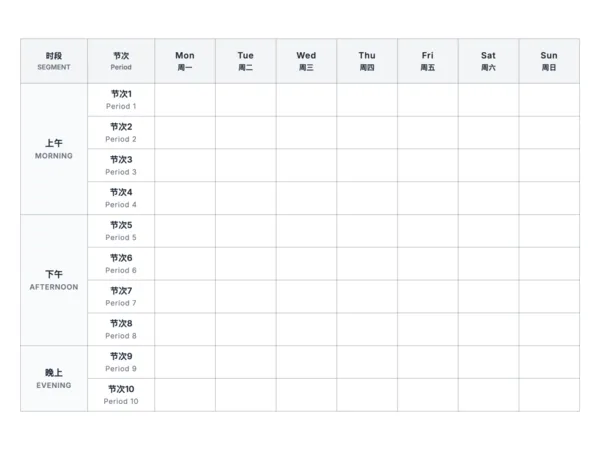
Class Timetable
Class Timetable

Export

Settings
Quick Settings

Recommended Setup

Recommended Setup

For general use, we recommend using default settings on A4 paper. This provides the best balance between usability and print quality.

Adjust the parameters in the control panel to match your specific needs. All settings can be customized in real-time.

Printing Tips

Printing Tips

Paper Selection: For best results, use standard 80-100 gsm copy paper.

Print Quality: Set your printer to 300 DPI or 'High Quality' mode for crisp output.

Test Print: Always print a single test page first to verify settings before printing multiple copies.

OfficeDocPrint

OfficeDocPrint

Printable templates for classrooms, studios, and daily planners.

Product

  • Template Library
  • Changelog
  • OfficeDocPrint Main Site

Resources

  • About Us
  • Help & Feedback

Printable templates for classrooms, studios, and daily planners.

OfficeDocPrint - Privacy PolicyOfficeDocPrint - Terms of Service
© 2025 OfficeDocPrint. All rights reserved.