PP OfficeDocPrintAlways free
Template LibraryBlogHelp & Feedback
  1. Home/
  2. Template Library/
  3. Free Packing List Template - Minimalist Travel Checklist

Free Packing List Template - Minimalist Travel Checklist

Why Use a Packing List Template?

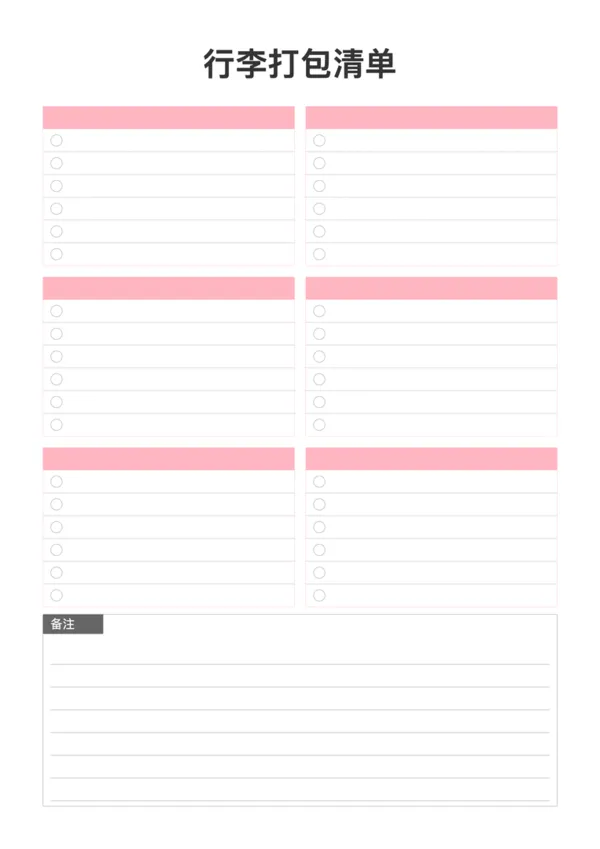
Packing for a trip can be stressful and it's easy to forget essentials. With this clean and organized packing list template, you can systematically plan your items. The grid layout allows for clear categorization and supports printing in various sizes like A4 and A5.

Template Features

  • Clear Categorization: Pre-defined blocks for categories like Clothing, Toiletries, Electronics, with fillable titles.
  • Minimalist Design: Clean visual style with soft colors, optimized for printing.
  • Flexible Customization: Adjust column count, number of categories, items per category, and font sizes.
  • Various Sizes: Perfectly adapts to common paper sizes like A4, A5, and Letter.

Usage Tips

  • Categorize Items: Fill in items by category, such as 'Documents', 'Daily Essentials', 'Clothing'.
  • Check Off Items: Print it out and check off items as you pack to ensure nothing is left behind.
  • Use Notes: Utilize the notes section at the bottom for itinerary details or special reminders.

FAQ

The categories are blank for you to label manually (e.g., 'Clothes', 'Docs', 'Gadgets'). This flexibility makes it suitable for any trip, from camping to business.
You can adjust the 'Category Count' setting to display anywhere from 2 to 8 distinct sections on the page.
Yes, increase the 'Items per Category' setting to add more lines to each section, ensuring you don't run out of space for long lists.
Yes, use the 'Theme Color' picker to assign different colors for different family members or trip types.

Related Templates

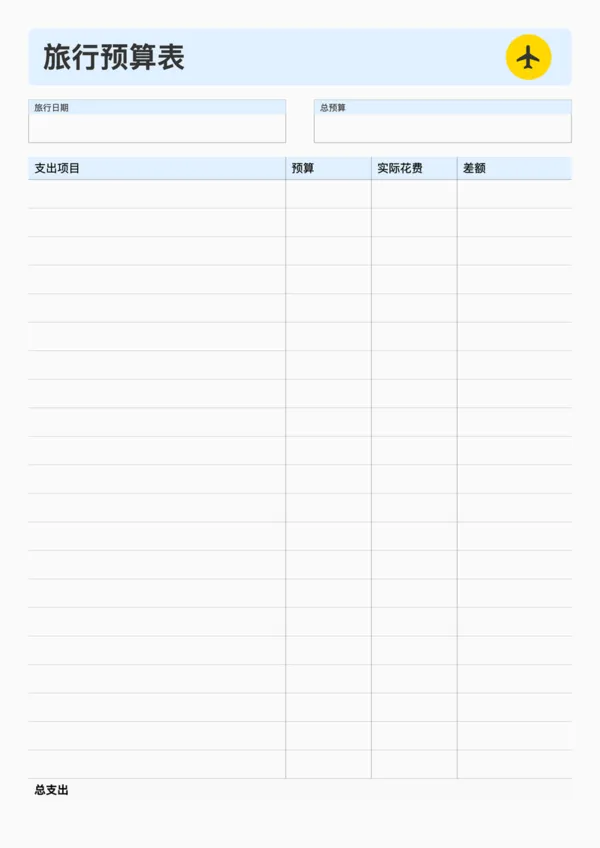
Travel Budget Planner
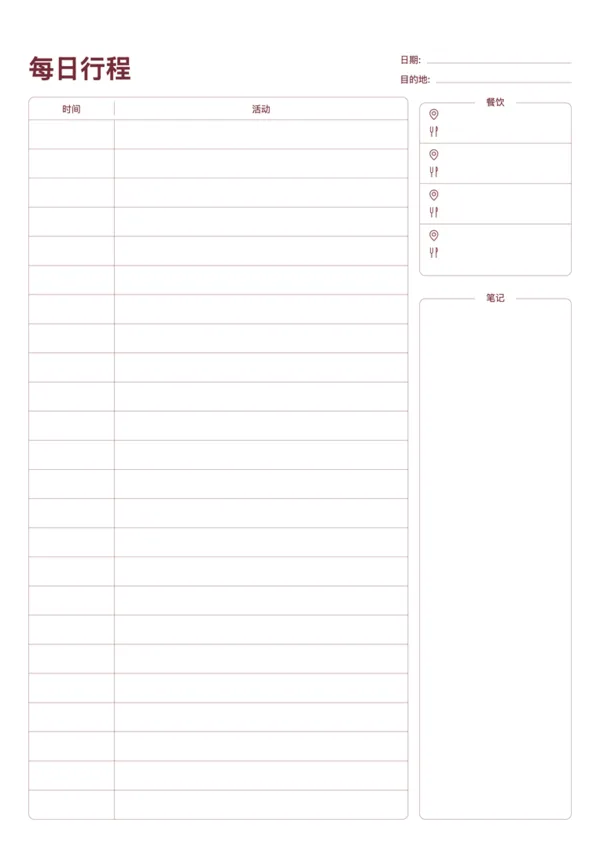
Travel Daily Itinerary
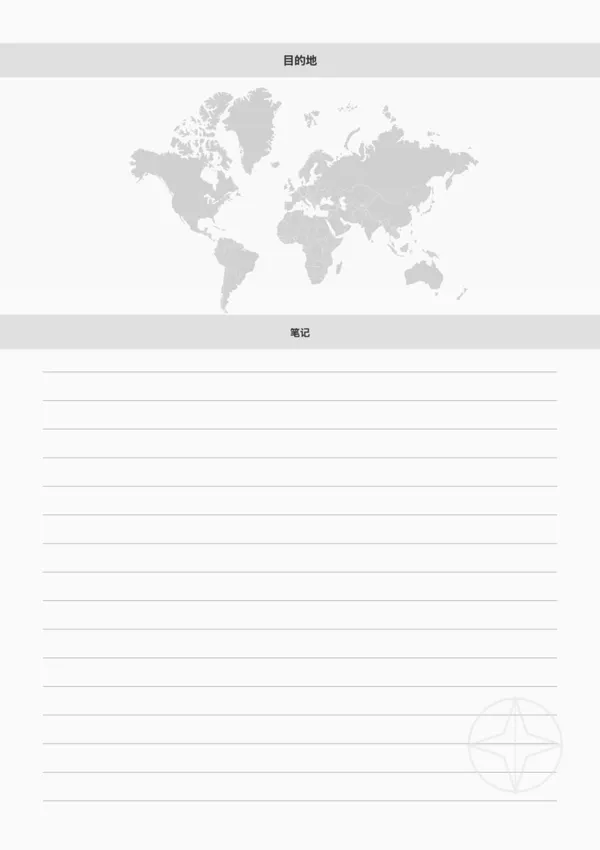
Travel Destination Note
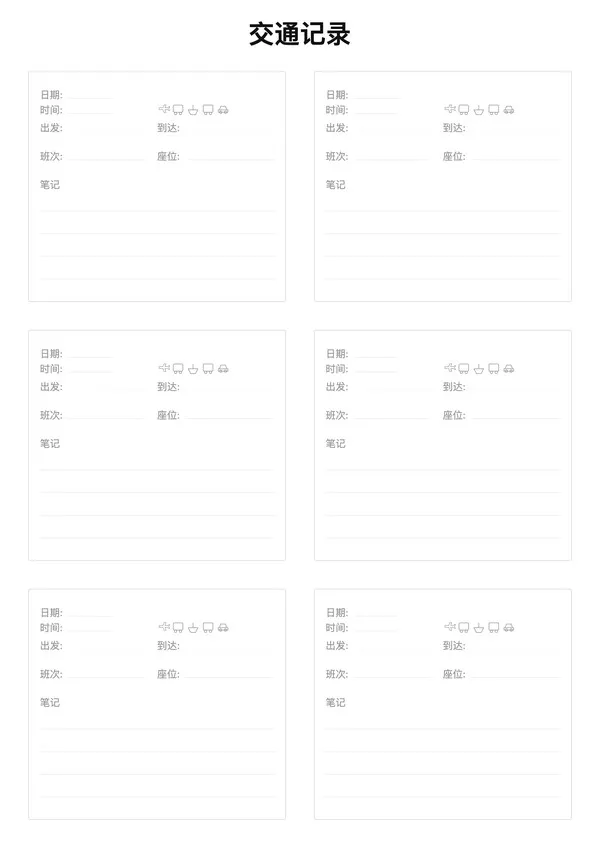
Travel Transportation Record

Export

Settings
Quick Settings

Recommended Setup

Recommended Setup

For general use, we recommend using default settings on A4 paper. This provides the best balance between usability and print quality.

Adjust the parameters in the control panel to match your specific needs. All settings can be customized in real-time.

Printing Tips

Printing Tips

Paper Selection: For best results, use standard 80-100 gsm copy paper.

Print Quality: Set your printer to 300 DPI or 'High Quality' mode for crisp output.

Test Print: Always print a single test page first to verify settings before printing multiple copies.
OfficeDocPrint

OfficeDocPrint

Printable templates for classrooms, studios, and daily planners.

Product

  • Template Library
  • Changelog
  • OfficeDocPrint Main Site

Resources

  • About Us
  • Help & Feedback

Printable templates for classrooms, studios, and daily planners.

OfficeDocPrint - Privacy PolicyOfficeDocPrint - Terms of Service
© 2025 OfficeDocPrint. All rights reserved.