

PP OfficeDocPrintAlways free
Template LibraryBlogHelp & Feedback
  1. Home/
  2. Template Library/
  3. Free Printable Pinyin Tian Zi Ge Template - Chinese Character & Pinyin Practice

Free Printable Pinyin Tian Zi Ge Template - Chinese Character & Pinyin Practice

What is a Pinyin Tian Zi Ge Template?

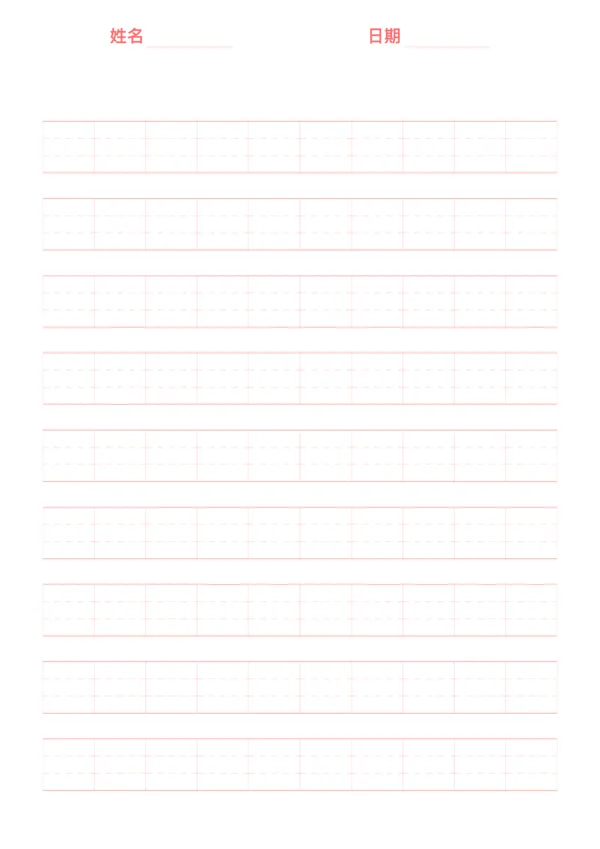
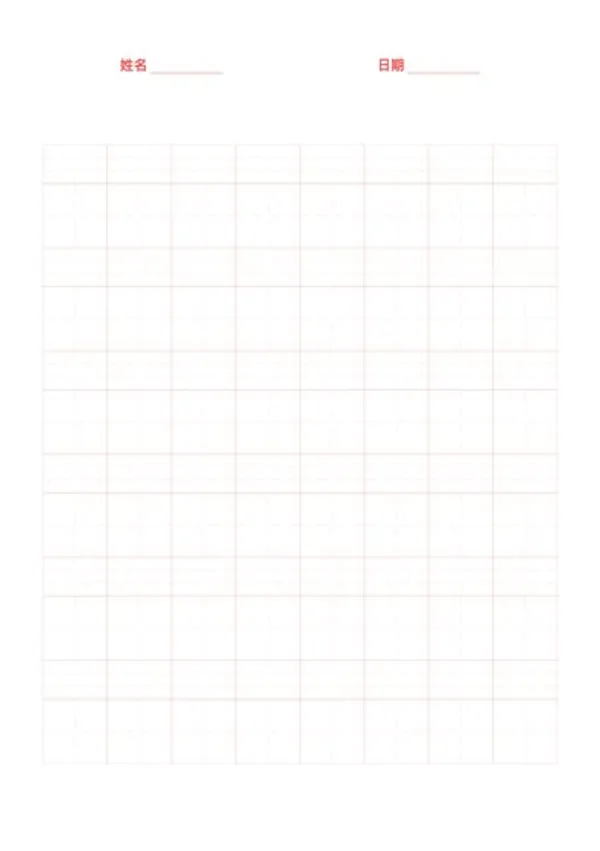
A Pinyin Tian Zi Ge template is a comprehensive practice sheet that combines Hanyu Pinyin with Chinese character writing. Each cell is cleverly divided into two parts: a Pinyin area at the top for phonetic notation, and a 'Tian Zi Ge' (a square grid with cross-hatching) at the bottom for practicing character strokes. This design allows learners to practice a character's pronunciation and writing simultaneously, reinforcing the connection between sound, form, and meaning. It is one of the most effective learning tools in the early stages of Chinese literacy.

Who is it for?

  • Preschoolers and first-grade students who are just beginning to learn Chinese characters and Pinyin.
  • Beginners of Chinese as a foreign language who need to consolidate both character forms and Pinyin.
  • Chinese language teachers who assign 'write characters from Pinyin' homework.
  • Parents who wish to provide systematic language tutoring for their children at home.

How to Use the Pinyin Tian Zi Ge Template?

  1. Teacher Demonstration: A teacher can write a new character in the Tian Zi Ge and add its Pinyin and tone mark in the area above.
  2. Student Practice: Students practice by first reading the Pinyin, then writing the character, reinforcing their memory of the new word.
  3. Write Words from Pinyin: After mastering single characters, move on to practicing words by writing the Pinyin and characters for a whole word in consecutive cells.
  4. Self-Testing: Cover the character part and try to write the corresponding character by only looking at the Pinyin to check your learning progress.

Application Scenarios

  • New Character Lessons: Use it during class to teach the pronunciation and writing of new characters simultaneously.
  • Daily Homework: Assign 'daily characters' homework, requiring students to add Pinyin and copy each character.
  • Preview and Review: Use the template to preview new characters before a lesson or to review difficult ones before an exam.
  • Flashcard Creation: Print and cut the sheets to create small flashcards for learning on the go.

FAQ

It's a composite layout with Pinyin lines on top and a Tianzi (Field) Grid below, used for practicing Chinese characters alongside their pronunciation.
Yes, by adjusting the 'Cells per Row', you can make the grids larger for beginners or smaller for advanced practice.
Yes, you can change the opacity or style (solid/dashed) of the inner cross lines in the Tianzi grid to suit your preference.
Yes, this is the standard format used in Chinese primary schools for vocabulary homework.

Related Templates

Pinyin Practice Paper
Composition Paper
Composition Paper
Arithmetic Paper
Arithmetic Paper
English Writing Paper

Related Articles

Parent Essentials: The Ultimate Free Printable Worksheet Collection for Kids (Grid, Pinyin, Error Log & More)
Cornell Notes: Two Free Printable Templates (Standard & with Header)
10x More Efficient Than Rote Memorization: Unveiling the Cornell Note-Taking Method and Ebbinghaus's Forgetting Curve (with Free Templates)

Export

Settings
Quick Settings

Recommended Setup

Recommended Setup

For general use, we recommend using default settings on A4 paper. This provides the best balance between usability and print quality.

Adjust the parameters in the control panel to match your specific needs. All settings can be customized in real-time.

Printing Tips

Printing Tips

Paper Selection: For best results, use standard 80-100 gsm copy paper.

Print Quality: Set your printer to 300 DPI or 'High Quality' mode for crisp output.

Test Print: Always print a single test page first to verify settings before printing multiple copies.
OfficeDocPrint

OfficeDocPrint

Printable templates for classrooms, studios, and daily planners.

Product

  • Template Library
  • Changelog
  • OfficeDocPrint Main Site

Resources

  • About Us
  • Help & Feedback

Printable templates for classrooms, studios, and daily planners.

OfficeDocPrint - Privacy PolicyOfficeDocPrint - Terms of Service
© 2025 OfficeDocPrint. All rights reserved.