

PP OfficeDocPrintAlways free
Template LibraryBlogHelp & Feedback
  1. Home/
  2. Template Library/
  3. Free Reading Journal Template - Track Books & Thoughts

Free Reading Journal Template - Track Books & Thoughts

What is the Reading Journal Template?

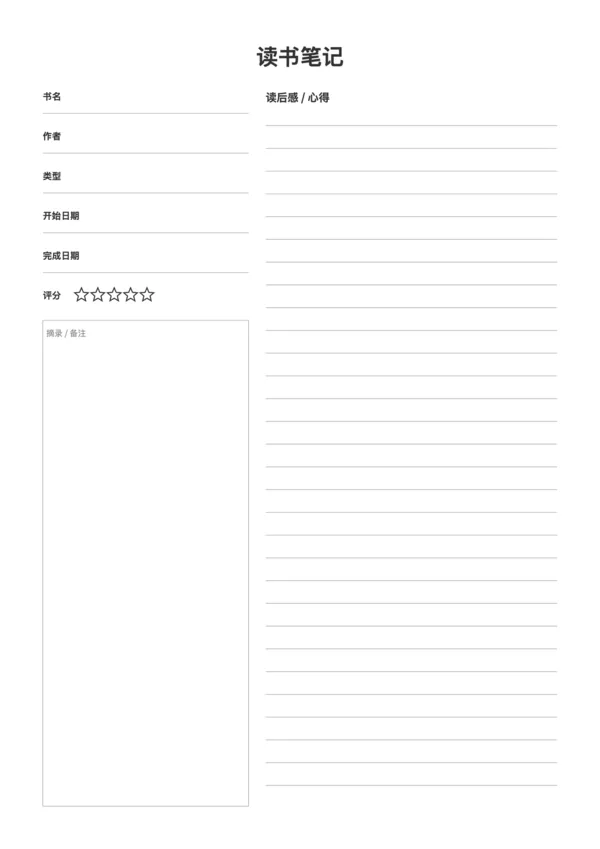
The Reading Journal Template is a printable sheet designed for deep readers to systematically record reading progress, book metadata, and reflections. It features a split-column layout with metadata on the left and ample writing space on the right.

Features

  • Structured Info Area: Quickly record title, author, rating, and more
  • Flexible Writing Space: Large lined area on the right for in-depth reflections
  • Visual Rating: Built-in 5-star rating system
  • Highly Customizable: Adjust column ratio, line spacing, and theme colors

Ideal For

  • Student extracurricular reading logs
  • Book club discussion preparation
  • Personal yearly reading challenge tracking
  • Deep book analysis and breakdown

FAQ

Yes, there is a star rating area at the top, along with fields for Title, Author, Start Date, and Finish Date to track your reading journey.
The narrower left column is perfect for quotes, page references, or key characters, while the wider right column is for your main summary and thoughts.
Yes, use the 'Column Ratio' slider to give more space to either quotes or summary, depending on how you prefer to take notes.
Yes, you can toggle the rating stars and date fields on or off, and adjust the primary color to match your journal's theme.

Related Templates

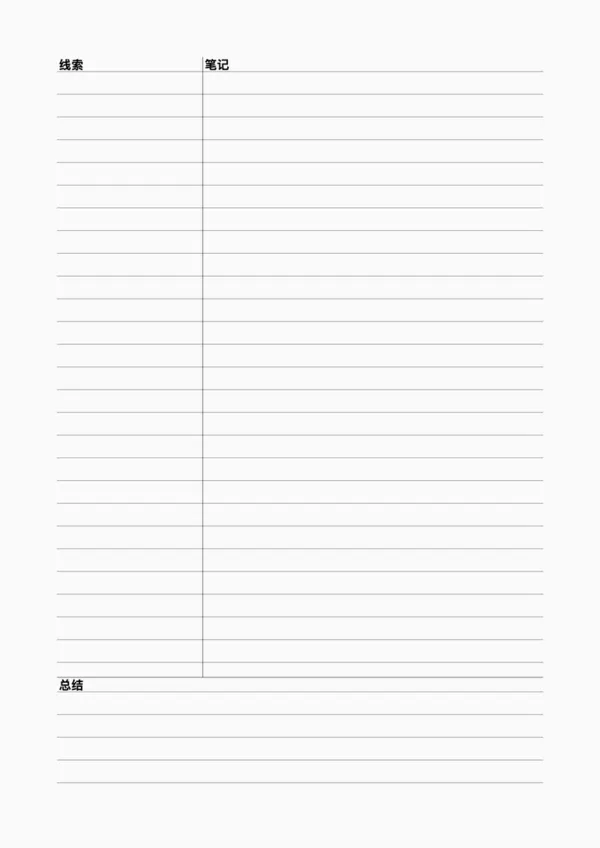
Cornell Note
Cornell Note
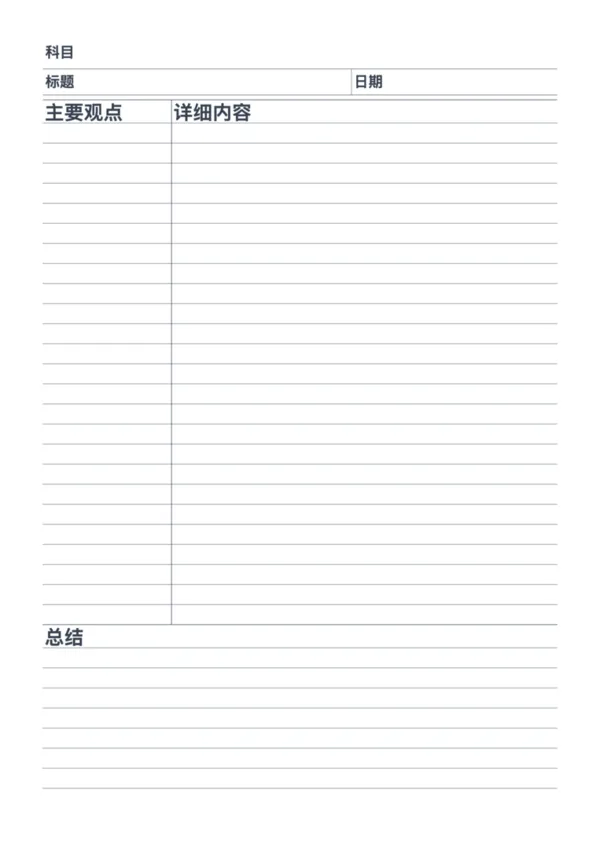
Cornell Note with Header
Vintage Note Paper
Vintage Note Paper
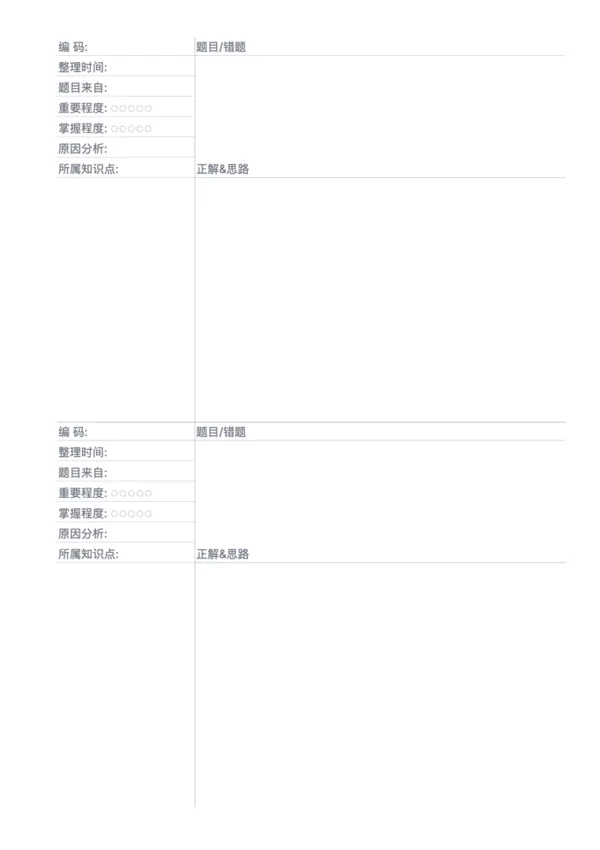
Error Correction Paper - Dual

Related Articles

Cornell Notes: Two Free Printable Templates (Standard & with Header)
10x More Efficient Than Rote Memorization: Unveiling the Cornell Note-Taking Method and Ebbinghaus's Forgetting Curve (with Free Templates)

Export

Settings
Quick Settings

Recommended Setup

Recommended Setup

For general use, we recommend using default settings on A4 paper. This provides the best balance between usability and print quality.

Adjust the parameters in the control panel to match your specific needs. All settings can be customized in real-time.

Printing Tips

Printing Tips

Paper Selection: For best results, use standard 80-100 gsm copy paper.

Print Quality: Set your printer to 300 DPI or 'High Quality' mode for crisp output.

Test Print: Always print a single test page first to verify settings before printing multiple copies.
OfficeDocPrint

OfficeDocPrint

Printable templates for classrooms, studios, and daily planners.

Product

  • Template Library
  • Changelog
  • OfficeDocPrint Main Site

Resources

  • About Us
  • Help & Feedback

Printable templates for classrooms, studios, and daily planners.

OfficeDocPrint - Privacy PolicyOfficeDocPrint - Terms of Service
© 2025 OfficeDocPrint. All rights reserved.