PP OfficeDocPrintAlways free
Template LibraryBlogHelp & Feedback
  1. Home/
  2. Template Library/
  3. Free Travel Budget Planner Template - Print & Track Travel Expenses

Free Travel Budget Planner Template - Print & Track Travel Expenses

What is a Travel Budget Planner?

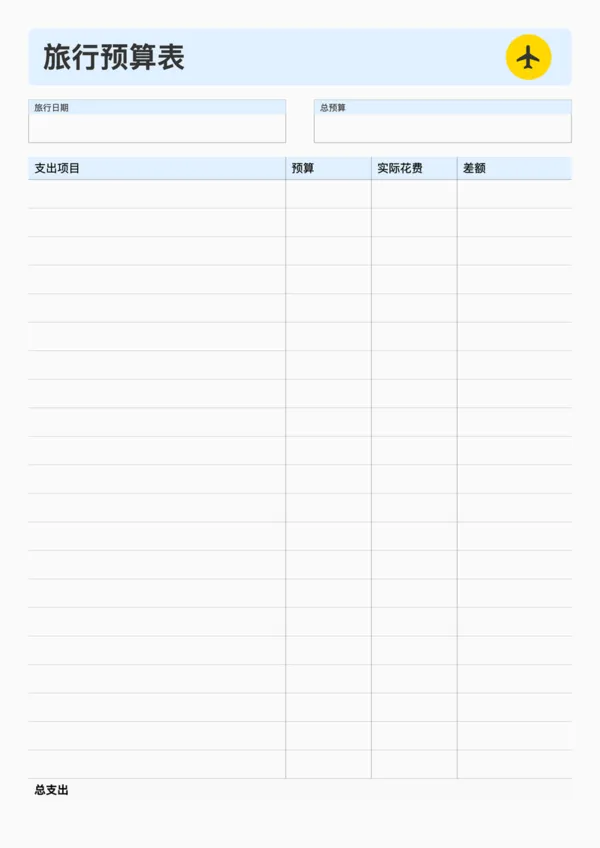
The Travel Budget Planner is an expense management tool designed for travelers. It helps you plan your budget before the trip, track actual expenses during the journey, and compare the differences to keep your finances in check.

Why use a Travel Budget Planner?

  • Avoid overspending and allocate funds reasonably
  • Track every expense for clear financial overview
  • Compare budget vs actual costs to optimize future trips

How to use?

  1. Enter your total travel budget in the 'Total Budget' section
  2. List specific expense categories (e.g., Transportation, Accommodation, Food) and estimated costs
  3. Record actual expenses during your trip
  4. Calculate the difference between budget and actuals to adjust spending

FAQ

No, this is a printable template designed for manual entry. It's great for physically tracking expenses on the go without needing a device.
It features 'Category', 'Description', 'Estimated Cost', 'Actual Cost', and 'Difference' columns to help you stay within budget.
Yes, it works perfectly as an expense log for business trips, helping you organize receipts and costs for reimbursement later.
Yes, you can adjust the 'Row Height' to ensure there is plenty of room to write down details about each expense.

Related Templates

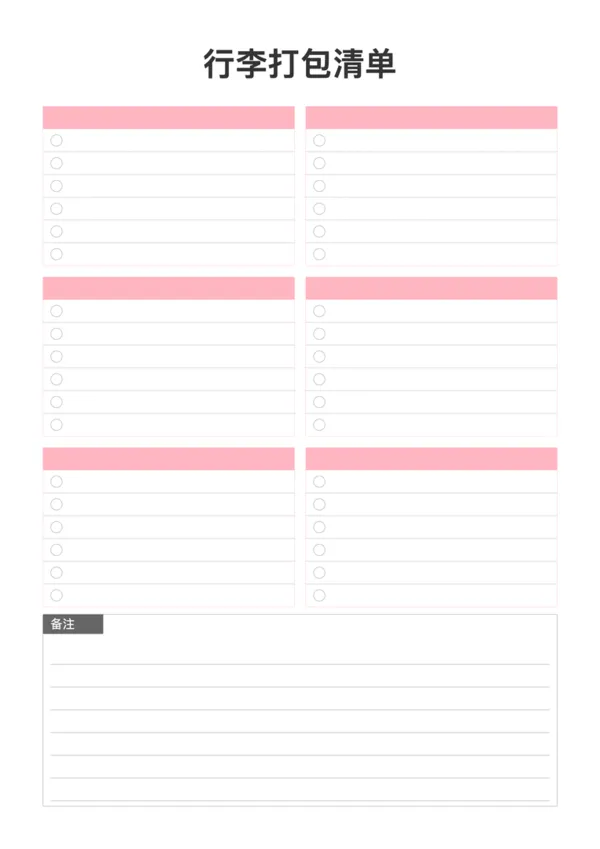
Packing List
Packing List
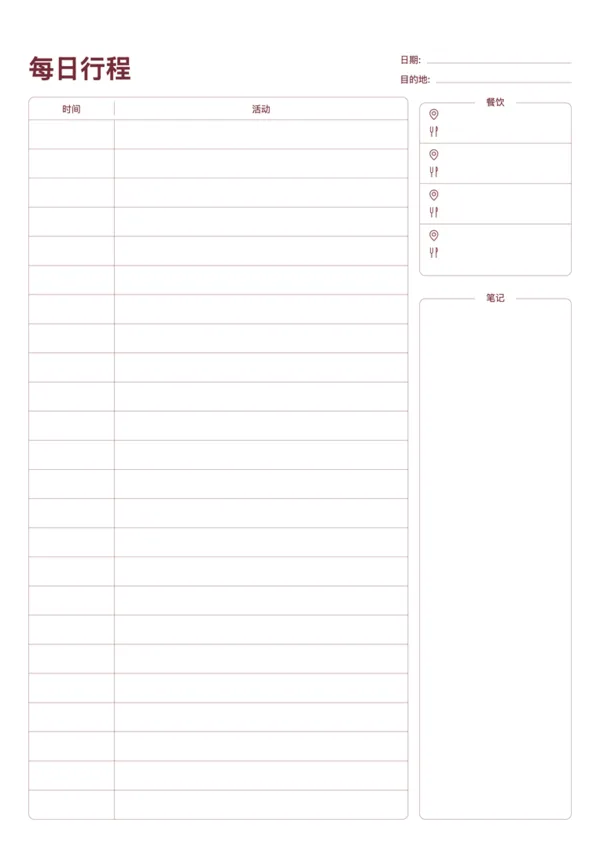
Travel Daily Itinerary
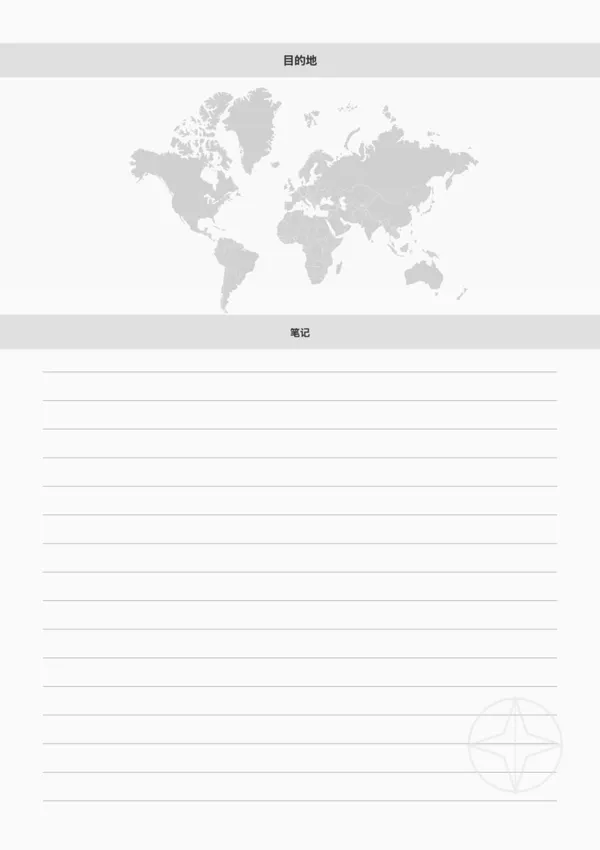
Travel Destination Note
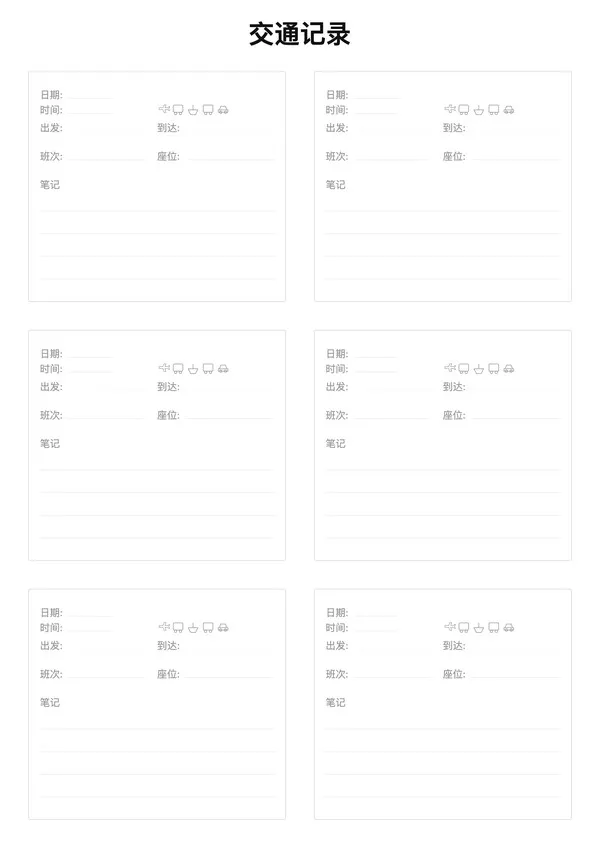
Travel Transportation Record

Export

Settings
Quick Settings

Recommended Setup

Recommended Setup

For general use, we recommend using default settings on A4 paper. This provides the best balance between usability and print quality.

Adjust the parameters in the control panel to match your specific needs. All settings can be customized in real-time.

Printing Tips

Printing Tips

Paper Selection: For best results, use standard 80-100 gsm copy paper.

Print Quality: Set your printer to 300 DPI or 'High Quality' mode for crisp output.

Test Print: Always print a single test page first to verify settings before printing multiple copies.
OfficeDocPrint

OfficeDocPrint

Printable templates for classrooms, studios, and daily planners.

Product

  • Template Library
  • Changelog
  • OfficeDocPrint Main Site

Resources

  • About Us
  • Help & Feedback

Printable templates for classrooms, studios, and daily planners.

OfficeDocPrint - Privacy PolicyOfficeDocPrint - Terms of Service
© 2025 OfficeDocPrint. All rights reserved.