PP OfficeDocPrintAlways free
Template LibraryBlogHelp & Feedback
  1. Home/
  2. Template Library/
  3. Free Travel Daily Itinerary Template - Online Printable Itinerary Generator

Free Travel Daily Itinerary Template - Online Printable Itinerary Generator

What is a Travel Daily Itinerary?

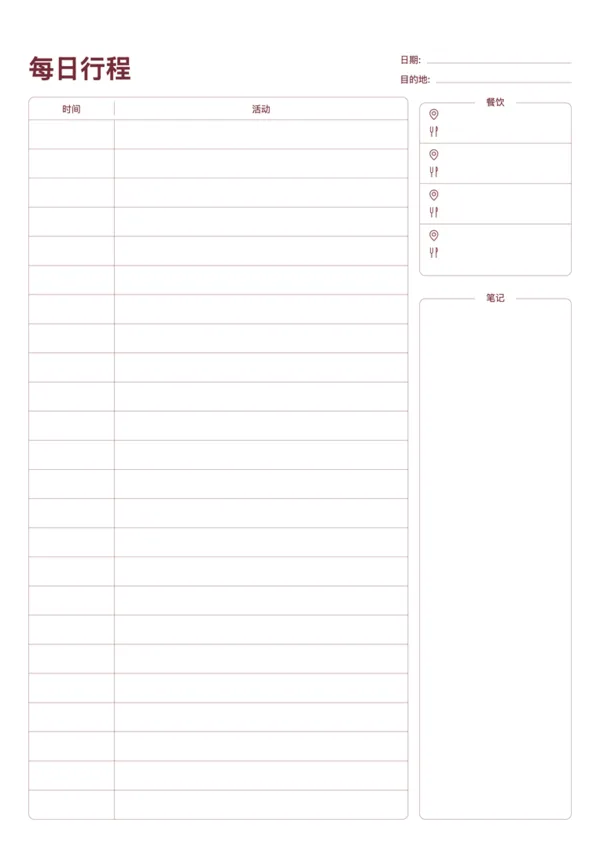
A Travel Daily Itinerary is a practical tool to help you plan every day of your trip. Record your schedule, activities, meal plans, and important notes to ensure a fulfilling and organized journey.

Why use a Daily Itinerary?

  • Manage your time effectively to avoid rushed or empty schedules
  • Plan meals and activities in advance so you don't miss out
  • Keep track of important information and memos for peace of mind

How to use it?

  1. Fill in the date and destination for a daily overview
  2. Plan specific activities in the time column on the left
  3. Use the food section on the right to record restaurant info or meal plans
  4. Jot down transport tips, booking numbers, or other notes in the notes area

FAQ

Yes, the left side features a timeline, allowing you to schedule activities, transit, and meals hour-by-hour for a smooth trip.
There is a dedicated header section for Accommodation, Flight/Train numbers, and Booking References, keeping crucial info at a glance.
The wider right column is for details, notes, costs, or specific directions for each activity on your itinerary.
A printed copy is a reliable backup. It doesn't run out of battery or require data roaming, which is essential for international travel.

Related Templates

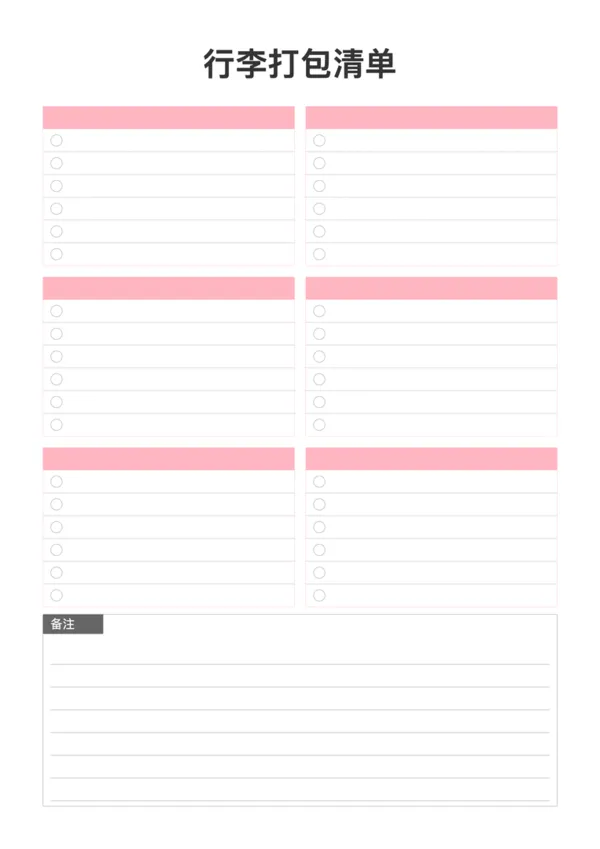
Packing List
Packing List
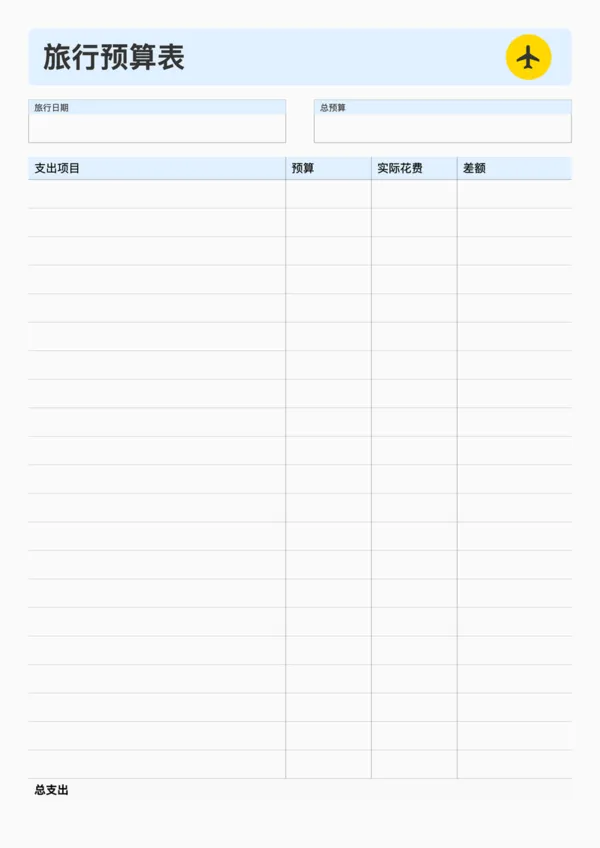
Travel Budget Planner
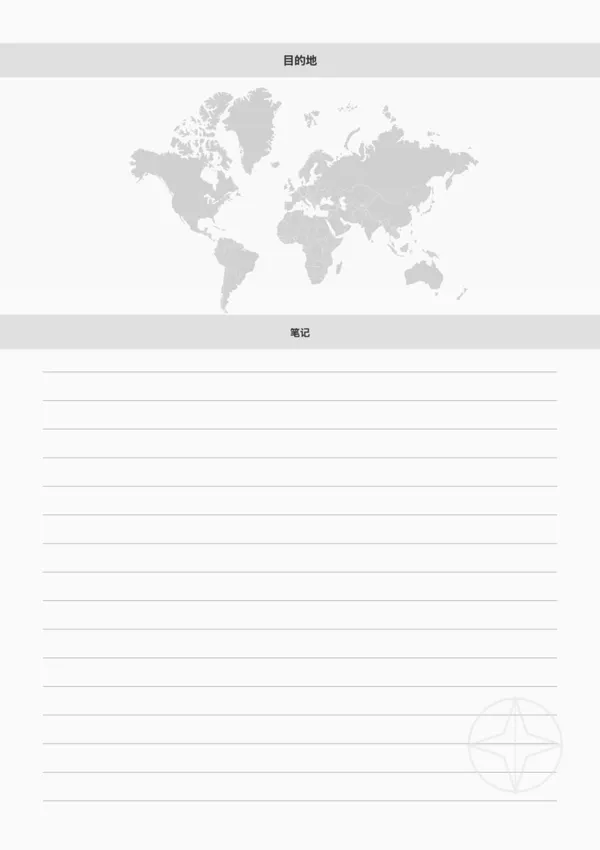
Travel Destination Note
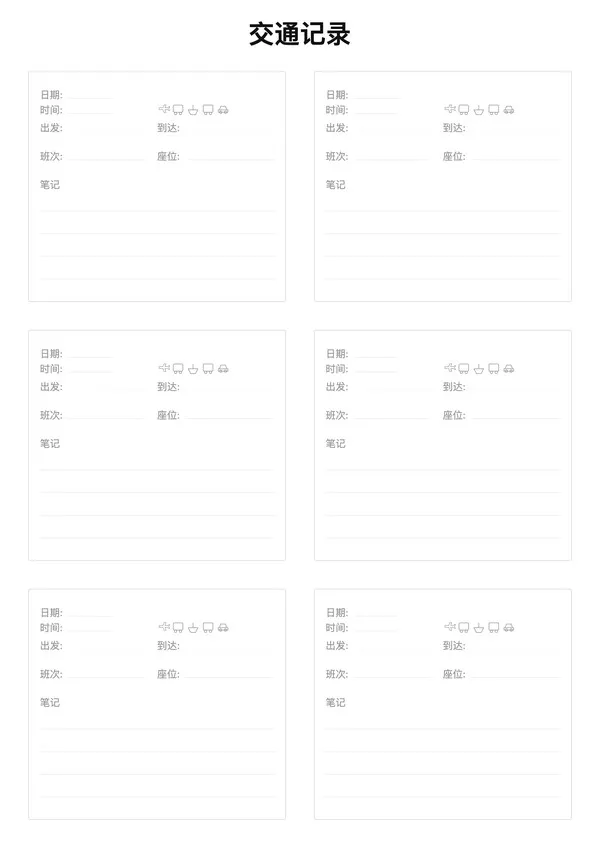
Travel Transportation Record

Export

Settings
Quick Settings

Recommended Setup

Recommended Setup

For general use, we recommend using default settings on A4 paper. This provides the best balance between usability and print quality.

Adjust the parameters in the control panel to match your specific needs. All settings can be customized in real-time.

Printing Tips

Printing Tips

Paper Selection: For best results, use standard 80-100 gsm copy paper.

Print Quality: Set your printer to 300 DPI or 'High Quality' mode for crisp output.

Test Print: Always print a single test page first to verify settings before printing multiple copies.
OfficeDocPrint

OfficeDocPrint

Printable templates for classrooms, studios, and daily planners.

Product

  • Template Library
  • Changelog
  • OfficeDocPrint Main Site

Resources

  • About Us
  • Help & Feedback

Printable templates for classrooms, studios, and daily planners.

OfficeDocPrint - Privacy PolicyOfficeDocPrint - Terms of Service
© 2025 OfficeDocPrint. All rights reserved.