
PP OfficeDocPrintAlways free
Template LibraryBlogHelp & Feedback
  1. Home/
  2. Template Library/
  3. Free Travel Destination Note Template - Plan Your Trip

Free Travel Destination Note Template - Plan Your Trip

What is the Travel Destination Note Template?

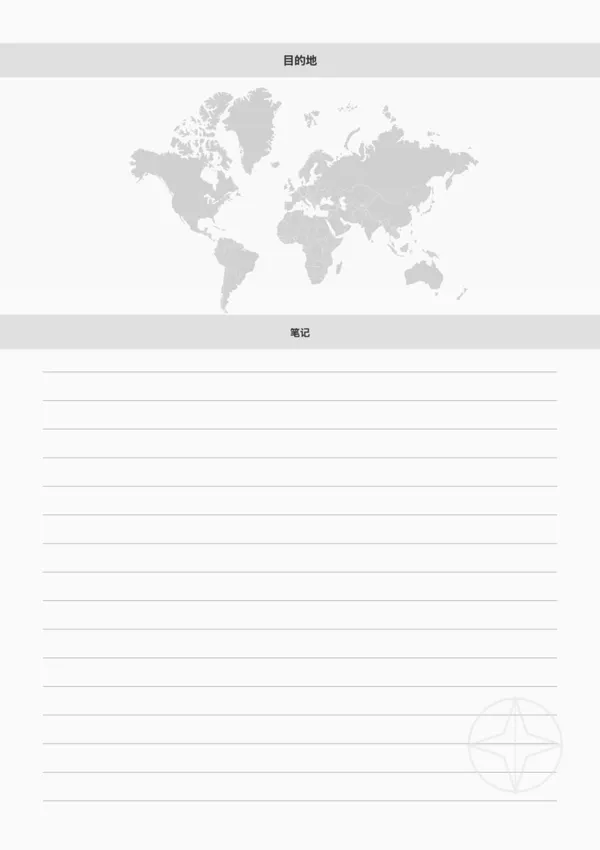
The Travel Destination Note Template is a tool designed for travel enthusiasts. It combines a decorative world map background with practical note-taking areas, allowing you to organize your trip plans or memories with style.

Who is this template for?

  • Backpackers planning their itinerary
  • Creative journalers documenting their trips
  • Students researching destination information
  • Writers recording travel inspiration

How to use this template?

  1. Enter the destination name in the title bar
  2. Enjoy the atmospheric world map background
  3. Use the lined section to record transport, accommodation, food, or attractions
  4. Print it out and add it to your travel journal

FAQ

The central area is for sketching a rough map of the city or pasting a printed map snippet to mark your points of interest and route.
Yes, you can toggle the 'Show Compass' option on or off depending on whether you want a decorative travel vibe or a cleaner look.
Both! Use it to list 'Must-Sees' and 'Must-Eats' before you go, or fill it with memories and sketches after you return.
Yes, it's designed to match our Itinerary and Budget templates, allowing you to create a cohesive DIY travel planner book.

Related Templates

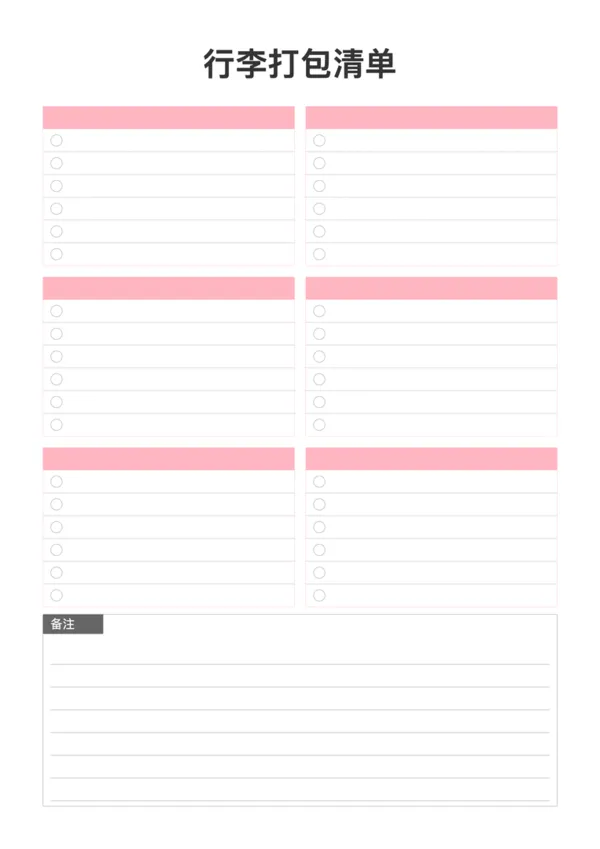
Packing List
Packing List
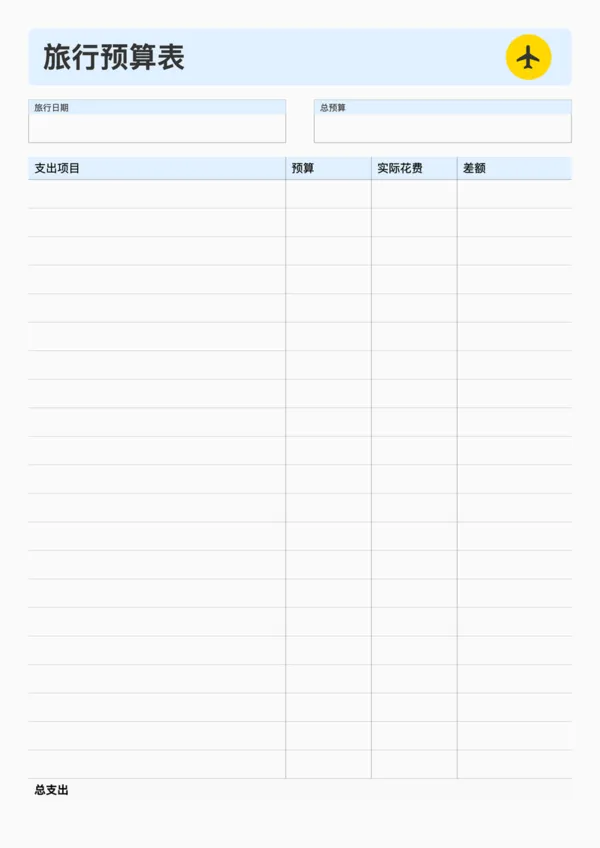
Travel Budget Planner
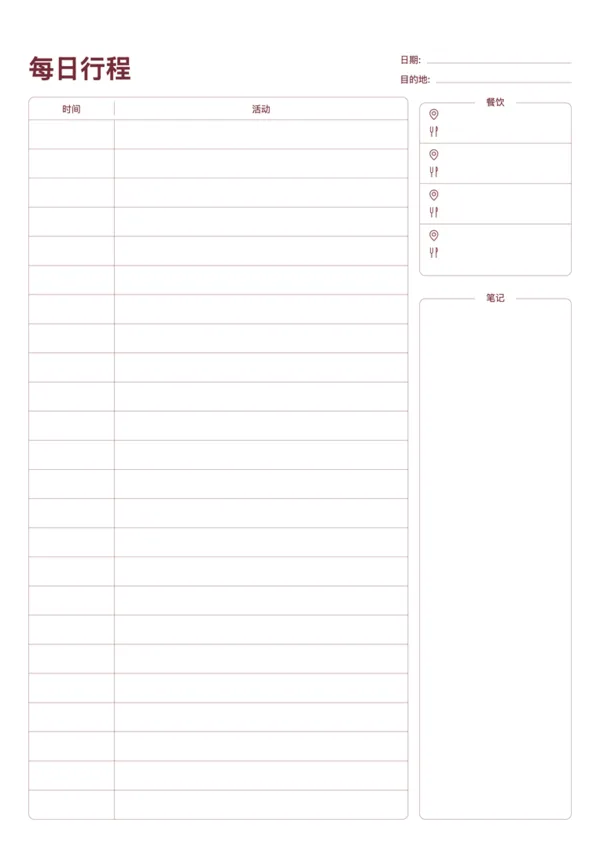
Travel Daily Itinerary
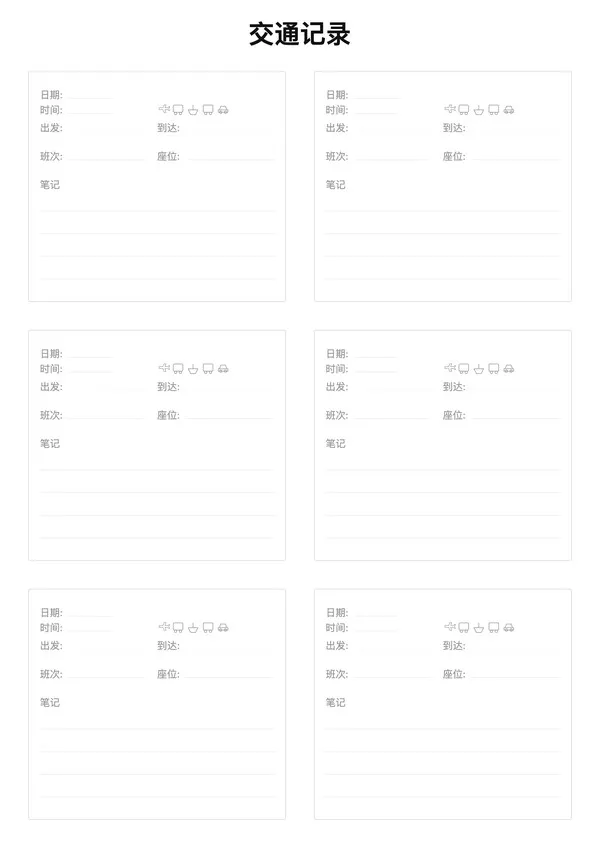
Travel Transportation Record

Related Articles

Cornell Notes: Two Free Printable Templates (Standard & with Header)
10x More Efficient Than Rote Memorization: Unveiling the Cornell Note-Taking Method and Ebbinghaus's Forgetting Curve (with Free Templates)

Export

Settings
Quick Settings

Recommended Setup

Recommended Setup

For general use, we recommend using default settings on A4 paper. This provides the best balance between usability and print quality.

Adjust the parameters in the control panel to match your specific needs. All settings can be customized in real-time.

Printing Tips

Printing Tips

Paper Selection: For best results, use standard 80-100 gsm copy paper.

Print Quality: Set your printer to 300 DPI or 'High Quality' mode for crisp output.

Test Print: Always print a single test page first to verify settings before printing multiple copies.
OfficeDocPrint

OfficeDocPrint

Printable templates for classrooms, studios, and daily planners.

Product

  • Template Library
  • Changelog
  • OfficeDocPrint Main Site

Resources

  • About Us
  • Help & Feedback

Printable templates for classrooms, studios, and daily planners.

OfficeDocPrint - Privacy PolicyOfficeDocPrint - Terms of Service
© 2025 OfficeDocPrint. All rights reserved.