PP OfficeDocPrintAlways free
Template LibraryBlogHelp & Feedback
  1. Home/
  2. Template Library/
  3. Free Travel Food List Template - Record Delicious Moments

Free Travel Food List Template - Record Delicious Moments

Travel Food List Template - Record Your Culinary Journey

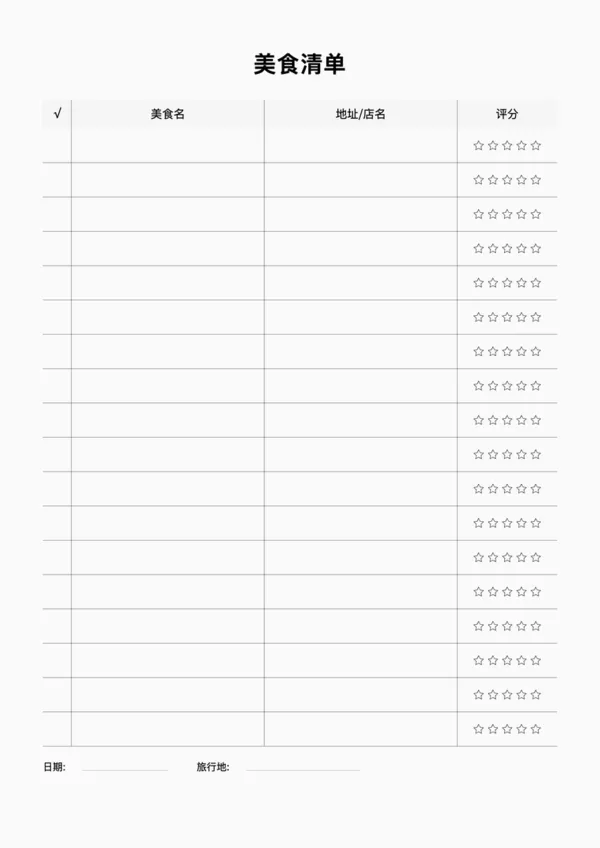
OfficeDocPrint provides a free Travel Food List template designed for foodies and travelers. Keep track of restaurants, addresses, and your personal ratings to create a unique food map. Customize row height, colors, and rating column visibility, then preview and export high-quality printables.

Perfect For

  • Travel foodies and explorers
  • Food bloggers and critics
  • Family trip planning
  • City food map creation

Key Features

  • Includes Food Name, Address, and 5-Star Rating columns
  • Toggle rating column for flexible layout
  • Customizable header background and line colors
  • High-quality printing on A4, A5, and other sizes

FAQ

Both! List your target restaurants and addresses before the trip, then rate the food and record the cost after you eat.
Yes, each entry includes a 5-star rating scale and a price range indicator ($/$$/$$$) to help you track your best dining experiences.
There is a specific field for 'Must-Order Items'. Fill this in during your research so you know exactly what to order when you arrive.
Typically 8-12 restaurants fit on a single A4 sheet, perfect for a weekend getaway or a focused food tour.

Related Templates

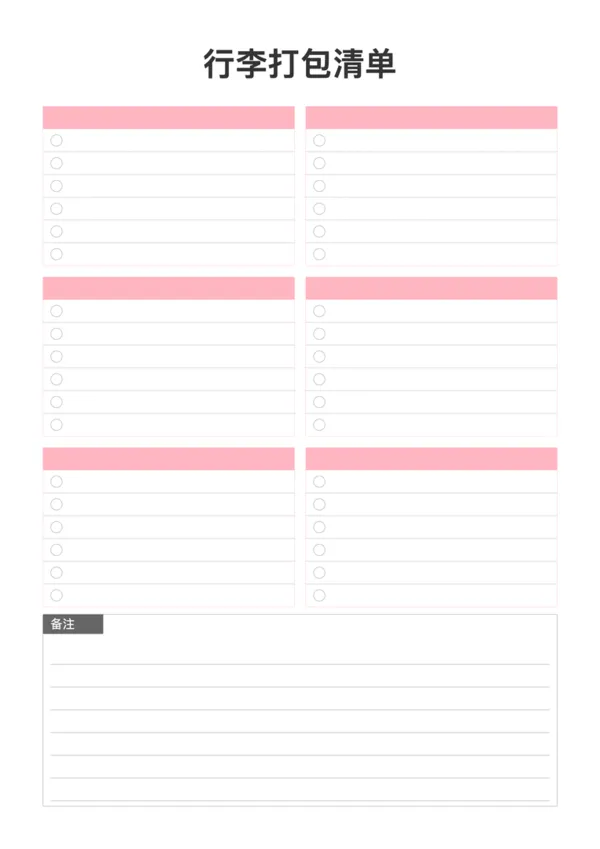
Packing List
Packing List
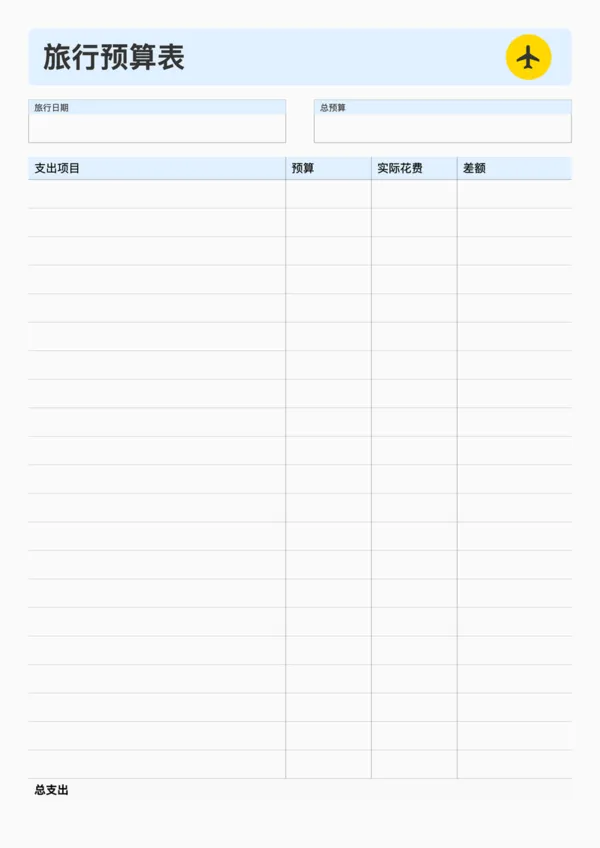
Travel Budget Planner
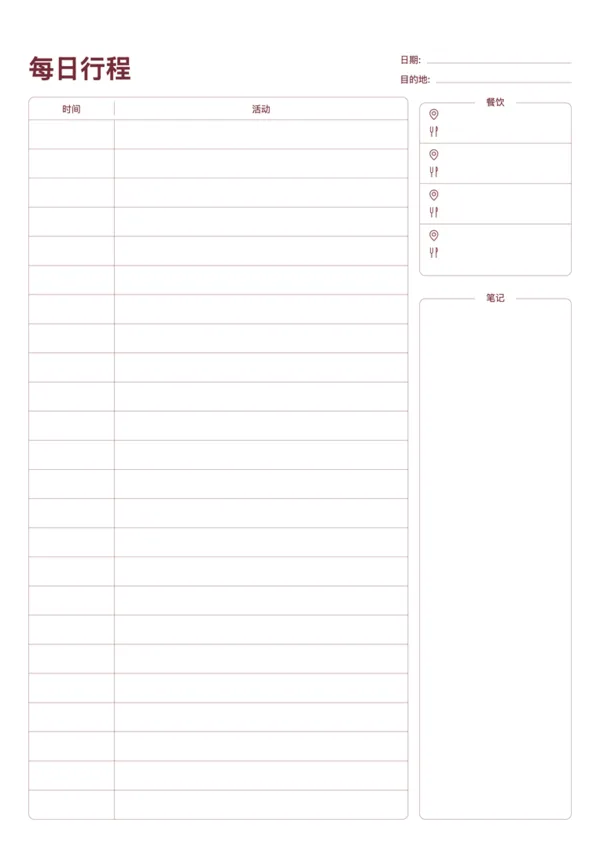
Travel Daily Itinerary
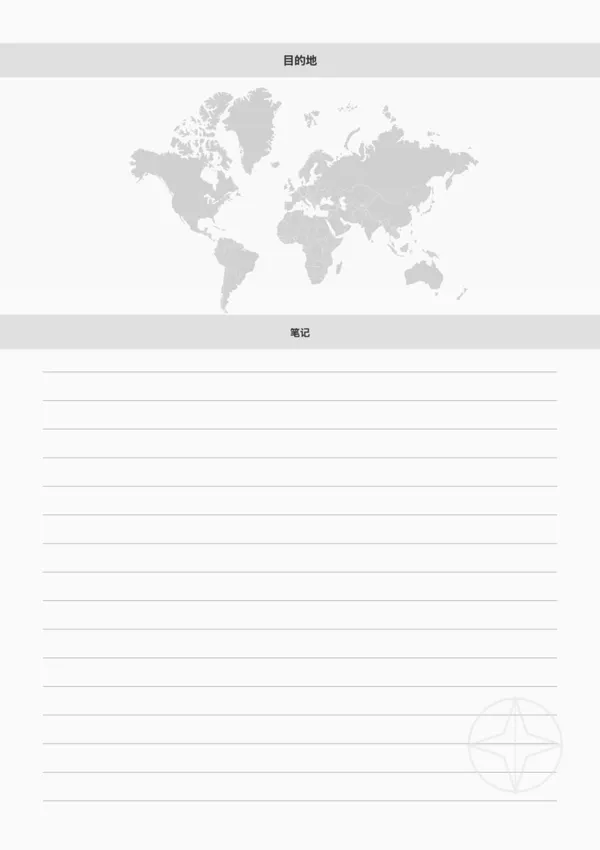
Travel Destination Note

Export

Settings
Quick Settings

Recommended Setup

Recommended Setup

For general use, we recommend using default settings on A4 paper. This provides the best balance between usability and print quality.

Adjust the parameters in the control panel to match your specific needs. All settings can be customized in real-time.

Printing Tips

Printing Tips

Paper Selection: For best results, use standard 80-100 gsm copy paper.

Print Quality: Set your printer to 300 DPI or 'High Quality' mode for crisp output.

Test Print: Always print a single test page first to verify settings before printing multiple copies.
OfficeDocPrint

OfficeDocPrint

Printable templates for classrooms, studios, and daily planners.

Product

  • Template Library
  • Changelog
  • OfficeDocPrint Main Site

Resources

  • About Us
  • Help & Feedback

Printable templates for classrooms, studios, and daily planners.

OfficeDocPrint - Privacy PolicyOfficeDocPrint - Terms of Service
© 2025 OfficeDocPrint. All rights reserved.