PP OfficeDocPrintAlways free
Template LibraryBlogHelp & Feedback
  1. Home/
  2. Template Library/
  3. Free Travel Journal Template - Record Your Journey

Free Travel Journal Template - Record Your Journey

Free Printable Travel Journal Template

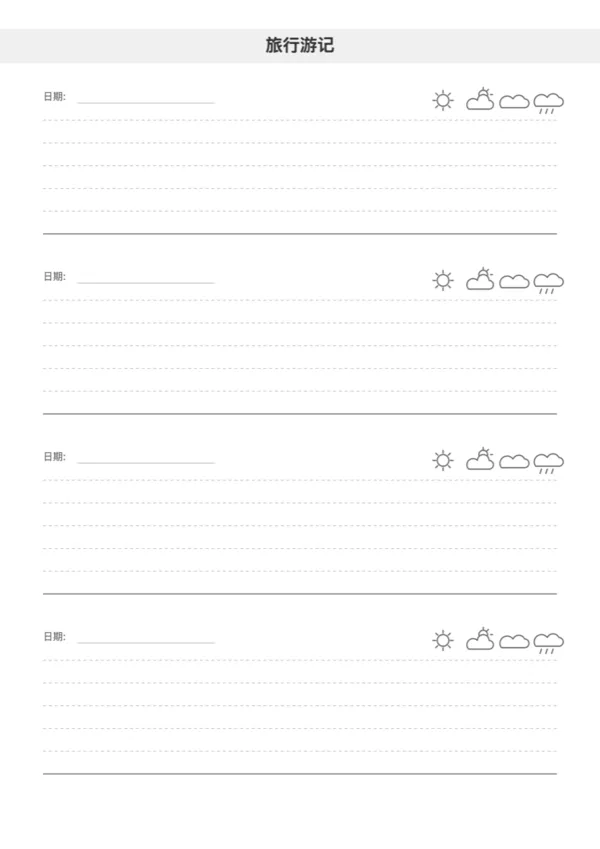
The Travel Journal template is designed for travelers to record their journey. With dedicated sections for date, weather, and notes, it helps you keep your travel memories organized and neat.

Features

  • Weather Icons: Built-in icons for Sunny, Cloudy, and Rainy weather.
  • Organized Layout: Clear sections for each entry with date fields.
  • Customizable: Adjust the number of sections per page and line spacing.
  • Print Friendly: Clean lines and icons designed for home printing.

How to Use

  1. Print Ahead: Print multiple copies before your trip and bind them.
  2. Daily Log: Spend a few minutes each day recording the weather and highlights.
  3. Scrapbooking: Paste tickets or photos in the margins or on the back.
  4. For Kids: Great for children to practice writing and observing weather during trips.

FAQ

Yes, it offers ample lined or blank space for detailed journaling. You can always print extra pages if you have a lot to say about a specific day.
It includes headers for Weather, Mood, Location, and summary fields for 'Steps Walked' or 'Daily Spend', capturing the vibe of your day.
Yes! There are open spaces designed for pasting Instax photos, museum tickets, stamps, or sketching a quick memory.
A5 is the traveler's favorite. It's compact enough to carry in a daypack but large enough to write comfortably. Fits standard A5 binders.

Related Templates

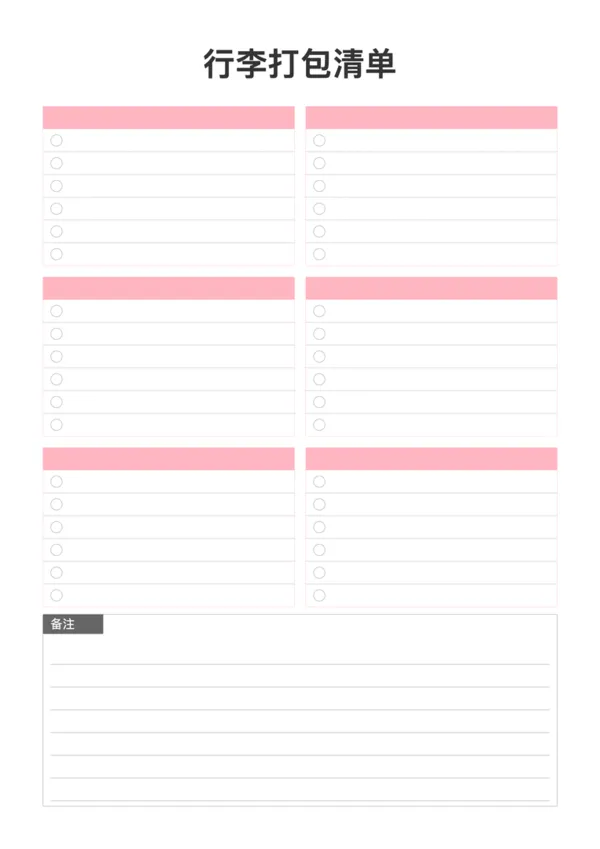
Packing List
Packing List
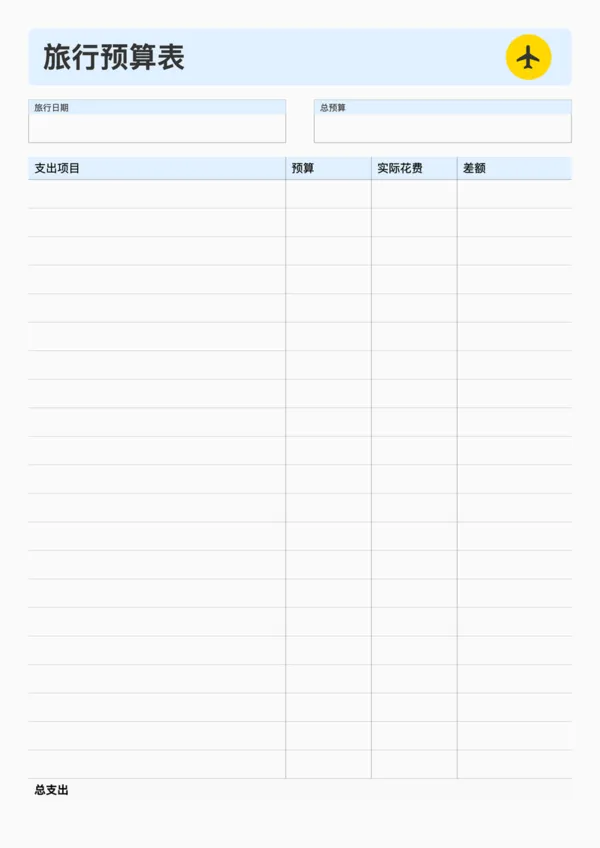
Travel Budget Planner
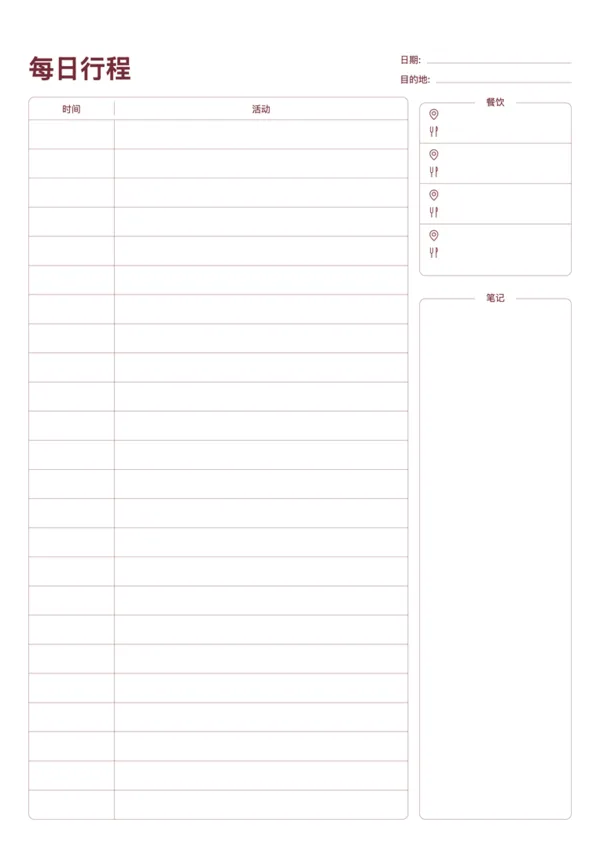
Travel Daily Itinerary
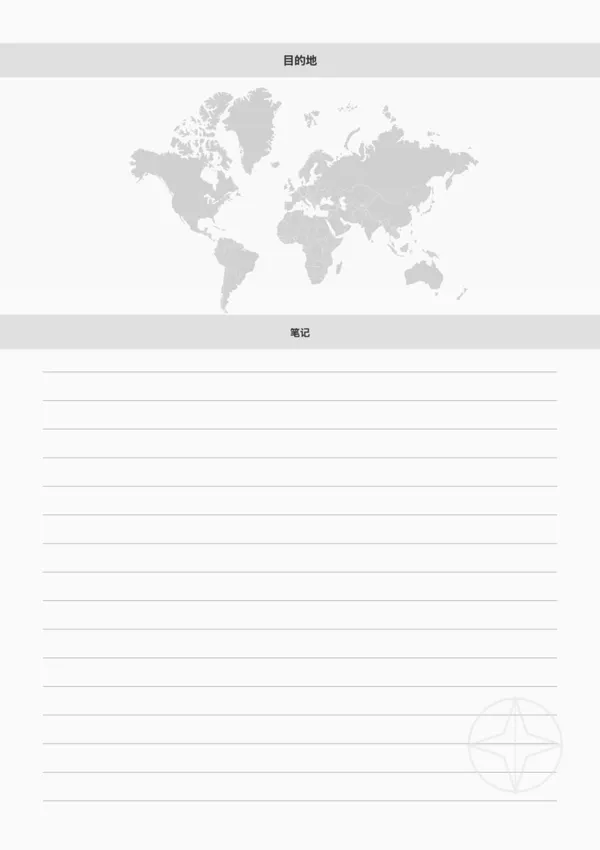
Travel Destination Note

Export

Settings
Quick Settings

Recommended Setup

Recommended Setup

For general use, we recommend using default settings on A4 paper. This provides the best balance between usability and print quality.

Adjust the parameters in the control panel to match your specific needs. All settings can be customized in real-time.

Printing Tips

Printing Tips

Paper Selection: For best results, use standard 80-100 gsm copy paper.

Print Quality: Set your printer to 300 DPI or 'High Quality' mode for crisp output.

Test Print: Always print a single test page first to verify settings before printing multiple copies.
OfficeDocPrint

OfficeDocPrint

Printable templates for classrooms, studios, and daily planners.

Product

  • Template Library
  • Changelog
  • OfficeDocPrint Main Site

Resources

  • About Us
  • Help & Feedback

Printable templates for classrooms, studios, and daily planners.

OfficeDocPrint - Privacy PolicyOfficeDocPrint - Terms of Service
© 2025 OfficeDocPrint. All rights reserved.