PP OfficeDocPrintAlways free
Template LibraryBlogHelp & Feedback
  1. Home/
  2. Template Library/
  3. Free Travel Transportation Record Template - Organize Trip Tickets

Free Travel Transportation Record Template - Organize Trip Tickets

What is the Travel Transportation Record Template?

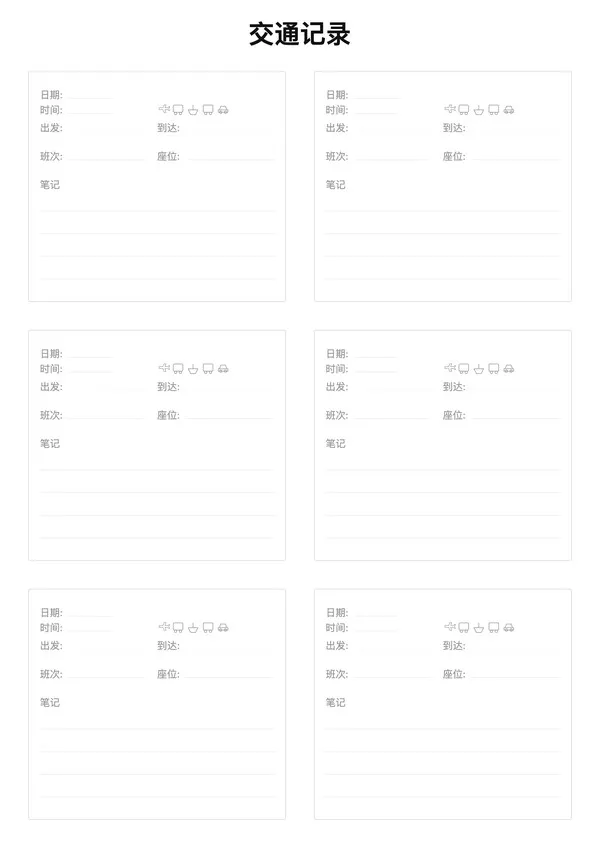
The Travel Transportation Record Template is designed for travelers to centralize all transportation ticket information. Whether it's flights, trains, buses, or ferries, you can clearly record departure times, flight/train numbers, and seat assignments to keep your itinerary organized.

Features

  • Card Layout: 6 independent info cards per page for clear visibility
  • Key Info Highlight: Dedicated areas for From/To, Time, No., and Seat
  • Transportation Icons: Optional icons for plane, train, bus, etc.
  • Notes Area: Space for gate numbers, terminals, or other reminders

Ideal For

  • Consolidating multi-leg trip transportation details
  • Organizing tickets for group travel
  • Transportation logs for travel journals
  • Itinerary memos for business trips

FAQ

Managing multiple flights, trains, and transfers can be stressful. Consolidating all times, terminals, and booking refs on one sheet ensures smooth travel.
There are fields for Date, Dep/Arr Time, Origin/Destination (Terminal), Carrier/Number, Seat, and Confirmation Codes.
Yes, you can adjust the 'Card Gap' and 'Line Height' to make each entry spacious enough for scribbling last-minute gate changes.
Yes, enable 'Show Icons' to add visual cues (plane, train, bus) for each leg of your journey, making the list easier to scan quickly.

Related Templates

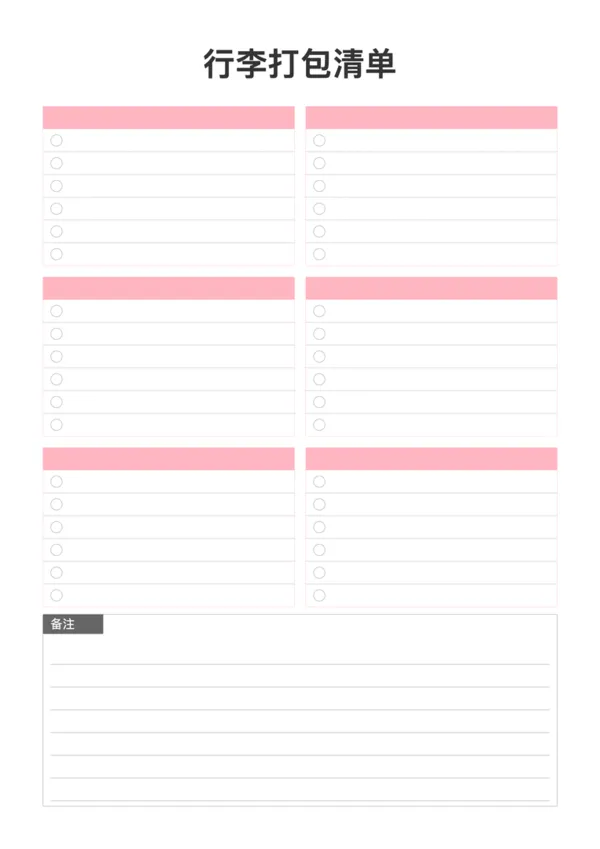
Packing List
Packing List
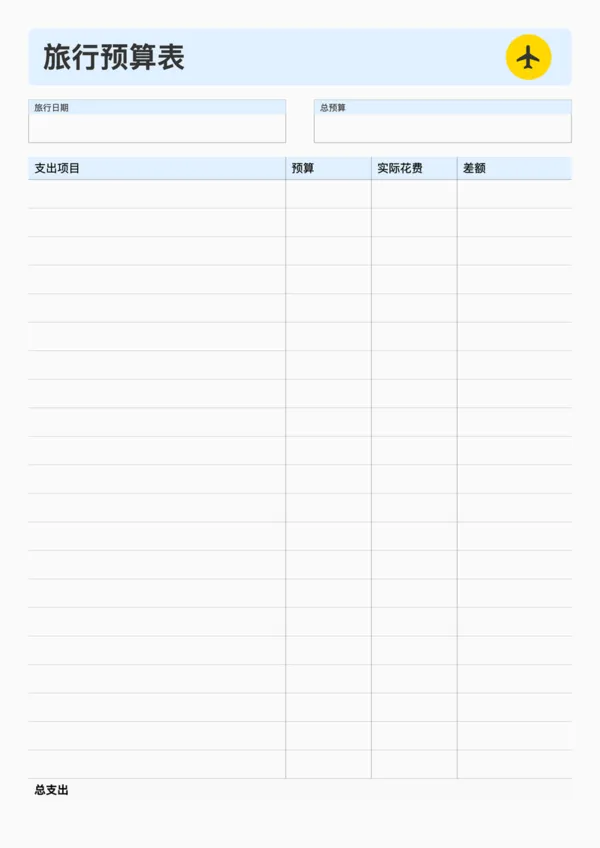
Travel Budget Planner
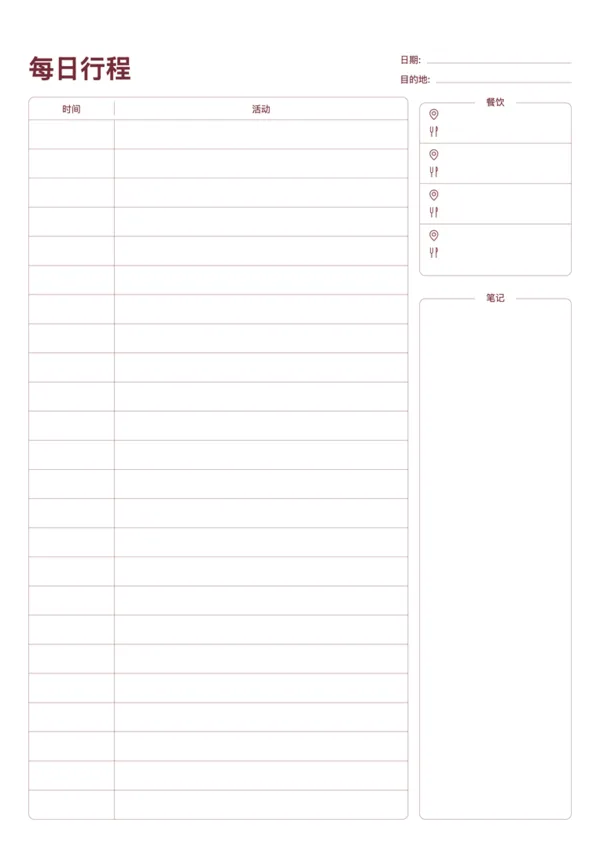
Travel Daily Itinerary
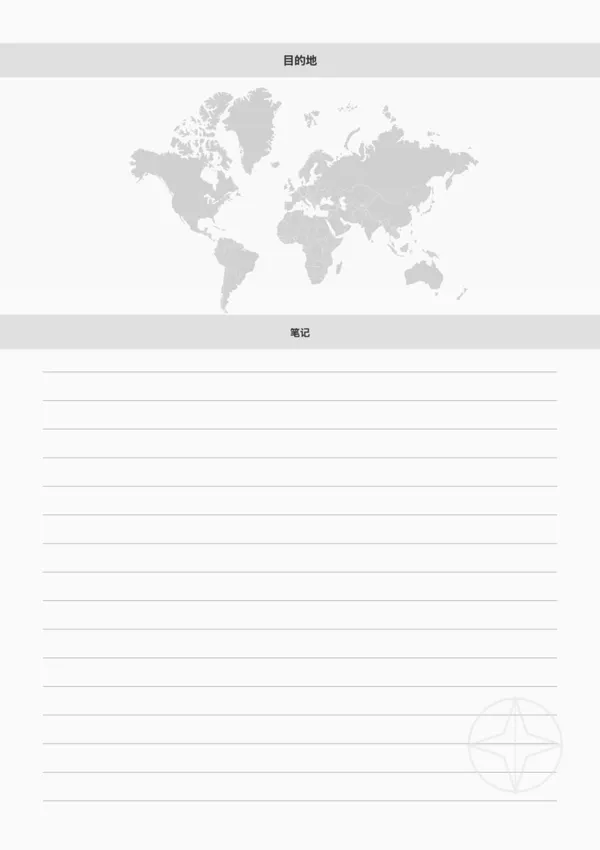
Travel Destination Note

Export

Settings
Quick Settings

Recommended Setup

Recommended Setup

For general use, we recommend using default settings on A4 paper. This provides the best balance between usability and print quality.

Adjust the parameters in the control panel to match your specific needs. All settings can be customized in real-time.

Printing Tips

Printing Tips

Paper Selection: For best results, use standard 80-100 gsm copy paper.

Print Quality: Set your printer to 300 DPI or 'High Quality' mode for crisp output.

Test Print: Always print a single test page first to verify settings before printing multiple copies.
OfficeDocPrint

OfficeDocPrint

Printable templates for classrooms, studios, and daily planners.

Product

  • Template Library
  • Changelog
  • OfficeDocPrint Main Site

Resources

  • About Us
  • Help & Feedback

Printable templates for classrooms, studios, and daily planners.

OfficeDocPrint - Privacy PolicyOfficeDocPrint - Terms of Service
© 2025 OfficeDocPrint. All rights reserved.