PP OfficeDocPrintAlways free
Template LibraryBlogHelp & Feedback
  1. Home/
  2. Template Library/
  3. Free Vertical Grid Paper - Online Generator for Vertical Writing

Free Vertical Grid Paper - Online Generator for Vertical Writing

What is Vertical Grid Paper?

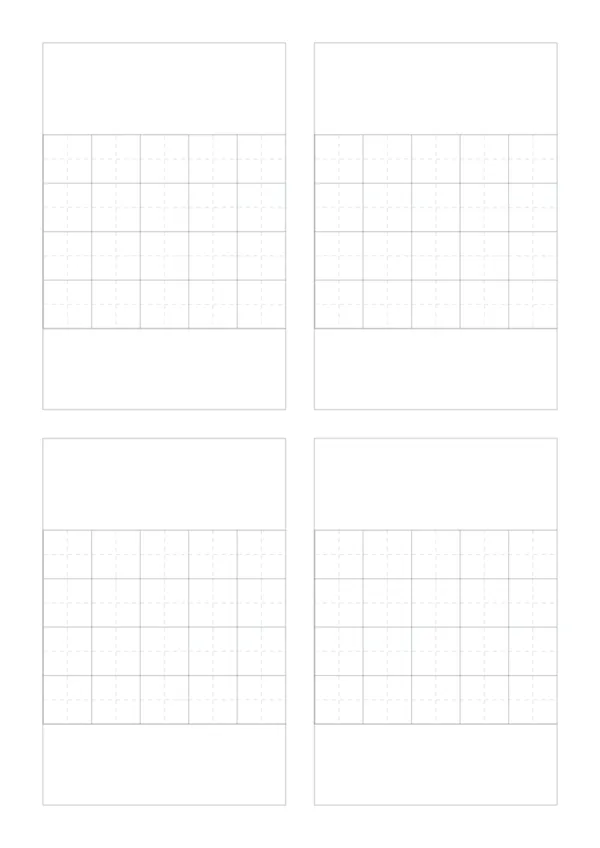
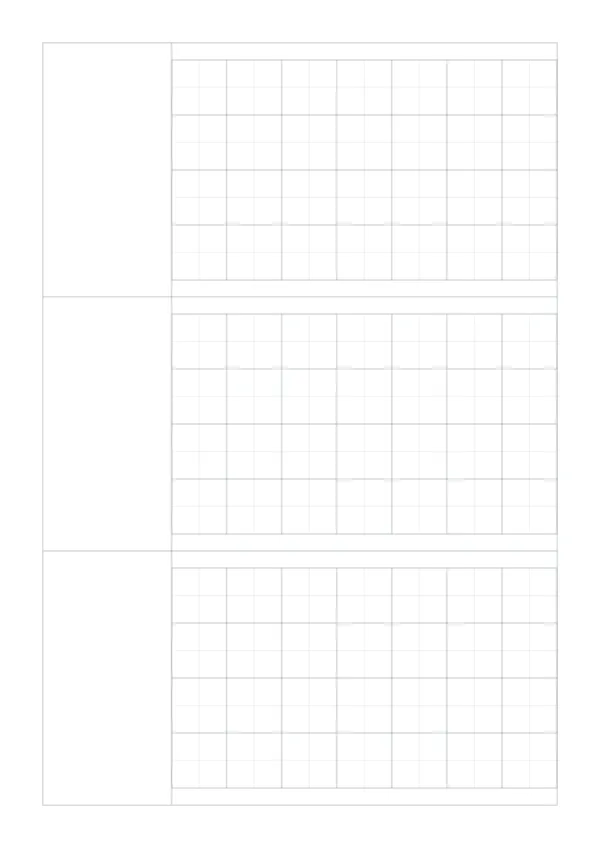
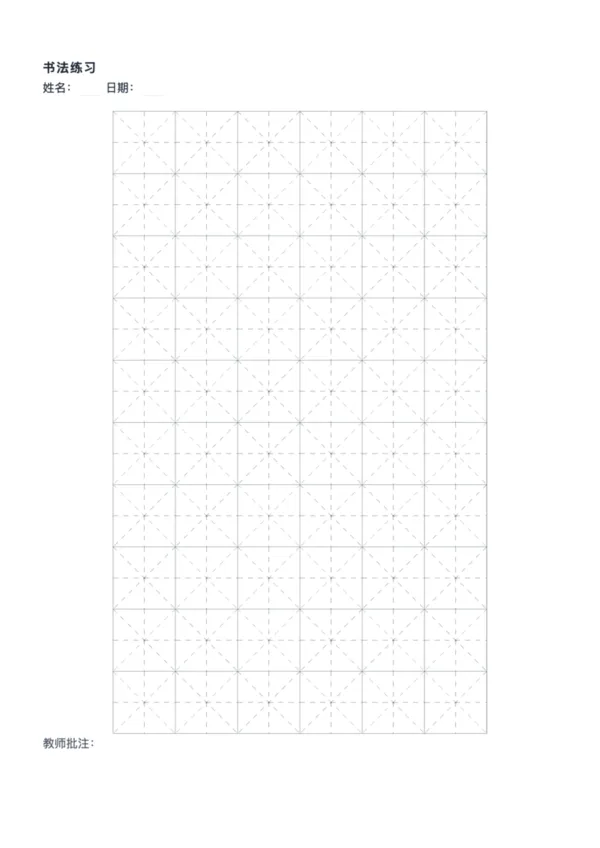
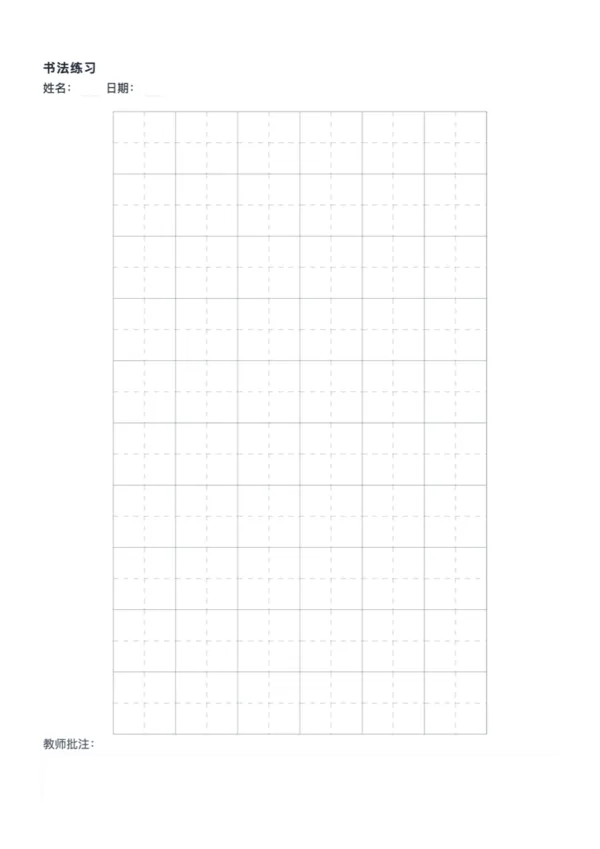
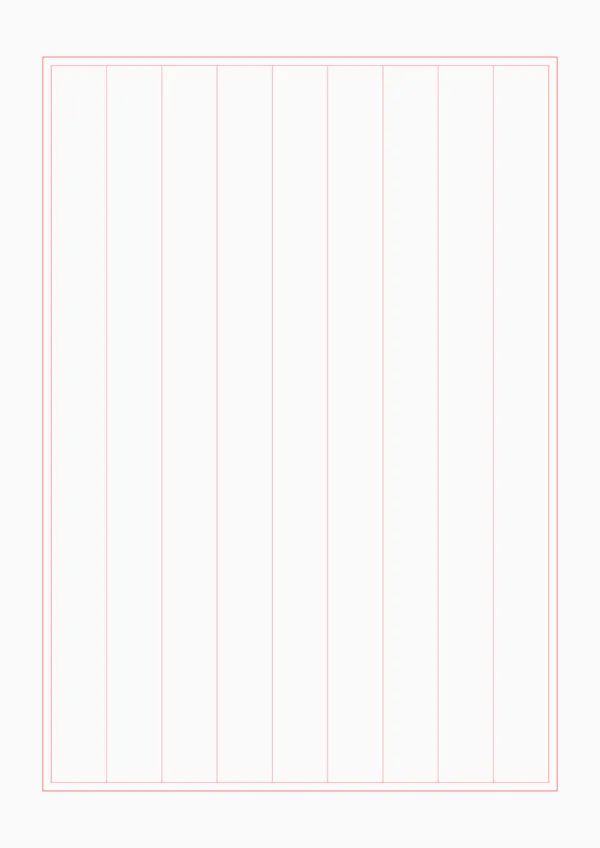
Vertical grid paper is designed for traditional vertical writing, featuring vertically aligned columns. Ideal for Chinese calligraphy, classical poetry transcription, and traditional correspondence. OfficeDocPrint's vertical grid paper supports custom column count, width, and margins to suit different writing needs.

Who Should Use Vertical Grid Paper?

  • πŸ“ Students: Transcribing classical poetry, practicing vertical writing
  • 🎨 Calligraphy Enthusiasts: Vertical calligraphy practice, couplet creation
  • ✍️ Traditional Culture Lovers: Vertical diary writing, traditional letters
  • πŸ‘¨β€πŸ« Teachers: Creating poetry worksheets, calligraphy teaching materials
  • πŸ“– Chinese Studies Enthusiasts: Copying classics, organizing reading notes

How to Use Vertical Grid Paper?

  1. Select paper size (A4, A5, or custom) and orientation
  2. Set column count (default 9 columns, suitable for 5-7 character poems)
  3. Enable 'Auto Column Width' or set manually
  4. Adjust margins and line thickness
  5. Preview and click 'Export PDF' or 'Export PNG' to download
  6. Print and start vertical writing

Advantages of Vertical Grid Paper

  • ✨ Follows traditional Chinese writing direction (right to left, top to bottom)
  • 🎯 Uniform column width for neat handwriting
  • βš™οΈ Flexible column count for poems or long texts
  • πŸ“ Auto-alignment algorithm prevents incomplete cells
  • πŸ–¨οΈ High-quality 300 DPI output for crisp printing

Use Cases

  • 🏫 School Assignments: Classical poetry transcription, vertical writing practice
  • 🎭 Calligraphy Practice: Regular script, running script, cursive script
  • πŸ“œ Traditional Correspondence: Vertical letters, greeting cards
  • πŸ“š Chinese Studies: Copying classics, annotation organization
  • 🎎 Cultural Events: Couplet creation, poetry competition preparation

FAQ

It is used for traditional vertical writing (top to bottom, right to left), ideal for calligraphy, letters, essays, or copying classical texts.
Yes. You can either specify the exact width in millimeters or set the total number of columns to fit the page automatically.
Yes. The unobstructed vertical columns allow for continuous strokes, making it perfect for cursive or semi-cursive scripts using a fountain pen.
Yes, you can switch between Portrait and Landscape modes. Landscape mode with vertical lines is often used for traditional scrolls or horizontal banners.

Related Templates

Five-Character Poetry Paper
Seven-Character Poetry Paper
Calligraphy Paper
Calligraphy Paper
Tian Grid Calligraphy Paper

Export

Settings
Quick Settings

Recommended Setup

Recommended Setup

For general use, we recommend using default settings on A4 paper. This provides the best balance between usability and print quality.

Adjust the parameters in the control panel to match your specific needs. All settings can be customized in real-time.

Printing Tips

Printing Tips

Paper Selection: For best results, use standard 80-100 gsm copy paper.

Print Quality: Set your printer to 300 DPI or 'High Quality' mode for crisp output.

Test Print: Always print a single test page first to verify settings before printing multiple copies.
OfficeDocPrint

OfficeDocPrint

Printable templates for classrooms, studios, and daily planners.

Product

  • Template Library
  • Changelog
  • OfficeDocPrint Main Site

Resources

  • About Us
  • Help & Feedback

Printable templates for classrooms, studios, and daily planners.

OfficeDocPrint - Privacy PolicyOfficeDocPrint - Terms of Service
Β© 2025 OfficeDocPrint. All rights reserved.