PP OfficeDocPrintAlways free
Template LibraryBlogHelp & Feedback
  1. Home/
  2. Template Library/
  3. Free Work Log Template - Plan, Execute and Summarize

Free Work Log Template - Plan, Execute and Summarize

What is a Work Log template?

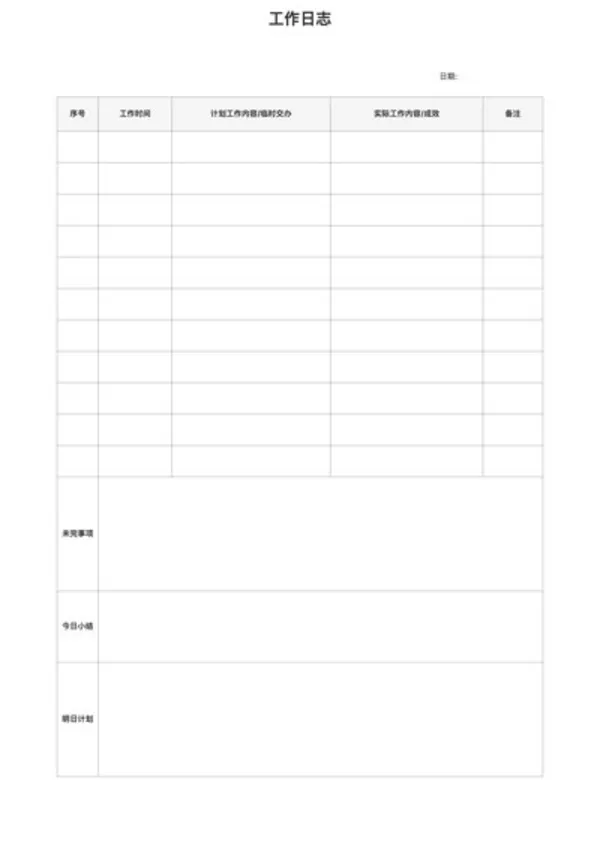
A work log helps you record daily plans, execution and outcomes. This template offers a 5-column table and three summary blocks for both personal review and team reporting.

Who is it for?

  • Professionals and interns who submit daily reports
  • Project members and managers who track action items
  • Individuals for personal time and task management

Key features

  • 5-column header: No. / Time / Plan / Actual / Notes
  • Configurable column weights for responsive widths
  • Adjustable row count and row height for compact layouts
  • Three summary blocks: Pending / Today Summary / Tomorrow Plan
  • One-click export to PDF/PNG with crisp print quality

How to use

  1. Choose paper size and orientation; set margins and stroke style
  2. Configure table rows/row height and five column weights
  3. Write down plans and ad-hoc tasks; record actual results
  4. Fill in Pending, Today Summary and Tomorrow Plan at the bottom
  5. Export to PDF/PNG for print or archive

FAQ

It includes a main task table (Time, Plan, Actual, Remarks), plus dedicated sections for Unfinished Tasks, Tomorrow's Plan, and Daily Summary.
Yes, you can customize the 'Weight' of each column (Time, Plan, Actual, etc.) in the settings to give more space to the sections you write in most.
Yes, you can adjust the height of the Unfinished Tasks, Summary, and Tomorrow's Plan sections individually to fit your reporting style.
By tracking 'Plan vs. Actual', you can identify time drains and improve your estimation skills. It also serves as a great reference for weekly reports.

Related Templates

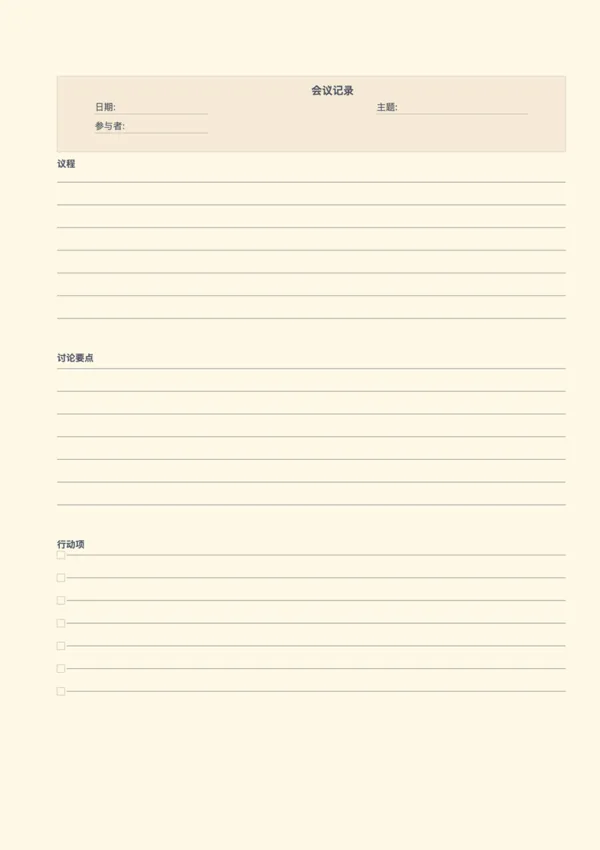
Meeting Note Paper
Meeting Note Paper
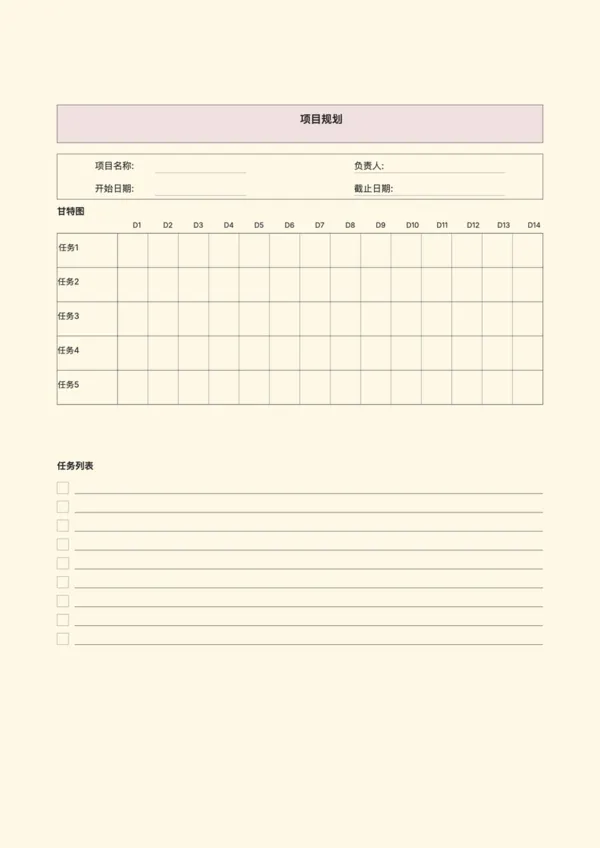
Project Planning Paper
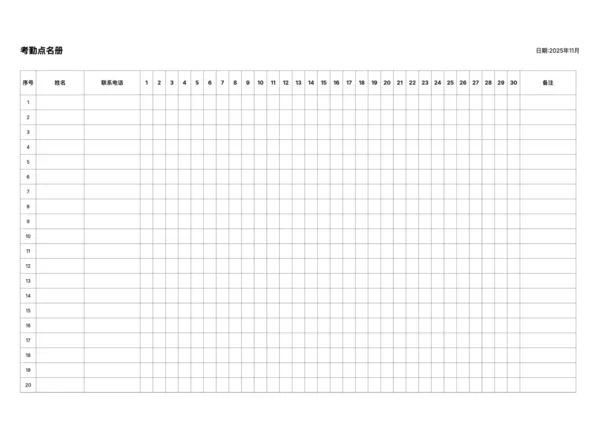
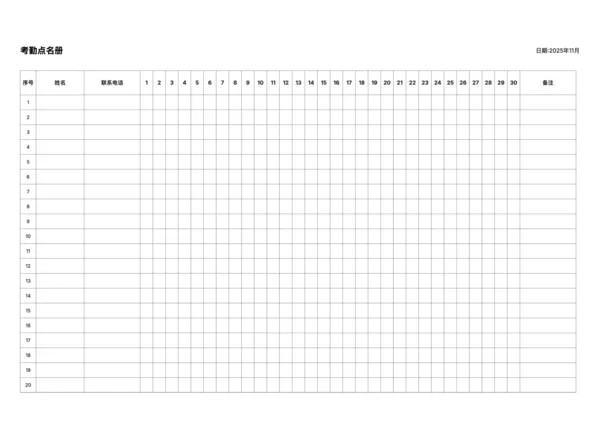
Attendance Roster
Attendance Roster
Daily AM/PM Roster
Daily AM/PM Roster

Export

Settings
Quick Settings

Recommended Setup

Recommended Setup

For general use, we recommend using default settings on A4 paper. This provides the best balance between usability and print quality.

Adjust the parameters in the control panel to match your specific needs. All settings can be customized in real-time.

Printing Tips

Printing Tips

Paper Selection: For best results, use standard 80-100 gsm copy paper.

Print Quality: Set your printer to 300 DPI or 'High Quality' mode for crisp output.

Test Print: Always print a single test page first to verify settings before printing multiple copies.
OfficeDocPrint

OfficeDocPrint

Printable templates for classrooms, studios, and daily planners.

Product

  • Template Library
  • Changelog
  • OfficeDocPrint Main Site

Resources

  • About Us
  • Help & Feedback

Printable templates for classrooms, studios, and daily planners.

OfficeDocPrint - Privacy PolicyOfficeDocPrint - Terms of Service
© 2025 OfficeDocPrint. All rights reserved.